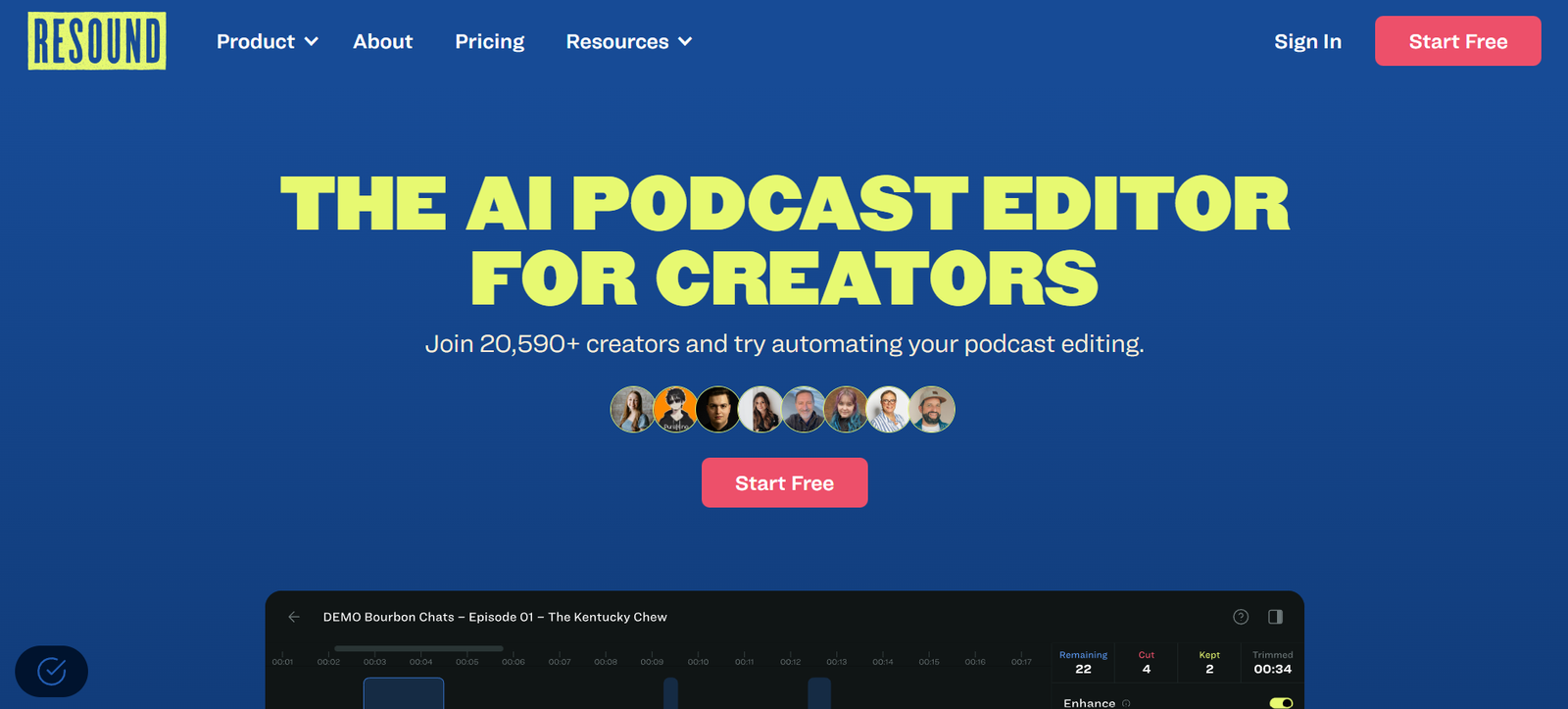
Resound is an AI-powered podcast editing tool designed to help creators produce high-quality audio faster and with less effort. It automates some of the most time-consuming parts of audio editing, including the removal of filler words, awkward silences, and recording mistakes.
Created with podcasters in mind, Resound allows you to focus more on the content and storytelling, while the AI handles the technical clean-up. Whether you’re a solo podcaster, a content team, or an audio editor managing multiple shows, Resound streamlines your workflow and improves audio consistency across episodes.
The platform is built for simplicity, making professional-grade podcast editing accessible even to those with little or no audio engineering experience.
Features
Resound’s standout feature is its automatic detection and removal of filler words. Common speech clutter like “um,” “uh,” “you know,” and “like” is identified by the AI, giving users the option to cut them instantly with just one click. This makes speech sound more polished while still preserving a natural tone.
The tool also automatically detects long pauses and silences. Podcasters can choose to trim them to keep the conversation flowing without sounding rushed. This helps maintain listener engagement and improves overall pacing.
Mistakes during recording, such as false starts or repeated phrases, can be flagged and removed using Resound’s smart suggestions. These suggestions are laid out visually on a timeline, so users can review and approve them with full control before exporting.
The web-based editor includes multi-track support, which allows users to edit each speaker’s audio separately for better clarity. The interface is clean and intuitive, with waveform visuals and playback controls that make editing straightforward.
Resound also provides AI-generated transcripts. This helps with content repurposing, accessibility, and SEO. Podcasters can use these transcripts to create show notes, captions, or blog posts from their episodes.
How It Works
Using Resound begins with uploading your podcast recording to the platform. Once the audio is uploaded, the AI begins analyzing it for filler words, pauses, and other common editing targets. This process typically takes a few minutes, depending on the length of the file.
When the analysis is complete, users are presented with a visual timeline that includes markers for each suggested edit. These are categorized by type—filler words, silences, or flagged sections—so users can review and choose what to keep or remove.
Users can play back the suggestions to hear how the edits will sound before confirming any changes. The platform maintains the integrity of the original conversation while tightening up the audio flow.
Once editing is complete, the episode can be exported in high-quality audio format. Transcripts are also available for download and use in marketing or publishing materials.
There’s no need to install any software. Resound runs entirely in the browser and works on both Mac and Windows devices, making it accessible from anywhere.
Use Cases
Resound is perfect for solo podcasters who want to produce cleaner episodes without hiring an editor. By automating the removal of filler words and mistakes, the platform reduces the time it takes to go from raw recording to final episode.
Content creators producing interviews or panel discussions use Resound to clean up multi-speaker recordings. With AI transcription and multi-track support, it becomes easier to handle overlapping speech and ensure clarity across all voices.
Podcast production teams use Resound to save time on routine editing. Instead of manually combing through an hour of audio, editors can use AI suggestions to handle repetitive tasks and focus more on sound design or storytelling.
Even marketers and businesses producing branded podcasts benefit from the platform. It helps maintain high audio standards across content while reducing production costs and turnaround time.
Pricing
Resound currently offers a free plan with limited monthly editing time, which is great for new users testing the platform. The free tier includes access to AI-powered filler word removal and basic editing tools.
For more frequent creators, Resound offers paid plans that unlock additional editing minutes, advanced features, and premium support. Pricing tiers scale based on usage, making it accessible for both individual creators and production teams.
Detailed pricing is available directly on the Resound website, and users can upgrade or downgrade as needed. This flexibility ensures creators only pay for what they use, with no hidden fees or long-term commitments.
Strengths
Resound excels at simplifying the podcast editing process. Its ability to automatically detect and clean up filler words, silences, and stumbles significantly reduces post-production time.
The interface is user-friendly and requires no prior experience with audio editing tools. This opens up professional-grade editing to a much broader audience, including solo creators and marketers.
Because it’s cloud-based, users don’t need to download software or invest in expensive editing hardware. All work is done in-browser, which adds convenience and speed to the process.
The inclusion of AI-generated transcripts is another strong advantage, helping creators extend the life of their content across blogs, social media, and search engines.
Drawbacks
While Resound is powerful, it may not replace full-featured digital audio workstations for creators who require advanced mixing, mastering, or custom audio effects. Professional audio engineers may still prefer tools like Adobe Audition or Logic Pro for deep editing needs.
The platform’s automated suggestions, while accurate, may not always match a user’s personal editing style. Some podcasters may still prefer to keep certain filler words or natural pauses that add character or authenticity to their voice.
Currently, Resound is best suited for spoken-word podcasts rather than music-heavy productions or complex audio storytelling.
Free plan limits may also restrict heavy users, requiring an upgrade to access full features and editing time.
Comparison with Other Tools
Resound is often compared with tools like Descript, Adobe Podcast, and Auphonic. Compared to Descript, which offers video editing and screen recording, Resound keeps its focus specifically on podcast audio editing and excels at simplicity.
Adobe Podcast offers powerful AI-enhanced audio tools, but is more targeted toward professionals. Resound offers a more accessible option for beginner to intermediate podcasters who want fast, AI-powered edits without learning complex software.
Auphonic is known for audio leveling and noise reduction, while Resound focuses on removing filler content and improving pacing. Many creators choose to use both tools in tandem—Resound for cleanup and Auphonic for mastering.
Resound’s main advantage is its fast, focused editing workflow that removes clutter and tightens audio without the learning curve of traditional editors.
Customer Reviews and Testimonials
Resound has received positive feedback from podcasters, marketers, and editors alike. Users praise how quickly they can turn around episodes and how much cleaner their shows sound after using the tool.
Many creators say the AI suggestions are accurate and easy to review, helping them cut down hours of manual editing. New podcasters especially appreciate the intuitive interface, which removes the barrier of needing professional editing skills.
Others highlight the quality of the transcripts and how helpful they are for repurposing content across platforms. The web-based format is also frequently mentioned as a major convenience, allowing editing from any device with internet access.
Overall, users value Resound for its balance of power and simplicity, calling it a must-have for podcasters who want to save time and improve audio quality.
Conclusion
Resound is an intelligent and accessible podcast editing tool that makes audio post-production faster, cleaner, and more efficient. With features like automatic filler word removal, silence trimming, and real-time AI editing suggestions, it empowers creators to produce better content without technical barriers.
Whether you’re a beginner trying to publish your first episode or a production team managing multiple shows, Resound can streamline your editing workflow and help you sound more professional in less time.
For podcasters looking to cut editing hours and improve audio clarity without complex software, Resound is a modern solution worth trying.