
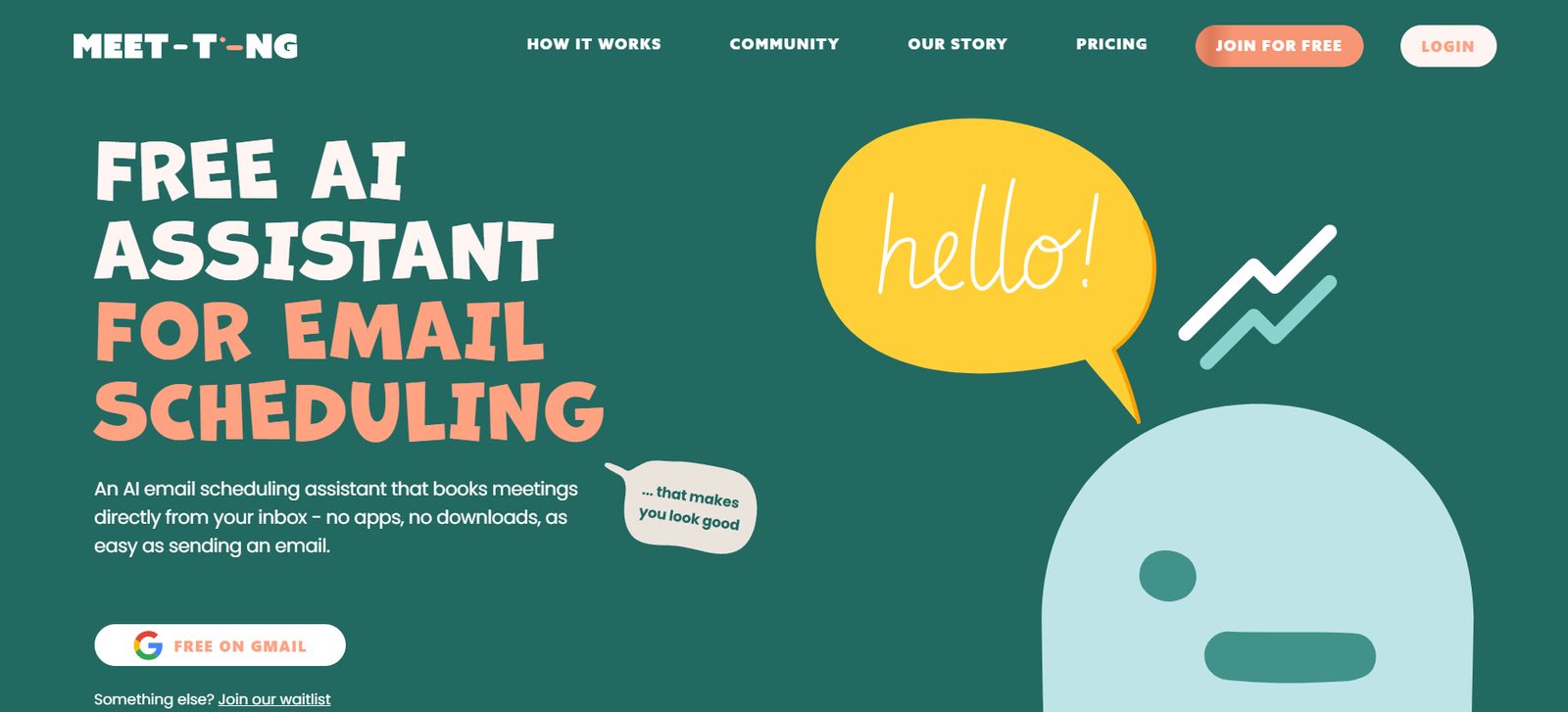
Ting AI is a cutting-edge AI-powered meeting assistant designed to automatically record, transcribe, and summarize meetings across platforms like Zoom, Google Meet, Microsoft Teams, and more. With the rise of remote and hybrid work models, managing and extracting insights from meetings has become a major challenge. Ting AI solves this by acting as your AI teammate, capturing everything said in meetings and turning it into actionable summaries, notes, and to-do lists.
The tool eliminates the need for manual note-taking, reduces information loss, and helps individuals and teams stay focused during conversations. By joining meetings as a silent participant, Ting AI seamlessly records and processes discussions into clean, shareable formats, making team collaboration more efficient and productive.
Ting AI: Features
Automatic Meeting Recording
Ting AI joins scheduled meetings automatically or on command to record audio, ensuring nothing is missed. The recording process is secure and requires no manual intervention once scheduled.
Real-Time Transcription
It transcribes meetings in real time with high accuracy, supporting multiple accents and dialects. This is useful for keeping written records of discussions and searching past content.
AI Summaries
After each meeting, Ting AI generates concise, bullet-point summaries highlighting key topics, decisions, and action items. This summary can be shared with teammates or saved for internal records.
Speaker Identification
The tool recognizes and distinguishes between different speakers, helping teams identify who said what during the discussion.
Action Items and To-Do Lists
Ting AI extracts tasks and action points from conversations and organizes them into simple to-do lists, ensuring that important items are not forgotten post-meeting.
Multi-Platform Support
Ting integrates with popular conferencing platforms such as Zoom, Google Meet, Microsoft Teams, and others, making it a versatile choice for teams using different tools.
Team Collaboration
Users can invite team members to shared meeting spaces, access shared meeting histories, and assign tasks directly from the meeting summary dashboard.
Smart Notifications
Ting AI can send email or in-app notifications with summaries and highlights, making follow-up easier and faster.
Searchable Meeting History
All past meetings are stored securely in a centralized dashboard where users can search by keywords, topics, or participants.
Privacy and Security
Ting AI follows enterprise-grade encryption standards and privacy protocols, ensuring that all recordings and transcripts are protected and confidential.
How Ting AI Works
Using Ting AI is straightforward and designed for ease of use across different user profiles, including solo professionals, small teams, and enterprise users.
Sign up for an account on the official website at meet-ting.com.
Connect your calendar or conferencing tool (Zoom, Google Meet, etc.).
Schedule a meeting or invite Ting AI to an upcoming meeting using the dashboard.
Ting joins the meeting silently as a participant and begins recording and transcribing the conversation.
Once the meeting ends, the platform automatically generates a summary, transcript, and list of action items.
Access the meeting output via the Ting dashboard or receive it directly via email.
No extra software needs to be installed, and everything works via browser or integration.
Use Cases of Ting AI
Remote Teams
Ting AI helps remote teams document their conversations, keep track of tasks, and distribute accurate meeting notes without human error.
Sales Meetings
Sales professionals can use Ting AI to record client conversations, capture pain points, and generate follow-up actions or CRM updates.
Project Management
Project managers benefit from automated summaries and task lists, ensuring no important updates or responsibilities are missed during status meetings.
Recruiting and Interviews
HR and recruiting professionals use Ting AI to transcribe candidate interviews and share highlights with hiring teams for better decision-making.
Legal and Compliance
Law firms and compliance teams use meeting transcriptions for record-keeping, ensuring that legal conversations are documented securely and reliably.
Freelancers and Consultants
Independent professionals can use Ting AI to record client discussions, track expectations, and provide post-call summaries for review.
Customer Support Teams
Support teams can track customer feedback and recurring issues through meeting recaps, helping improve service quality and product offerings.
Ting AI Pricing
Ting AI offers a flexible pricing model to cater to different users, from individuals to large teams. Pricing information is provided directly on the website:
Free Plan
Includes limited meeting recordings and summaries each month. Ideal for solo users trying out the service.
Pro Plan – $20/month
Includes unlimited meetings, summaries, action item extraction, and access to the searchable meeting history. Designed for professionals and small teams.
Team Plan – Custom Pricing
Tailored for businesses and teams that require collaboration features, centralized billing, team workspaces, and enhanced analytics.
All plans come with a free trial. No credit card is required to sign up.
Pricing may vary based on usage volume and integrations. Visit meet-ting.com for the latest details and offers.
Strengths of Ting AI
Automated Efficiency
Ting AI automates time-consuming tasks like note-taking and follow-ups, saving users hours each week.
Cross-Platform Compatibility
Supports a wide range of conferencing tools, making it adaptable to diverse workflows.
High-Quality Summaries
AI-generated meeting summaries are clear, concise, and structured, suitable for professional sharing and documentation.
Privacy-Focused
Ting AI follows strict security standards, ensuring sensitive conversations are protected.
No Learning Curve
The user interface is simple, and onboarding is quick, even for non-technical users.
Customizable Notifications
Users can receive customized post-meeting emails, Slack messages, or dashboard alerts.
Scalable for Teams
From solo professionals to growing teams, Ting AI scales easily with custom plans and collaborative features.
Drawbacks of Ting AI
Limited Free Tier
The free plan includes only a few recordings per month, which may not be sufficient for frequent users.
Requires Calendar Integration
For full functionality, users need to connect their calendars, which may raise privacy concerns for some.
No Native App (Yet)
Ting AI currently functions via web browser and email notifications; mobile apps are not mentioned as available.
Meeting Language Support
The platform mainly supports English for transcription and summarization. Multilingual support may be limited.
Comparison with Other Tools
Ting AI vs Otter.ai
Otter.ai is a well-established transcription tool with robust mobile apps and integrations. While Otter offers rich features, Ting AI focuses more on meeting summarization and team collaboration with a simpler setup process and more action-focused outputs.
Ting AI vs Fireflies.ai
Fireflies offers similar functionality, including meeting recording and summarization. However, Ting AI emphasizes usability and simplicity, with a more modern UI and better onboarding experience for small teams.
Ting AI vs Fathom
Fathom provides automatic Zoom call summaries and integrates with CRMs. Ting AI offers broader platform support and does not require installing a browser extension or software, making it lighter and easier for new users.
Customer Reviews and Testimonials
Ting AI is gaining popularity among professionals who want to simplify their meeting workflows. Early adopters appreciate how easy it is to set up and how accurate the summaries are. Users mention improved productivity and less need for manual follow-up after meetings.
Testimonials on the website mention use cases ranging from remote teams to client services, all citing how Ting has helped them focus more on the conversation and less on taking notes. Many users highlight the peace of mind it offers, knowing that no detail will be missed.
The tool has also received positive attention on platforms like Product Hunt, where it’s praised for being a no-friction meeting assistant that “just works.”
You can view user discussions and feedback on Product Hunt.
Conclusion
Ting AI is an intelligent, easy-to-use meeting assistant designed for the modern work environment. It offers everything professionals need to make their meetings more productive—automatic recording, transcription, summarization, and task tracking. Whether you’re managing a remote team, leading client calls, or conducting interviews, Ting AI ensures that every conversation is captured, analyzed, and transformed into actionable insights.
With simple pricing, strong integrations, and a focus on user experience, Ting AI is quickly becoming an essential productivity tool for individuals and teams who want to work smarter, not harder. For those tired of juggling meeting notes, follow-ups, and action items, Ting AI is worth a try.


