
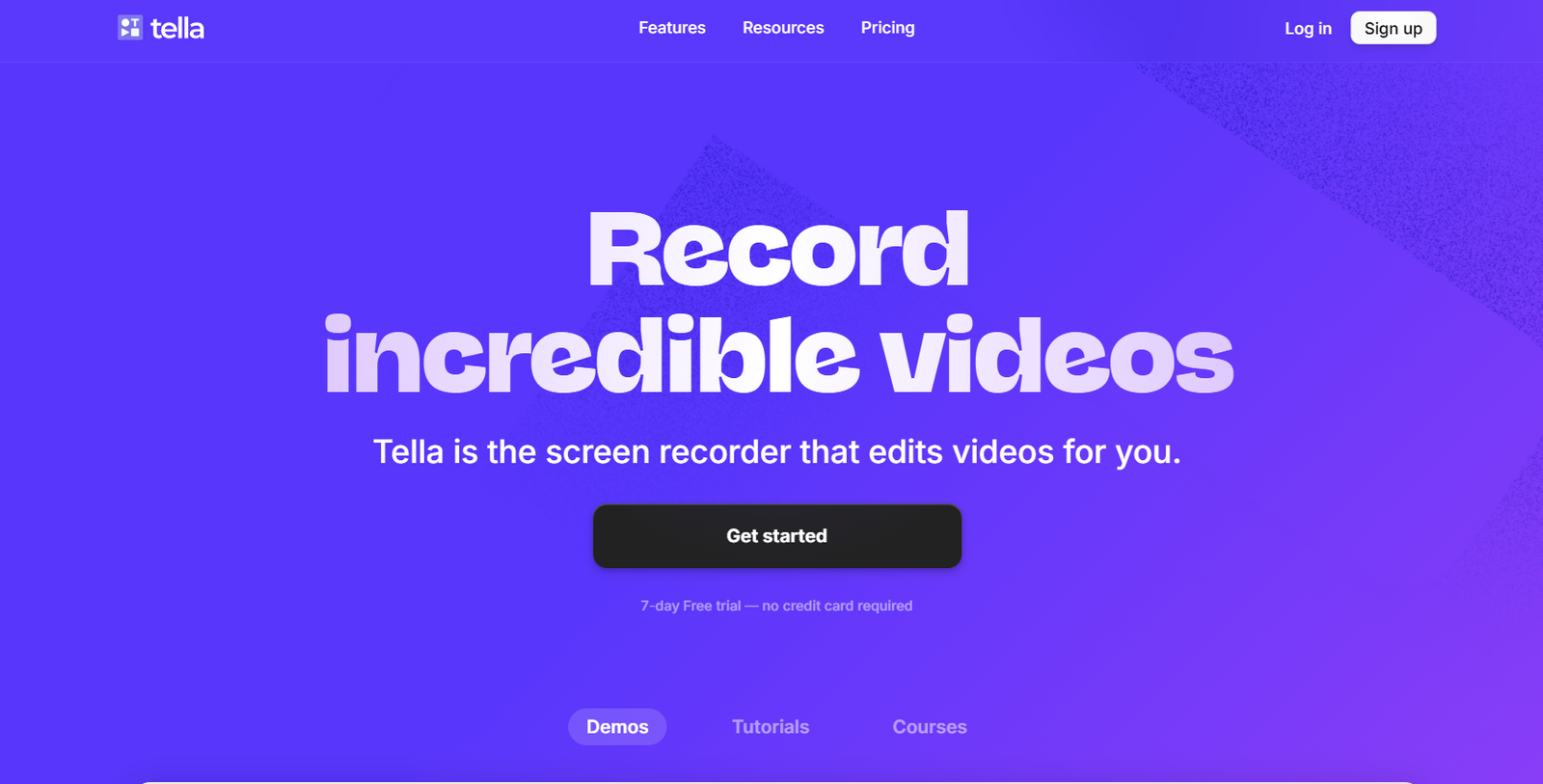
Tella is a modern screen recording tool designed to help users create professional-looking videos quickly and easily. It blends screen recording, webcam footage, and smart editing tools to allow creators, educators, and teams to produce videos without needing advanced technical skills or expensive video editing software.
The platform focuses on making video creation as simple and fast as writing an email. Whether you’re recording product demos, training videos, async updates, or social media content, Tella provides the tools to make your videos polished and engaging.
Tella is browser-based, so there’s no need to download software. Its intuitive interface and quick editing options make it ideal for both solo creators and remote teams who need a fast and reliable way to communicate through video.
Features
Tella offers a combination of recording, editing, and sharing tools that are streamlined for speed and quality. Users can record their screen, webcam, or both simultaneously. The recording can be paused, resumed, and rearranged, giving users control without complex timelines.
Editing is built into the platform. Users can trim clips, remove filler words, and add transitions or custom layouts. There are multiple layout options, including split screen, picture-in-picture, and fullscreen. Backgrounds can also be customized with colors, images, or blur effects.
Tella makes branding easy by allowing users to add logos, custom fonts, and color schemes. This makes it especially useful for companies creating branded internal videos or customer-facing content.
The platform also supports one-click sharing via links. Videos can be embedded, downloaded, or shared directly to platforms like Slack, Notion, LinkedIn, or YouTube. Users can also password-protect their videos or set viewer permissions.
Another valuable feature is async recording. Instead of setting up meetings, team members can record updates or demos on their own time, reducing the need for live calls.
How It Works
To get started with Tella, users simply sign up on the website and begin recording directly from their browser. No app download is required. The platform works best in Chrome and provides a clean dashboard to manage all recordings.
Users can choose to record their screen, webcam, or both. Once recording is complete, clips appear in a timeline where they can be rearranged or edited. The built-in editor allows users to cut, trim, and polish their videos quickly.
After editing, users can publish the video with a single click. They receive a shareable link and can adjust privacy settings. The video is hosted on Tella’s cloud infrastructure, so there’s no need to worry about file storage or hosting.
Tella automatically optimizes videos for playback on any device. If needed, videos can be downloaded as MP4 files or embedded on a website or document.
Use Cases
Tella is used across various industries and roles. Remote teams use it to replace meetings with async video updates, saving time and improving documentation.
Customer success teams use Tella to create personalized onboarding videos or walkthroughs for clients, helping reduce support tickets and improve retention.
Marketing teams leverage Tella to produce social media videos, product announcements, and video testimonials without needing a video editor.
Educators and online course creators use the tool to record lessons and tutorials. The ability to personalize layouts and add webcam overlays enhances the learning experience.
Founders and startup teams use Tella to pitch ideas, provide investor updates, and share quick demos with stakeholders. The quick turnaround from recording to publishing makes it ideal for time-sensitive communication.
Pricing
Tella offers three main pricing plans, according to its official website.
The Free plan includes unlimited recordings, watermark on videos, Tella branding, and basic editing features. It’s ideal for personal use or testing the platform.
The Pro plan is priced at $19 per month (billed monthly) or $15 per month (billed annually). It removes watermarks, enables custom branding, allows unlimited publishing, and provides full editing access.
The Enterprise plan is designed for larger teams and includes advanced features like team management, analytics, and priority support. Pricing for this plan is available on request and tailored to organizational needs.
A 7-day free trial of the Pro plan is available without requiring a credit card, allowing new users to explore premium features risk-free.
Strengths
Tella’s biggest strength is its ease of use. The browser-based interface eliminates technical barriers, allowing anyone to create professional videos within minutes.
Its real-time editing tools simplify the post-recording process, making it much faster than traditional video editing software. The ability to customize layouts and branding makes it suitable for business use.
The async communication focus aligns well with the needs of remote teams, improving collaboration without the fatigue of constant meetings.
One-click sharing and link-based distribution streamline the process of delivering content to clients, colleagues, or students.
Drawbacks
While Tella is highly effective for short- to medium-length videos, it may not be suitable for users looking to create long-form or complex video content with detailed timelines or effects.
The platform is optimized for quick edits and may not offer the depth required by advanced video editors or media professionals used to tools like Adobe Premiere Pro or Final Cut.
The Free plan includes watermarks and limited branding options, which may be restrictive for users creating content for external audiences.
Tella works best on Chrome, which may be a limitation for users who prefer other browsers or are on restricted devices.
Comparison with Other Tools
Compared to Loom, Tella offers more customization options in terms of layout and branding, making it more suitable for content creators and teams who want a more polished look.
Versus tools like Vimeo Record, Tella provides a more comprehensive editing experience directly within the browser, while Vimeo focuses more on hosting and analytics.
When compared with screen recording tools like OBS Studio, Tella is far simpler to use but lacks the advanced control and live streaming capabilities that OBS offers.
Tella also differentiates itself from traditional video editing software like Camtasia or Final Cut Pro by offering an all-in-one experience that starts at recording and ends at distribution, all within a web interface.
Customer Reviews and Testimonials
Tella has received positive feedback on platforms such as Product Hunt and G2. Users consistently highlight its simplicity, speed, and stylish video outputs.
Many content creators praise Tella for its visual polish and say it makes their videos look professionally edited without the effort. Remote teams report time savings and improved communication using async videos.
Common praise includes the smooth user interface, fast publishing, and seamless integration into workflows. Some users mention that the editing flexibility, especially layout and branding, is a major advantage over competitors.
Suggestions for improvement typically focus on expanding browser compatibility and adding more advanced editing features for power users.
Conclusion
Tella is a powerful yet simple screen recording tool that meets the needs of modern creators, educators, and remote teams. With its browser-based platform, integrated editing tools, and shareable video links, it streamlines the entire video creation process from start to finish.
The tool’s focus on quality, speed, and personalization makes it ideal for those who need to create impactful videos without spending hours editing. Whether you’re replacing meetings with async updates, recording product demos, or teaching online, Tella delivers a smooth and professional experience.
For teams and individuals looking for a fast, effective way to create and share screen recordings, Tella offers an impressive solution that’s both user-friendly and scalable.


