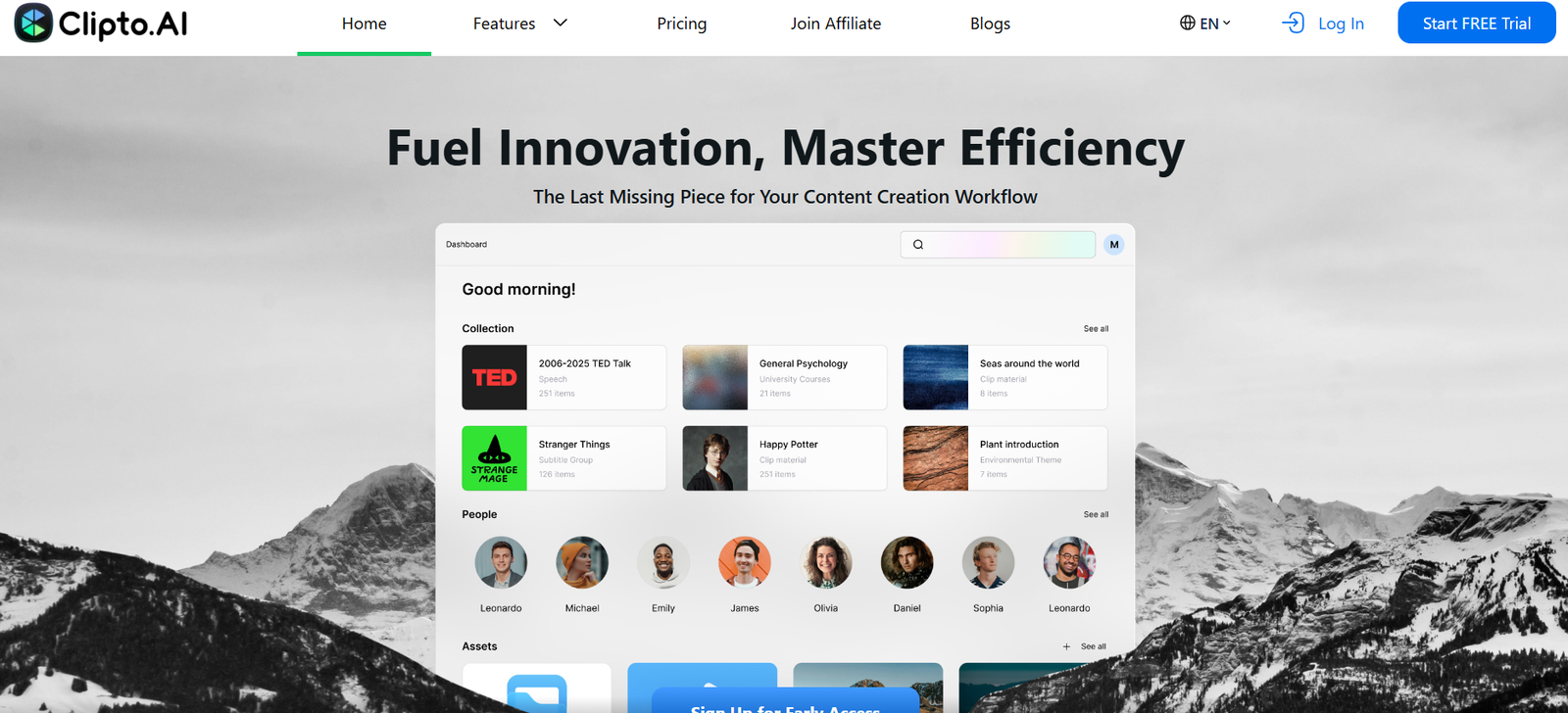
Clipto is a web-based AI video editing tool that automatically identifies and creates the most engaging short clips from long-form videos. It is built for content creators, agencies, and businesses that want to grow on social media by leveraging their existing video library.
The platform uses advanced machine learning models to detect highlights, key quotes, viral moments, and visual cues from full-length videos. It then generates short-form videos that are optimized for vertical formats such as Reels, Shorts, and TikToks.
Clipto helps users save hours of manual editing and allows them to focus on content strategy rather than spending time trimming, resizing, and reformatting videos.
Features
Clipto offers a robust set of features focused on video repurposing and short-form content creation.
The platform uses AI to automatically detect highlights in videos, extracting the most engaging and shareable moments.
Users can upload long-form videos from podcasts, interviews, webinars, or YouTube, and let Clipto generate multiple short-form clips based on content analysis.
Each clip is optimized for vertical video formats (9:16), which are native to platforms like Instagram Reels, TikTok, and YouTube Shorts.
Clipto adds animated captions and dynamic subtitles to each video automatically, improving accessibility and viewer retention.
Users can customize the visual style by choosing from multiple templates, fonts, and branding options to ensure the clips match their identity.
The platform provides a preview editor, allowing users to review, trim, or adjust AI-generated clips before exporting.
Clipto supports multiple video aspect ratios, making it suitable for social platforms with different content standards.
The tool also identifies viral potential by analyzing speaking pace, emotion, and keywords to select moments most likely to resonate with audiences.
Finished clips can be downloaded or shared directly to platforms once edited and approved.
How It Works
Using Clipto involves a simple workflow that does not require video editing expertise.
Start by signing into https://www.clipto.com and uploading a long-form video. This can be a podcast episode, recorded webinar, livestream, tutorial, or any other video format.
Once uploaded, the platform uses its AI engine to scan the entire video. It identifies moments based on speech recognition, facial expressions, emotional tone, keywords, and audience engagement markers.
Clipto then automatically generates a selection of short clips. Each clip is designed for maximum impact, typically ranging from 30 seconds to 90 seconds.
The platform adds auto-captions and dynamic subtitles, which are stylized based on chosen templates. Users can change fonts, colors, or positioning to match their brand.
A built-in preview editor allows you to fine-tune the AI-generated clips, trimming or reordering as needed.
Once satisfied, you can export the videos in the ideal format for TikTok, Reels, or Shorts.
This process turns an hour-long podcast or webinar into a week’s worth of social media content in just minutes.
Use Cases
YouTubers and streamers can turn full episodes, vlogs, or livestreams into short highlights to promote their channel and reach new audiences.
Podcasters use Clipto to extract engaging moments, quotes, or jokes from long-form episodes and share them on Instagram or TikTok to drive listens.
Educators and online course creators can break down their teaching videos into bite-sized knowledge clips for social media outreach.
Coaches, consultants, and speakers use the tool to promote speaking engagements or services by repurposing past appearances or client sessions.
Marketing teams and content agencies use Clipto to scale content output without investing heavily in manual editing or freelance video editors.
Brands and product creators can turn webinars, Q&A sessions, or product launches into short video ads for social platforms.
Influencers and thought leaders use Clipto to maintain a strong online presence by repurposing existing interviews or recorded events.
Pricing
As of October 2025, Clipto offers usage-based pricing tiers. Users can try the platform and upgrade based on content needs.
There is a free trial available, allowing users to test the tool before committing to a plan.
Paid plans are structured based on the number of videos processed or minutes uploaded per month.
Full pricing information is available after signing up at https://www.clipto.com. Users are guided through a setup process that explains limits, features, and billing options.
The pricing model is designed to be scalable, making Clipto suitable for individual creators, teams, and agencies.
Strengths
Clipto significantly reduces video editing time, transforming hours of content into social-ready clips in just minutes.
The tool uses AI to intelligently detect viral moments, which boosts discoverability and engagement across platforms.
Its automated subtitle and caption system improves retention and accessibility without manual syncing.
Clipto’s support for multiple templates and branding customization ensures brand consistency across all shared videos.
The platform supports various upload formats and durations, making it flexible for different industries and creator types.
It is entirely web-based, requiring no software installation or editing tools.
Clipto’s simplicity and automation make it ideal for users without video production skills.
Drawbacks
Clipto is focused only on short-form clip creation, and does not support full video editing or long-form content production.
At the time of writing, API access or bulk uploading for enterprise teams is not mentioned on the website.
The AI may occasionally miss contextual nuance, requiring manual trimming or correction to perfect certain clips.
Clipto does not currently integrate with content scheduling platforms, meaning users must download and upload manually to social channels.
There is no mention of team collaboration features, which could be a limitation for agencies or marketing teams.
While powerful, the platform’s utility is best for video-first creators, and less suitable for those working in audio or static content formats.
Comparison with Other Tools
Compared to manual editing in Adobe Premiere Pro or Final Cut, Clipto offers a faster and automated approach, perfect for short-form repurposing.
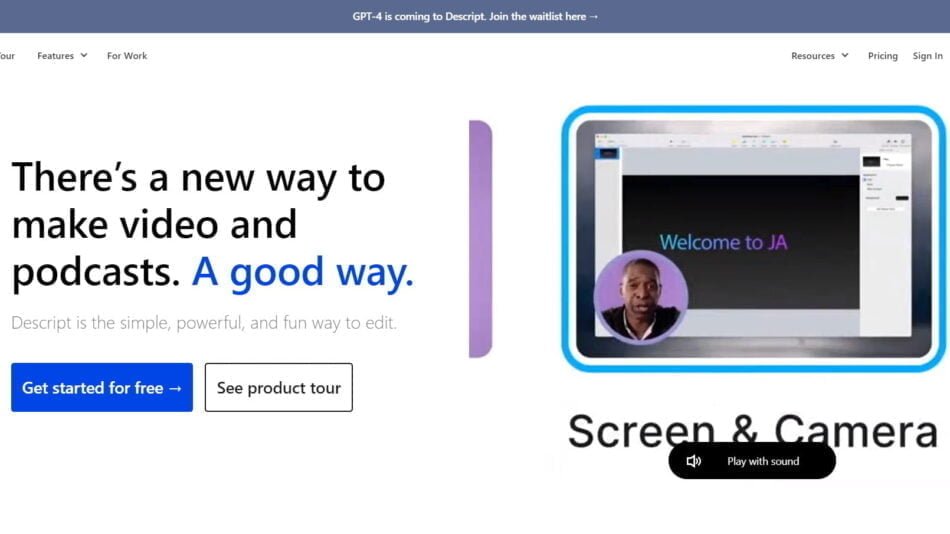
In contrast with tools like Descript or Pictory, Clipto focuses specifically on extracting vertical, social-ready clips, rather than broader video editing or podcasting.
Unlike general-purpose AI tools like ChatGPT or Canva, Clipto is purpose-built for clip generation, offering specialized automation for content creators.
It competes with platforms like Opus Clip or Dumme, but Clipto’s simplified workflow and subtitle styling tools make it ideal for solo creators or small teams.
Customer Reviews and Testimonials
As of the current version of the website, Clipto does not display customer testimonials or third-party reviews directly.
However, the platform highlights its focus on making content go viral, indicating it is designed with growth-focused creators and marketers in mind.
Early adopters are likely finding value in Clipto’s time-saving and automation features, especially those producing regular video content across channels.
User feedback may be featured in future updates or onboarding processes as the platform grows.
Conclusion
Clipto is an AI-powered tool that brings the power of automated editing to content creators looking to win on social media. By transforming long-form videos into short, viral-ready clips with captions and formatting optimized for mobile platforms, Clipto helps creators increase visibility, save time, and expand reach without needing editing expertise.
Whether you’re an influencer, podcaster, coach, or educator, Clipto offers a fast, effective solution for turning your video library into social content that drives growth and engagement.