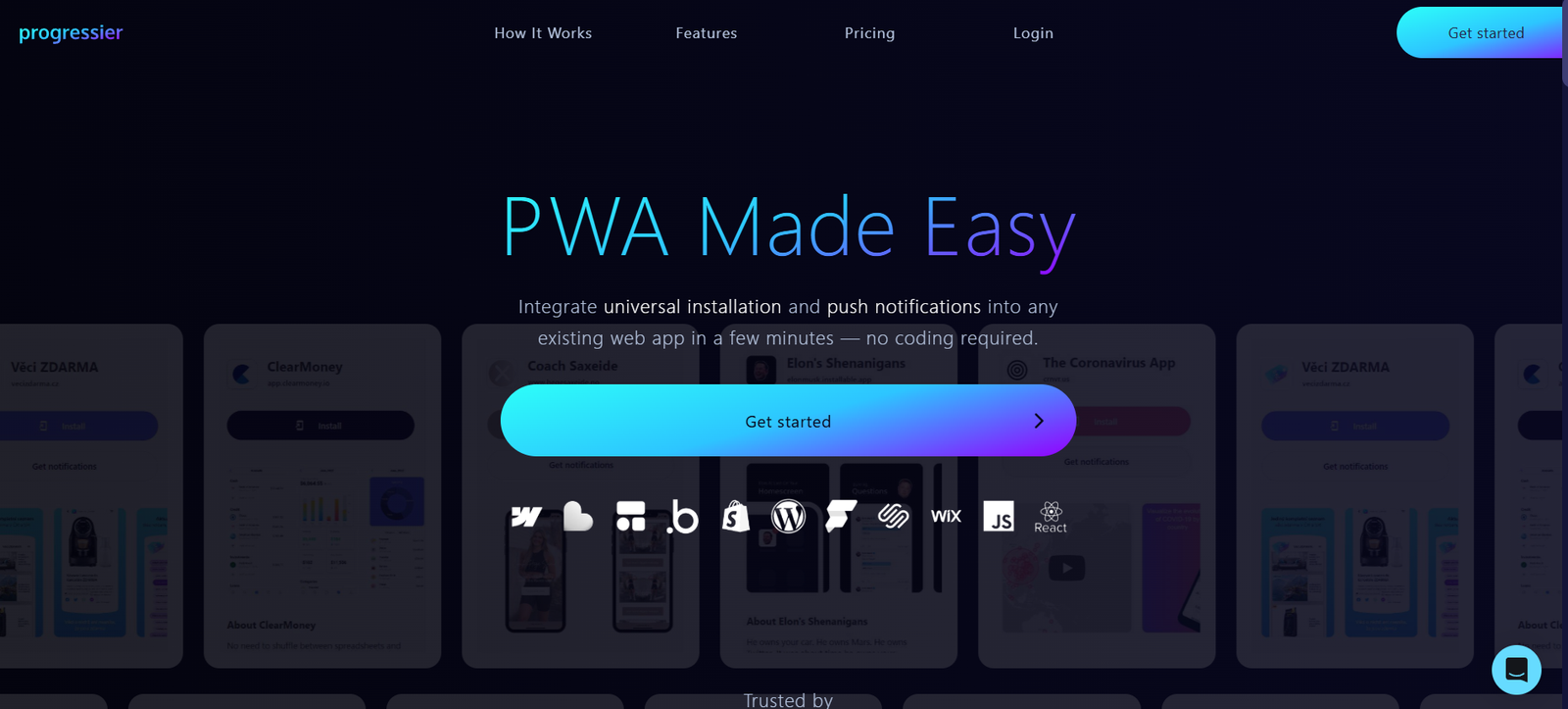
Progressier is a developer-focused platform that makes it easy to turn any web app into a fully functional Progressive Web App (PWA). PWAs combine the best of websites and mobile apps, offering features like offline access, push notifications, installability, and more — all without the complexity of traditional mobile app development. Progressier streamlines the PWA setup process and adds powerful tools that help developers maintain, distribute, and monitor their apps efficiently.
Progressier is compatible with all frameworks, including React, Vue, Angular, Svelte, and even no-code platforms. It provides a universal service worker, installation pages, and push notification APIs, so developers don’t need to handle these manually. This saves time, reduces maintenance, and ensures best practices are followed by default.
Features
Progressier offers a suite of features that simplify and enhance the process of building and maintaining Progressive Web Apps. One of the most valuable features is its automatic service worker. With just a few lines of code, Progressier injects a universal service worker that handles caching, offline functionality, and background updates. Developers no longer need to write or debug complex service worker code.
Another key feature is installability. Progressier generates a branded installation page that works on all major devices and browsers, making it easy for users to install the PWA on their desktop or mobile home screens. It also includes install prompts that increase user adoption.
Push notifications are built-in with support for segmenting users and targeting messages. Developers can send push notifications via a simple REST API or directly from the Progressier dashboard. These notifications work across platforms and are secured with proper authentication tokens.
Data analytics are also available, giving insight into how many users installed the app, their device types, usage patterns, and more. Developers can track which features are used most, making it easier to improve the app over time.
Progressier offers multi-app management, so developers managing several PWAs can do so from a single dashboard. Each app has its own installation page, analytics, and notification controls.
The platform also includes tools for SEO optimization, automatic HTTPS enforcement, and manifest file management. These help ensure that apps not only work well technically but are also discoverable and compliant with web standards.
How It Works
Using Progressier involves a quick setup process that requires minimal changes to your codebase. Developers begin by signing up on the Progressier website and creating a new app. They input their app’s domain name and customize the app’s name, icon, theme color, and branding for installability.
Next, developers are instructed to insert a small JavaScript snippet into the <head> of their web application. This script injects the service worker and handles background updates, caching strategies, and install prompts automatically.
Once the script is added, Progressier takes care of generating the web manifest, configuring caching strategies, and setting up the install prompt. Developers can test the install flow on desktop and mobile devices using the branded installation page generated by the platform.
For push notifications, developers can generate an API key and use the provided documentation to start sending messages via REST API. Notifications can also be scheduled or triggered manually from the dashboard.
Analytics and logs are updated in real time, and developers can monitor usage and manage service worker updates from the dashboard. No extra tools or server configuration are required.
Use Cases
Progressier is designed for developers and product teams building web applications who want to deliver native app-like experiences without investing in mobile app development. One common use case is converting a SaaS product into a PWA. By doing so, businesses allow users to install the service on their devices, receive notifications, and access features offline.
For startups launching MVPs, Progressier is a time-saving tool that adds PWA functionality without requiring backend or DevOps changes. Teams can ship faster while maintaining a professional and modern user experience.
Developers of client-side rendered apps (using frameworks like React or Vue) can use Progressier to add install prompts, cache key assets, and monitor usage without spending time on boilerplate setup.
Educational platforms and internal tools are also ideal use cases. These apps often run in the browser and can benefit from offline access, instant load times, and installable interfaces.
Even no-code or low-code builders like Webflow or Bubble can integrate Progressier by adding the script manually, bringing PWA capabilities to platforms that don’t natively support them.
Pricing
As of October 2025, Progressier offers a simple and transparent pricing model. The service costs $12 per month per app. There is no free plan, but users can try the platform risk-free with a 14-day free trial.
The subscription includes all features: PWA installation pages, service worker, offline support, push notifications, analytics, multi-device compatibility, and more. There are no additional charges for notification volumes or number of installs.
Progressier also offers a team plan and discounted rates for users managing multiple applications. Users can cancel anytime, and billing is handled monthly or annually based on preference.
For developers or teams looking to offer PWA functionality without the hassle of maintaining infrastructure, this pricing is highly competitive and affordable.
Strengths
One of Progressier’s main strengths is its simplicity. Developers can add full PWA functionality with a single line of code. The setup is non-intrusive and works with nearly all tech stacks.
The service is also extremely lightweight. Instead of bulky libraries or SDKs, it uses a compact script that doesn’t impact site performance. It also removes the need to maintain custom service worker files, push servers, or manifests manually.
Its analytics dashboard provides real insights into how users interact with your PWA. This data can guide product decisions and marketing strategies.
Progressier’s wide compatibility — across devices, frameworks, and platforms — ensures that developers are not locked into a specific environment. The documentation is clear, and the setup takes less than five minutes.
Another strength is its customer-first development roadmap. Feature updates and improvements are actively rolled out, based on community feedback.
Drawbacks
While Progressier is excellent for adding PWA capabilities, it does not support full offline-first architectures for complex use cases like real-time collaboration or dynamic offline data syncing. Developers building apps that rely heavily on offline interactivity may need to implement custom service workers alongside Progressier.
There is no free tier, which could deter hobbyists or early-stage startups with minimal budgets. However, the 14-day free trial provides a chance to evaluate the platform before committing.
Some customization limitations exist for service worker behavior. Developers needing fine-grained control over caching rules, asset prioritization, or fallback strategies may find Progressier too opinionated.
Currently, Progressier focuses on web app enhancements but doesn’t include native mobile build outputs (such as APK or IPA files), which some developers might expect from a tool that enhances installability.
Comparison with Other Tools
When compared to other tools in the PWA ecosystem like Workbox, Firebase Messaging, and custom service worker implementations, Progressier offers a more plug-and-play approach. While Workbox provides deep control over caching and service worker customization, it requires manual configuration and is better suited to experienced developers.
Firebase supports push notifications and offline functionality, but it introduces dependency on Google’s infrastructure and has a steeper learning curve for setup.
Progressier differs by focusing on simplicity and developer speed. It handles the basics of PWA creation — service workers, install prompts, and push — without requiring backend changes or hosting platform adjustments.
Compared to BuildFire or other no-code app builders, Progressier does not create native apps but focuses exclusively on enhancing web apps to feel like native experiences. It’s not a replacement for mobile app builders, but a complementary tool for web-first projects.
Customer Reviews and Testimonials
Progressier has received positive feedback from indie developers, SaaS founders, and agencies. Users on platforms like Product Hunt and Twitter commend the product for its ease of use and developer-first design. Several testimonials highlight how it saved hours or even days of setup time by automating service worker creation and notification setup.
Some developers mentioned using Progressier on client projects to quickly deliver app-like experiences without needing a full mobile app development cycle. Others noted that the analytics provided valuable insights on user adoption and installation rates.
A few users requested deeper customization for caching and routing rules, and some suggested native integrations with popular hosting platforms like Vercel or Netlify, which may be considered in future updates.
Conclusion
Progressier is a smart solution for developers and teams looking to transform their web applications into modern, installable, and offline-capable PWAs. It offers an elegant balance of simplicity, performance, and essential functionality without locking developers into complex setups or third-party platforms.
Whether you’re building a SaaS product, launching an MVP, or simply enhancing your website’s user experience, Progressier provides everything you need to deliver an app-like experience to your users — all with a minimal time investment.