
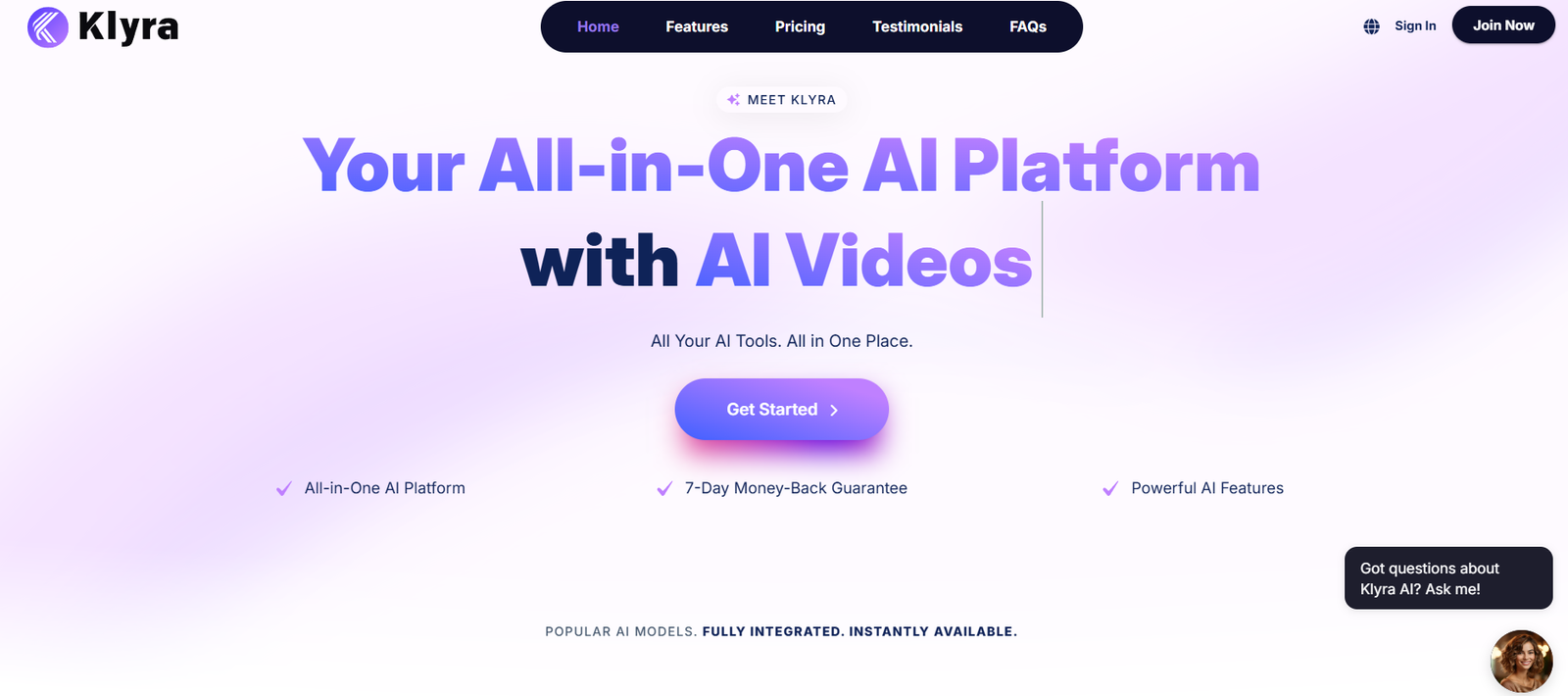
Klyra is an AI-driven knowledge base platform designed to help support and operations teams provide accurate, instant responses to customer queries. By transforming static documentation into a dynamic AI assistant, Klyra empowers teams to deliver high-quality support without relying on manual searches or overwhelming ticket queues.
Built for customer support teams, product managers, and customer success roles, Klyra enables organizations to unify their internal and external documentation into a central source of truth that’s intelligent, searchable, and conversational. Instead of endlessly navigating documents, users can now ask questions and get instant, AI-generated answers based on their knowledge base content.
Features
Klyra offers a wide array of features tailored to knowledge management, customer support efficiency, and AI integration.
The platform’s standout feature is the AI assistant, which provides instant answers to natural language questions using your existing support documentation. This assistant can be accessed by internal teams or embedded externally for customers.
Klyra supports multisource knowledge ingestion, meaning users can upload PDFs, sync with Notion, import help center articles, or copy-paste text. This makes it easy to onboard all existing documentation without needing to reformat content.
The AI search function enables conversational querying, allowing team members or customers to ask follow-up questions, dig deeper into topics, or clarify earlier responses. The search engine is semantic and contextual, meaning it understands meaning—not just keywords.
Klyra offers internal and external workspaces, so teams can use it for both employee enablement and customer-facing support. The internal mode supports training, onboarding, and operational documentation, while the external interface can be embedded directly into websites or support portals.
The platform includes usage analytics, which help teams understand which questions are being asked, which documents are being referenced, and where content gaps exist. This helps organizations continuously improve their documentation based on real-world usage.
Klyra also integrates easily with platforms like Slack, Intercom, and Notion, making it flexible and adaptable to a variety of workflows.
How It Works
Getting started with Klyra involves creating an account and setting up a workspace. Users then import their existing documentation into the system. Klyra supports uploads from PDFs, text content, or integrations with tools like Notion, so most users can onboard quickly without having to reformat their data.
Once content is imported, Klyra automatically processes and indexes it using its proprietary AI model. The AI assistant is immediately available to answer questions based on the uploaded content. Teams can test and refine how responses are delivered by reviewing example queries and editing source content for clarity or depth.
For internal teams, the assistant can be accessed via a private workspace. For customer-facing use, it can be embedded as a widget on your website or integrated into support chat workflows.
As users interact with the assistant, Klyra collects data on search behavior, questions asked, and response accuracy. Teams can use these insights to improve documentation and identify training opportunities for their AI model.
All interactions are private and secure, with data encryption and access controls in place to ensure only authorized users can access sensitive information.
Use Cases
Klyra is built to support a variety of customer-facing and internal operations across industries.
Customer support teams use Klyra to deflect tickets by allowing customers to find answers without waiting for a human agent. The AI assistant provides real-time, accurate responses from a curated knowledge base, improving response times and reducing support volume.
Customer success and onboarding teams use Klyra to provide scalable, self-service answers to new users and clients, helping them onboard faster and with fewer questions.
Internal teams such as product, engineering, or HR use Klyra to create searchable internal wikis, document standard operating procedures, and assist new hires in accessing information without relying on managers or trainers.
Startups use Klyra to scale support without hiring additional agents, while enterprises rely on its structured knowledge management and analytics to improve operational efficiency.
Companies with complex products, technical documentation, or high customer query volumes benefit the most, as Klyra enables them to streamline support and knowledge sharing across departments.
Pricing
Klyra offers simple and transparent pricing based on usage and team size.
The platform currently provides a Free Plan, which includes access to one workspace, basic AI assistant capabilities, and limited document uploads. This plan is suitable for small teams or those exploring the platform’s core features.
The Pro Plan is available at $20 per user per month, and includes unlimited document uploads, external assistant embedding, integrations with tools like Notion and Slack, and access to analytics and usage data.
For larger companies or teams needing advanced customization, analytics, and security features, Klyra offers Enterprise Plans on a custom pricing basis. These plans include support for multiple workspaces, advanced permissions, priority support, and onboarding assistance.
All plans come with a free trial, allowing businesses to test the platform before committing to a subscription.
Strengths
Klyra’s strongest advantage is its ability to convert static documentation into a dynamic, conversational AI assistant. This not only saves time for users but also increases the utility of internal and external knowledge bases.
The multisource ingestion allows for easy onboarding of existing documents, and the platform’s AI capabilities make those documents far more usable than traditional wiki pages or help centers.
The interface is modern and minimal, making it easy for non-technical users to navigate, manage content, and train their AI assistant.
Real-time analytics offer immediate insight into content gaps and user behavior, empowering teams to improve their documentation continuously.
The dual use case—supporting both internal teams and external customers—gives Klyra wide applicability across different functions and departments.
Its integrations with existing tools like Notion and Slack reduce friction and make it easy to integrate into existing workflows.
Drawbacks
While powerful, Klyra may not be ideal for teams that don’t have a centralized or well-maintained knowledge base to begin with. The quality of the assistant’s output is directly dependent on the quality of imported content.
For teams needing broader ticket management, CRM functionality, or full help desk operations, Klyra would need to be used alongside other support tools, as it is primarily focused on documentation and self-service.
The free plan is somewhat limited, especially in terms of document volume and assistant embedding, which may not be enough for teams wanting to fully evaluate its external use capabilities.
There’s also a current lack of native integrations with CRM platforms or marketing tools, although integration through platforms like Zapier may provide workarounds.
Finally, while the AI assistant is powerful, teams still need to review answers periodically to ensure accuracy and prevent misunderstandings, particularly for complex or evolving topics.
Comparison with Other Tools
Compared to traditional knowledge base tools like Zendesk Guide, HelpDocs, or Document360, Klyra provides a more intelligent and interactive experience. While those tools are largely static, Klyra enables real-time querying and conversational search through its AI assistant.
Against general-purpose wikis like Notion or Confluence, Klyra focuses specifically on support use cases and AI interaction. Notion is great for content creation and collaboration, but lacks built-in AI chat functionality tied directly to your docs.
Other AI-powered assistants like Intercom’s Fin or Zendesk’s AI Bot often require expensive enterprise plans or deep configuration. Klyra offers a more streamlined, accessible solution for smaller teams without sacrificing intelligence or customization.
Klyra stands out for its ease of setup, focus on documentation quality, and balance between internal and external use.
Customer Reviews and Testimonials
User feedback for Klyra highlights its time-saving benefits and ease of use. Support teams report a significant reduction in repetitive questions and ticket volume after deploying the assistant on their help centers.
One early user shared that Klyra enabled their small support team to operate like a larger department, automating over 60 percent of basic inquiries in just the first month.
Internal teams have also praised Klyra for reducing onboarding time and improving knowledge discovery. A product manager noted that “new hires no longer need to ping the team for every process—Klyra answers most of their questions instantly.”
Although Klyra is still growing, early adopters appreciate its fast setup, clean interface, and responsiveness to feedback. Teams also noted improvements in content quality after reviewing the AI assistant’s suggestions, creating a cycle of continuous documentation improvement.
Conclusion
Klyra is a smart, AI-first knowledge base that helps teams automate support, reduce ticket load, and improve internal knowledge sharing. By transforming traditional documentation into a responsive AI assistant, it gives organizations a scalable way to deliver accurate, instant answers to customers and employees.
With its seamless integrations, intuitive interface, and flexible pricing, Klyra is well-suited for startups, SaaS companies, and any organization looking to level up their support operations without expanding headcount.
Whether you’re building your first help center or improving an existing documentation system, Klyra offers a powerful, AI-powered foundation for efficient support and knowledge management.


