
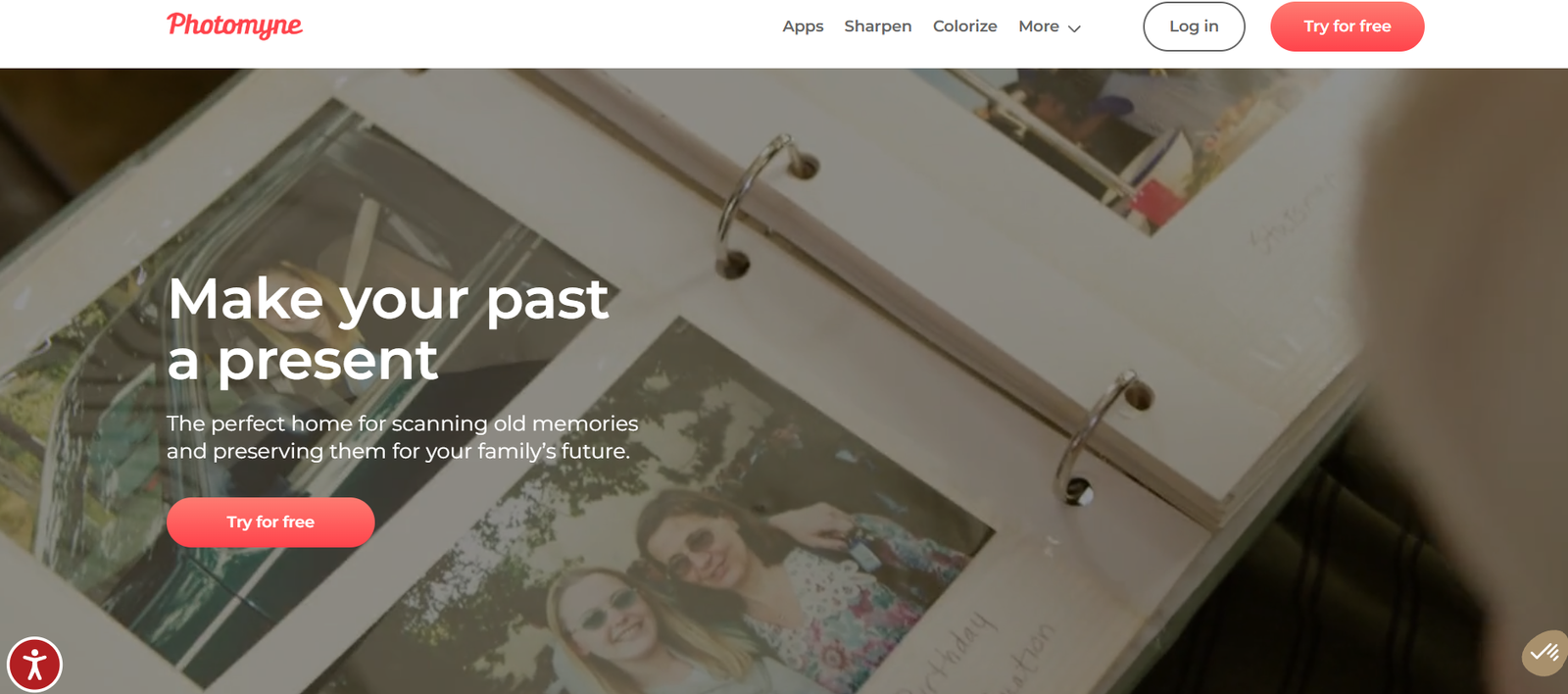
Photomyne is an AI-powered photo scanning and restoration app designed to help users digitize old photos, slides, negatives, and photo albums using just a smartphone. With over 35 million downloads and more than 300 million photos scanned, Photomyne is one of the leading apps in the digitization space.
Available on both iOS and Android, Photomyne uses advanced AI algorithms to automatically detect, crop, enhance, and colorize images. Its goal is to make photo preservation fast, accessible, and high-quality for anyone who wants to preserve visual memories for generations to come.
Whether you’re looking to scan printed photos, restore damaged images, or even colorize black-and-white photographs, Photomyne offers an all-in-one mobile solution.
Features
AI-Powered Photo Scanning
Photomyne’s core feature is its smart photo scanner. Users can scan multiple printed photos in a single shot using their smartphone camera. The app’s AI detects individual images, crops them automatically, and enhances quality.
Photo Restoration
Photomyne includes tools to restore aged or damaged photographs. These tools help remove fading, creases, or yellow tones commonly seen in old photo prints.
Colorization of Black & White Photos
The app can colorize black-and-white photos using AI. It adds realistic hues while maintaining the original mood and detail of the image.
Slide and Negative Scanning
With additional apps like SlideScan and FilmBox, Photomyne enables the scanning of 35mm slides and film negatives. These tools convert analog media into digital images with automatic adjustments.
Voice and Text Tagging
Users can add voice recordings or written stories to photos, helping preserve family history or context behind the images.
Albums and Photo Organization
Photos can be grouped into albums, and the app offers intuitive tools to name, tag, and sort scanned items.
Cloud Backup and Sync
Photomyne offers cloud storage to safely back up your digitized photos and access them across devices. This ensures your scans are protected even if you lose your phone.
Web and Desktop Access
Subscribers can log in at photomyne.com to view, manage, or download photos from any browser. This feature is useful for organizing large collections.
Photo Sharing Options
Scans can be easily shared via email, social media, or downloaded for printing. Photomyne also supports creating photo books and slideshows directly within the app.
How It Works
Photomyne simplifies the photo digitization process to just a few steps:
Install the App
Download the Photomyne app from the App Store or Google Play.Scan Your Photos
Open the camera within the app and scan printed photos. Multiple photos can be scanned in a single frame, and the AI will separate and crop them automatically.Enhance and Restore
After scanning, Photomyne enhances the images using AI filters. Users can also manually adjust brightness, contrast, or use restoration and colorization tools.Organize and Save
Scanned photos can be organized into albums. You can add names, dates, locations, and even voice memos to enrich the photo archive.Backup and Share
All content can be backed up to the cloud and shared or accessed via the web. Premium users enjoy unlimited cloud storage and device sync.Access Web Features
Via the Photomyne web portal, users can create digital albums, print photo books, or download high-resolution images.
Use Cases
Preserving Family History
Families can digitize old photo albums and pass down memories to future generations in digital format.
Genealogy and Ancestry Projects
Photomyne is useful for genealogists looking to archive and document family heritage with visual records.
Photo Restoration for Personal Projects
Users can bring new life to old, damaged photos that have faded or been torn over time.
Scrapbooking and Creative Projects
Scanned and enhanced images can be used in digital scrapbooks or printed in new formats such as calendars or memory books.
Social Media Sharing
Many users scan old photos to share on social media platforms during anniversaries, birthdays, or throwback events.
Educational and Museum Archiving
Educators and curators use Photomyne to digitize physical archives or historical photo collections.
Estate Management and Memory Preservation
After a loved one passes away, Photomyne helps families preserve memories and create tribute albums.
Pricing
Photomyne operates on a freemium model. While users can try the app for free, full functionality requires a premium subscription.
Free Version Includes:
Basic photo scanning
Limited photo saving
Ads and watermarks on scanned images
Premium Subscription Includes:
Unlimited photo scanning and saving
High-resolution downloads
Full access to restoration and colorization features
Cloud backup and multi-device sync
Web access to photos and albums
Subscription Options (As listed on the official website):
Monthly: $9.99 per month
Yearly: $39.99 per year (varies slightly by region)
Lifetime: One-time payment (pricing varies, occasionally offered via in-app promotion)
Prices may vary depending on your region or platform (App Store or Google Play). Users can cancel or manage subscriptions via their respective app store settings.
For updated pricing, visit the Photomyne pricing page.
Strengths
AI-enhanced scanning makes digitizing fast and accurate
No extra hardware needed—only a smartphone
Supports scanning of slides and negatives through sister apps
Excellent for personal and family archiving projects
Easy organization with albums, metadata, and voice tagging
Offers cloud backup for data security
Intuitive mobile interface for all skill levels
Cross-platform access (mobile + web)
Drawbacks
Most advanced features are locked behind a paid subscription
Free version includes ads and watermarks
Some users may find pricing high for occasional use
Limited editing options compared to professional restoration software
Requires a stable hand and good lighting for best scan quality
Comparison with Other Tools
Compared to traditional scanners or apps like Google PhotoScan, Photomyne stands out due to its AI-powered batch scanning and automatic cropping capabilities. Unlike desktop tools such as Adobe Photoshop or Vivid-Pix RESTORE, Photomyne offers mobile-first convenience and ease of use without technical knowledge.
Other apps like SlideScan or FilmBox (also from Photomyne) focus specifically on scanning slides and negatives. For users wanting a complete digitization toolkit, Photomyne’s suite of apps offers broader functionality than most standalone tools.
Photomyne is best suited for casual and semi-professional use, offering a balance between quality and convenience.
Customer Reviews and Testimonials
Photomyne has been positively reviewed across multiple platforms, including app stores and online forums.
App Store Rating:
4.7/5 stars (based on tens of thousands of reviews)
Google Play Rating:
4.5/5 stars
User Feedback Highlights:
“A fantastic tool for digitizing and preserving family history.”
“So easy to use. I scanned hundreds of old photos in just a few hours.”
“The AI enhancement and colorization features blew me away.”
“A little pricey, but worth it for organizing and restoring my family albums.”
Photomyne is also featured and recommended by tech sites and media outlets for its ease of use and smart scanning features.
Conclusion
Photomyne is a powerful mobile app for anyone looking to bring old photos into the digital age. With its AI-driven scanning, enhancement, and organization tools, Photomyne makes it easy to preserve and restore visual memories—all from a smartphone.
It is especially valuable for families, educators, archivists, and creative individuals who want an efficient, non-technical way to save their photo history. While the premium plan unlocks the full potential of the app, even the free version provides a helpful introduction to photo digitization.


