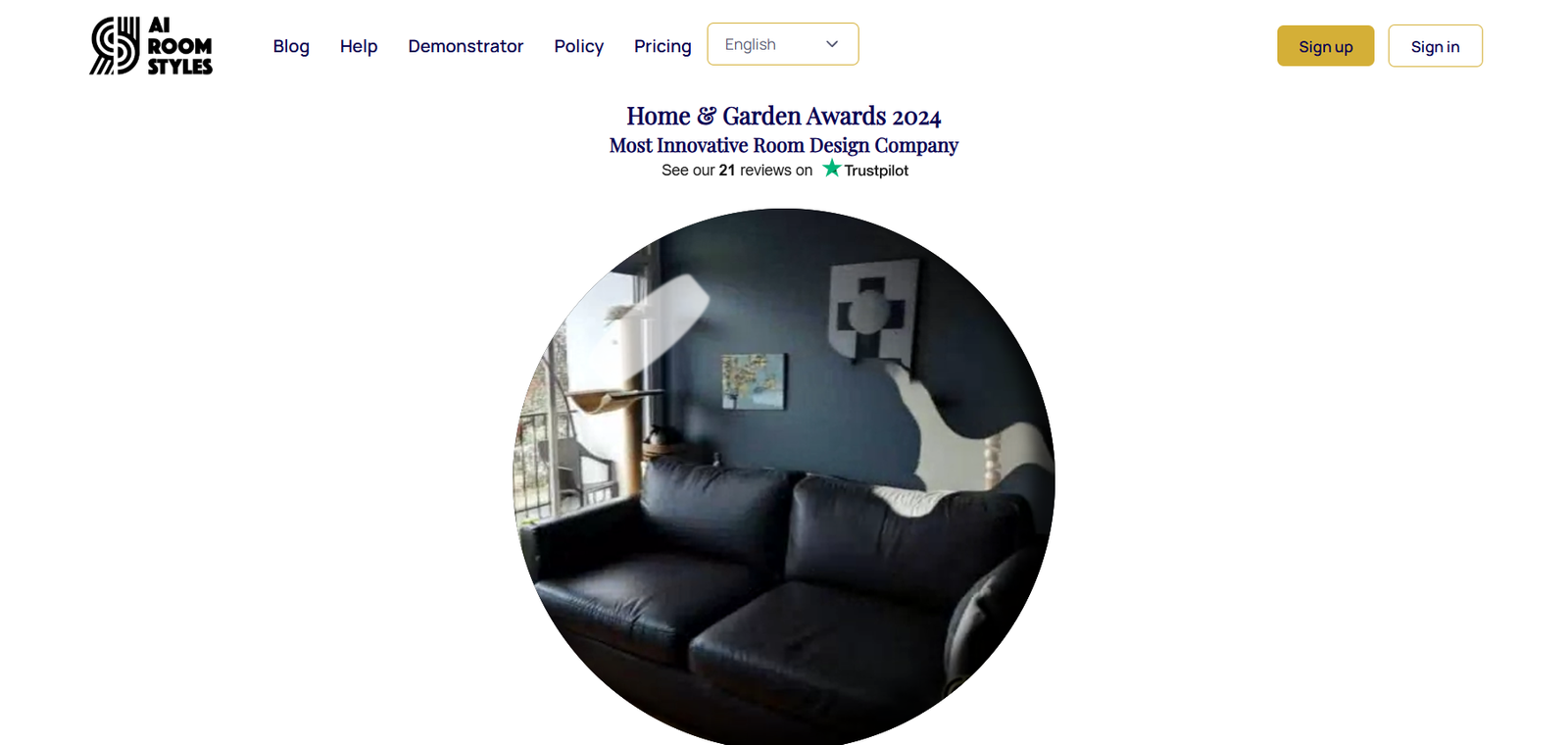
AI Room Styles is an AI-powered interior design tool that allows users to upload a photo of any room and instantly apply over 40 different design styles to it. From modern and minimalist to vintage, bohemian, industrial, or Scandinavian, the platform provides photorealistic renderings that help users visualize different decor choices.
The platform uses advanced image processing and generative AI models to preserve the structure and layout of the original space while overlaying a new style. Users get multiple variations of the same room, allowing for side-by-side comparisons and easy decision-making.
AI Room Styles is designed for non-technical users. There’s no need for interior design experience or 3D modeling skills—just a clear photo and a few clicks.
Features
AI Room Styles offers an intuitive workflow that begins with uploading a photo of any room. Users can then choose from more than 40 unique design styles, including popular themes like modern farmhouse, Japanese zen, urban loft, luxury, rustic, and many more.
The AI processes the image and outputs styled room variations, typically within 30 to 90 seconds. The renderings maintain the room’s structure and proportions while transforming the furniture, finishes, lighting, and overall aesthetic to reflect the chosen design.
Users can download high-resolution versions of the generated images for inspiration, planning, or sharing with family, clients, or contractors. Multiple renders can be generated per photo, and the platform supports various room types, including bedrooms, kitchens, bathrooms, living rooms, and home offices.
The site is web-based, with no app or software installation required, making it accessible across devices.
How It Works
To use AI Room Styles, users visit the official website and click “Start Designing.” The process involves uploading a clear photo of the room you want to redesign. The better the lighting and angle, the better the output quality.
Once the image is uploaded, users are prompted to select a room type and one or more design styles from the available list. The AI then renders new designs based on the original photo, generating visual options that match the selected style.
Within a few seconds, the styled images are presented for review. Users can preview, compare, and download the final results. There’s no need to manually configure layouts or drag elements—AI Room Styles handles all of the rendering automatically.
This process allows for fast experimentation with different styles, helping users make more confident design decisions.
Use Cases
Homeowners use AI Room Styles to explore renovation and redecoration ideas before purchasing furniture or hiring a designer. It allows them to see how their space could look with different styles without committing to any changes upfront.
Renters use it to personalize their space visually without making permanent alterations. The renderings also help in communicating design preferences to landlords or decorators.
Real estate agents and property stagers use AI Room Styles to create styled room mockups for listings. This is especially helpful for vacant properties or homes in need of updates. A well-styled photo can make a major impact on potential buyers.
Interior designers use it as a concept development tool, helping clients visualize different looks for their space. It also helps speed up the ideation process and align expectations early in a project.
Content creators and social media influencers use the tool to generate design content quickly and engage audiences with transformation visuals.
Pricing
AI Room Styles uses a credit-based pricing model. As of the latest update from the official website:
Free Trial
Users can generate a limited number of AI-styled room renderings after signing up, ideal for testing the platform and evaluating the quality.
Paid Plans
Users can purchase additional credits to generate more renderings. Pricing typically starts at $19 for a set number of credits. Each credit allows for rendering one image with a selected style.
Bulk discounts and premium packages are available for professionals and frequent users. All pricing is one-time with no subscription required, offering flexibility for occasional or project-based use.
Credits can be used at any time and are not subject to expiration, making it easy to plan and budget for upcoming projects.
Strengths
AI Room Styles stands out for its ease of use, speed, and high-quality image output. It requires no design experience, making it accessible to a wide audience, including non-designers.
The platform supports a diverse range of styles, allowing users to explore various design directions with minimal effort. Renderings are photorealistic and suitable for professional use, including client presentations and real estate marketing.
The credit-based pricing model is flexible and affordable, especially compared to hiring a designer or using complex software. The web-based platform requires no downloads, ensuring instant accessibility.
It serves both inspiration and planning needs, helping users make smarter design decisions before committing time or money to remodeling.
Drawbacks
While AI Room Styles offers realistic and stylish renderings, it does not support detailed customization like specific furniture pieces, materials, or brands. Users can choose a general style but cannot fine-tune elements like wall color, flooring type, or décor arrangement.
The platform also doesn’t produce technical drawings or layouts, so it should not be used as a replacement for architectural planning or 3D modeling in construction scenarios.
Image quality and output accuracy depend on the clarity of the uploaded photo. Images taken at odd angles or with poor lighting may lead to subpar results.
As of now, the platform does not offer multi-room or entire-home visualizations—each rendering is limited to a single photo and design style per credit.
Comparison with Other Tools
AI Room Styles differs from complex interior design software like SketchUp or Roomstyler by removing technical barriers. It’s built for speed and visual inspiration, not detailed planning.
Compared to platforms like Remodel AI or Homestyler, AI Room Styles offers a wider variety of pre-trained design styles and places a stronger emphasis on instantly transforming existing room photos.
Unlike general AI image generators like DALL·E or Midjourney, AI Room Styles is focused solely on interior design, ensuring results are grounded in realistic decor trends and spatial logic.
It provides a simpler, faster solution for everyday users who want visual clarity before moving forward with a redesign or renovation.
Customer Reviews and Testimonials
Users of AI Room Styles consistently highlight the platform’s intuitive interface and time-saving benefits. Many homeowners and DIY decorators report that it helped them avoid costly design mistakes by previewing styles before buying furniture or starting work.
Real estate professionals have praised the tool for enhancing listing images and helping buyers envision potential renovations. Interior designers find it useful for quickly testing style preferences with clients.
Positive feedback also points to the speed of the AI, the professional look of the output images, and the usefulness of the free trial for first-time users.
While some users mention a desire for deeper control over individual elements, most agree that the platform strikes a solid balance between simplicity and visual impact.
Conclusion
AI Room Styles is an effective and accessible AI design assistant for anyone looking to explore interior styles with minimal effort. Its fast rendering engine, wide style library, and easy-to-use interface make it ideal for homeowners, renters, designers, and real estate professionals alike.
By turning a simple room photo into a styled mockup in under a minute, AI Room Styles helps users make smarter aesthetic choices and communicate their vision more clearly. While it’s not a substitute for architectural design software, it fills a valuable role in the early planning and inspiration stages of any interior project.