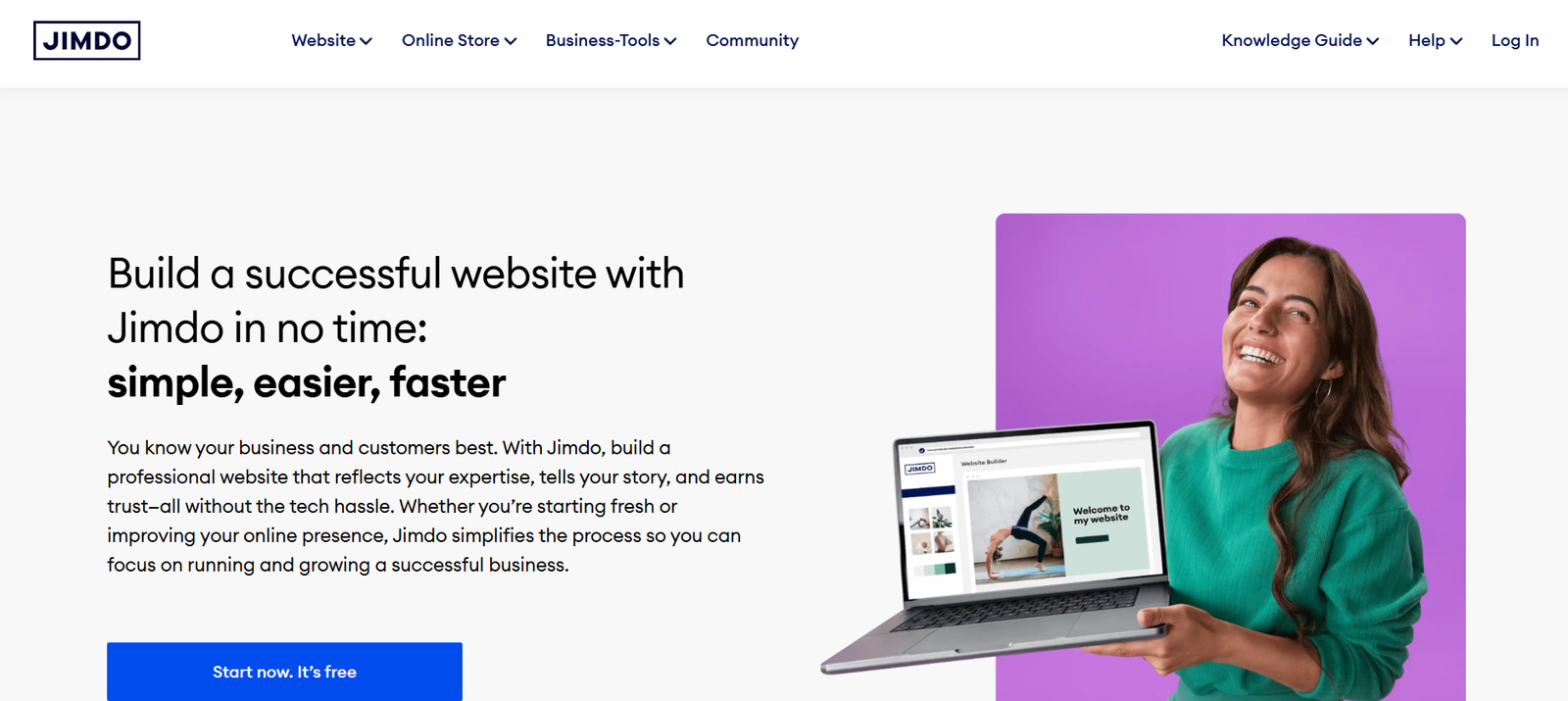
Jimdo is an AI-powered website builder aimed at freelancers, small business owners, and entrepreneurs who want to create professional websites without needing technical skills. Based in Germany, Jimdo simplifies website creation through intuitive drag-and-drop tools, automated design options, and built-in business features. Whether you’re launching a personal blog, online store, or company site, Jimdo helps you get online quickly with a clean, responsive design tailored to your needs. It is particularly popular among users looking for a straightforward, all-in-one solution that handles both design and hosting.
Features
Jimdo includes a robust set of features that make website creation and management simple for non-technical users.
AI Website Builder: Jimdo Dolphin, the AI assistant, asks a few questions and creates a fully functional website in minutes based on your answers.
Customizable Templates: Choose from a wide variety of modern, mobile-optimized templates that suit various business types and industries.
Drag-and-Drop Editor: Users can easily add, remove, and move content elements with a simple visual editor.
Responsive Design: All websites automatically adapt to mobile, tablet, and desktop devices.
Built-In SEO Tools: Customize meta titles, descriptions, and URLs to improve your site’s visibility in search engines.
Online Store Capabilities: Create a small online shop with product pages, secure checkout, and inventory tracking without additional software.
Domain and Email Services: Register a custom domain and use professional email addresses directly through Jimdo.
GDPR Compliance: As a European company, Jimdo provides built-in GDPR compliance features for privacy and data protection.
Multilingual Support: Easily create websites in multiple languages to reach a global audience.
Analytics Integration: Connect with Google Analytics or use built-in stats to track visitor behavior and performance.
How It Works
Jimdo provides two main website-building options: Jimdo Creator and Jimdo Dolphin. Jimdo Dolphin is the AI-based system that simplifies the entire process.
To get started, users answer a few questions about their business, industry, and design preferences. The AI then generates a complete website, including sample text, images, layout, and color themes.
Once the site is created, users can use the drag-and-drop editor to fine-tune the content, add new pages, and publish with a single click. The platform takes care of hosting, updates, and mobile optimization automatically.
Jimdo also offers built-in tools for setting up a business email, online shop, or blog, allowing users to manage everything from one dashboard.
Use Cases
Jimdo serves a broad range of website needs for individuals and small businesses:
Business Websites: Build a professional site for your small business, including service descriptions, contact info, and customer testimonials.
Online Portfolios: Showcase photography, design, or writing portfolios with image galleries and downloadable media.
Ecommerce Stores: Sell physical or digital products with a secure, integrated shopping cart and payment options.
Personal Blogs: Start a blog with customizable layouts, categories, and scheduling tools.
Event Pages: Create pages for weddings, meetups, or conferences, with RSVP and scheduling features.
Freelance Services: Promote your freelance business with service lists, pricing tables, and contact forms.
Nonprofits and Clubs: Build community websites with member info, donation options, and announcements.
Pricing
Jimdo offers a range of pricing plans tailored for personal websites, businesses, and online stores. All plans include hosting and basic support.
For Websites:
Play (Free):
Basic Jimdo subdomain
Limited storage and features
Jimdo branding
Start (€9/month):
Free domain for 1 year
No ads
SEO tools
Email support
Grow (€15/month):
More pages and storage
Visitor statistics
Priority support
For Online Stores:
Basic (€15/month):
Product listings
Payment integrations
Inventory management
Email support
Business (€19/month):
Discount codes
No transaction fees
Advanced design tools
Priority support
VIP (€39/month):
Fastest support response
Legal text generator
Multilingual site features
Comprehensive online store features
Prices may vary by region and currency. Visit the official Jimdo pricing page for current details.
Strengths
Jimdo offers several advantages that make it appealing to small business owners and non-technical users.
AI Website Creation: The Dolphin builder significantly reduces setup time and delivers professional results fast.
User-Friendly Interface: The drag-and-drop editor is intuitive and requires no coding knowledge.
All-in-One Platform: Web hosting, domain registration, and design tools are bundled in one place.
Mobile Optimization: Every design is responsive by default, ensuring websites look good on any device.
GDPR Compliance: Especially beneficial for users in the EU or handling customer data.
Affordable Pricing: The plans are competitively priced and suitable for solo entrepreneurs or small teams.
Customer Support: Offers responsive email and chat support, with faster help for premium plans.
Drawbacks
While Jimdo is ideal for many users, it has some limitations worth noting.
Limited Customization: More advanced users may find the design flexibility and features somewhat restrictive compared to open platforms like WordPress.
No App Store: Lacks a plugin ecosystem for third-party extensions, limiting functionality compared to platforms like Wix or Shopify.
Ecommerce Scalability: Suitable for small shops, but not ideal for large-scale ecommerce operations with thousands of products or advanced logistics.
Limited Blogging Features: The blogging tools are basic and not suited for large content-driven websites.
Marketing Integrations: While decent for beginners, the email and CRM tools are not as comprehensive as dedicated marketing platforms.
Comparison with Other Tools
Jimdo stands apart from other website builders like Wix, Squarespace, and WordPress in its simplicity and AI focus.
Compared to Wix: Wix offers more design freedom and a larger app marketplace, but its interface can be overwhelming for beginners. Jimdo is more streamlined and faster to launch.
Compared to Squarespace: Squarespace delivers elegant templates and strong visual appeal but comes at a higher price and with a steeper learning curve. Jimdo is easier and more budget-friendly for small businesses.
Compared to WordPress: WordPress is extremely powerful but requires manual setup, plugin management, and hosting. Jimdo is turnkey and managed, ideal for non-tech users who prefer a hosted solution.
Jimdo’s unique selling point is its AI-driven setup process, making it highly accessible for users who want to publish a website in minutes with minimal effort.
Customer Reviews and Testimonials
Jimdo has received mixed-to-positive reviews from users across platforms like Trustpilot, G2, and its own support forums.
Many users appreciate how quickly they can create and publish a website, especially with the Dolphin AI assistant. Users frequently mention the ease of use, affordability, and mobile-friendly design as key strengths.
One user review on Trustpilot stated, “Jimdo helped me launch my small business website in under an hour. I didn’t need to hire a developer or know anything about code.”
However, some users express concerns over limited customization and the lack of third-party plugin support, especially as their business needs grow.
Overall, Jimdo is best rated for beginner-friendliness and customer support, particularly among small business owners and solo entrepreneurs.
Conclusion
Jimdo offers a streamlined, AI-enhanced website builder that simplifies the entire process of going online. Its focus on ease of use, responsive design, and business tools makes it an excellent choice for small businesses, freelancers, and hobbyists looking for a cost-effective and efficient web presence. With affordable plans, a helpful AI assistant, and reliable support, Jimdo is ideal for those who value speed and simplicity over deep customization.
For users who want to get a professional-looking site online quickly—without hiring a designer or learning to code—Jimdo is a smart, practical solution.