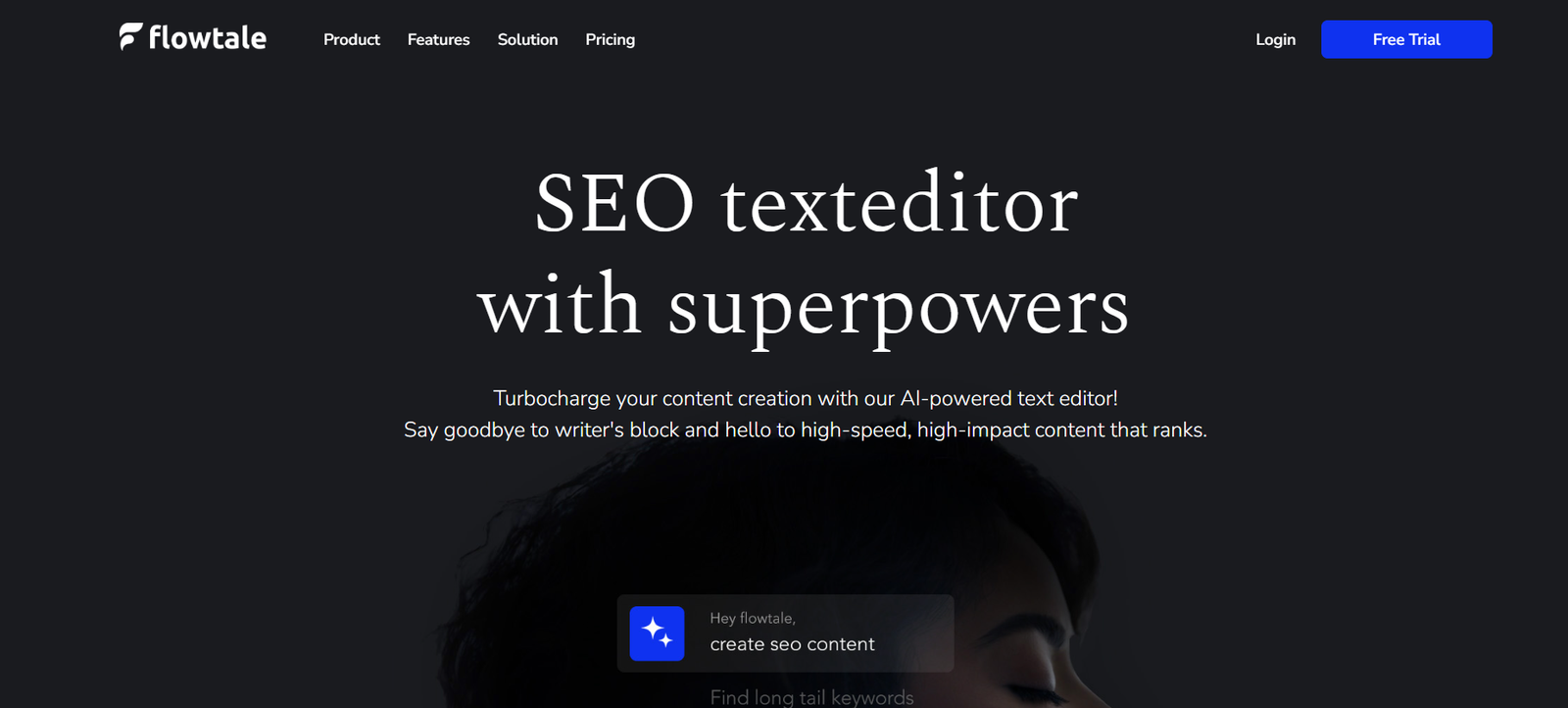
Flowtale is an innovative AI-powered tool designed to help individuals and businesses create interactive, data-rich storytelling experiences. Whether you’re working with reports, dashboards, or raw datasets, Flowtale turns complex information into visually engaging, shareable stories that can be embedded on websites, shared via links, or presented live.
Flowtale is built for a wide range of users — from business analysts and marketers to educators and startups — who need to communicate insights in a compelling and digestible format. Its AI engine assists in automating narrative structure, suggesting visual elements, and enhancing clarity, all while maintaining a polished, professional output.
Features
AI-Powered Story Generator: Upload data or content, and Flowtale generates a coherent, structured story around it.
Interactive Visual Blocks: Use pre-built interactive components like charts, text blocks, images, videos, and forms.
No-Code Interface: Easily build and customize stories using a drag-and-drop editor — no technical skills needed.
Smart Templates: Choose from a growing collection of professionally designed templates for reports, product walkthroughs, onboarding flows, and more.
Data Integration: Connect to data sources like CSV, Google Sheets, or APIs to auto-populate charts and visualizations.
Custom Branding: Add your own logos, colors, and fonts for brand consistency.
Embeddable Stories: Share your story with a link or embed it into websites, blogs, or internal tools.
Version Control: Keep track of edits and updates with version history for collaborative projects.
Analytics and Engagement Tracking: Monitor how your audience interacts with your story — including clicks, time spent, and drop-offs.
Collaboration Tools: Invite team members to co-create and review in real time.
How It Works
Start with an Idea or Dataset: You can begin with a blank canvas, a template, or upload structured data (like a CSV or spreadsheet).
Generate a Story with AI: Flowtale’s AI analyzes your content and proposes a narrative structure, complete with headlines, charts, and copy.
Customize the Story: Use the editor to rearrange blocks, modify text, add visuals, and apply branding.
Embed or Share: Publish the story and share it as a public link, private view, or embed it into your platform.
Track Performance: Use Flowtale’s analytics dashboard to see how viewers engage with the story and optimize accordingly.
Use Cases
Sales Enablement: Build interactive product demos, sales pitches, and client-facing reports that close deals faster.
Marketing Campaigns: Turn campaign data and insights into engaging content for stakeholders or audiences.
Investor Updates: Share real-time business updates or fundraising progress with visually compelling storytelling.
Internal Reporting: Replace static PowerPoints or PDFs with living documents that evolve with your data.
User Onboarding: Create product tours or training materials that engage users from the start.
Education and E-Learning: Transform lessons and educational content into interactive modules.
Case Studies and Testimonials: Present customer success stories with layered, multimedia-rich formats.
Pricing
As of June 2025, Flowtale offers a tiered pricing structure designed to support individuals, startups, and enterprises.
Free Plan
Up to 3 stories
Access to core templates
Basic branding
Limited analytics
Public sharing only
Pro Plan – $12/month
Up to 50 stories
Advanced analytics
Team collaboration
Priority support
Custom branding and themes
Private sharing and restricted access options
Business Plan – $39/month
Unlimited stories
API and data source integrations
Embedding and white-labeling
Team management features
Version control
Dedicated account support
Enterprise Plan – Custom Pricing
Custom integrations
SSO and enterprise security
Premium SLA
Dedicated onboarding and training
API volume and analytics support
For up-to-date pricing and features, visit: https://www.flowtale.io/pricing
Strengths
Fast and Intuitive: Get from raw data to professional-looking story in minutes using AI suggestions and smart templates.
Highly Visual and Interactive: Makes even complex or dry information easier to digest and more engaging.
No-Code Flexibility: Designed for business users, not just designers or developers.
Embeddability: Makes it easy to distribute stories across your site, blog, or CRM.
Brand-Friendly: Ensures a consistent look and feel across teams and departments.
Real-Time Collaboration: Supports teams working on presentations and reports together.
Performance Analytics: Provides actionable data on how stories perform with audiences.
Great for Non-Linear Presentations: Allows branching narratives and layered information that go beyond typical slides.
Drawbacks
Still a New Product: While promising, Flowtale is still evolving and may lack some enterprise-grade features like deep integrations or export options.
Learning Curve for Complex Stories: Creating advanced layouts or using API-based data blocks may require experimentation.
Free Plan is Limited: Only suitable for light users or trials; serious users will likely need to upgrade.
Limited Offline Support: As a cloud-based tool, internet access is required for editing and presenting.
Customization Constraints: Some users may find visual or layout limitations compared to full design software.
Comparison with Other Tools
vs. Canva Presentations: Canva focuses on design flexibility. Flowtale is more focused on interactive, data-driven storytelling.
vs. Tableau Public: Tableau offers rich data visualization but lacks storytelling flow. Flowtale emphasizes narrative + visualization.
vs. Notion or Google Slides: These tools are great for documents or slides but are static. Flowtale offers interactive experiences.
vs. Prezi: Prezi is designed for non-linear presentations but lacks data integration and AI-powered structure generation.
vs. Storydoc: Storydoc is a close comparison. Flowtale is a more lightweight, flexible alternative with a focus on embeddable stories.
Customer Reviews and Testimonials
Flowtale is quickly gaining traction with startups, marketers, and data professionals. Early users report high satisfaction with ease of use and output quality:
“Flowtale helped us replace boring dashboards with engaging sales stories that actually get read.”
“The AI did 80% of the work. I just tweaked the text and hit publish — amazing.”
“Our investors now look forward to monthly updates. Flowtale changed how we communicate data.”
It’s particularly praised for saving time, improving presentation quality, and enabling better internal and external communication.
Conclusion
Flowtale is a modern storytelling platform designed to bring your data, ideas, and insights to life. With an AI-first approach and a clean, intuitive interface, it empowers anyone — regardless of design or coding experience — to create interactive, professional, and visually compelling stories.
If you’re tired of static dashboards, traditional slide decks, or unread reports, Flowtale offers a compelling alternative. It’s the right tool for teams who want to present smarter, communicate clearer, and engage more effectively in today’s fast-paced, content-driven world.