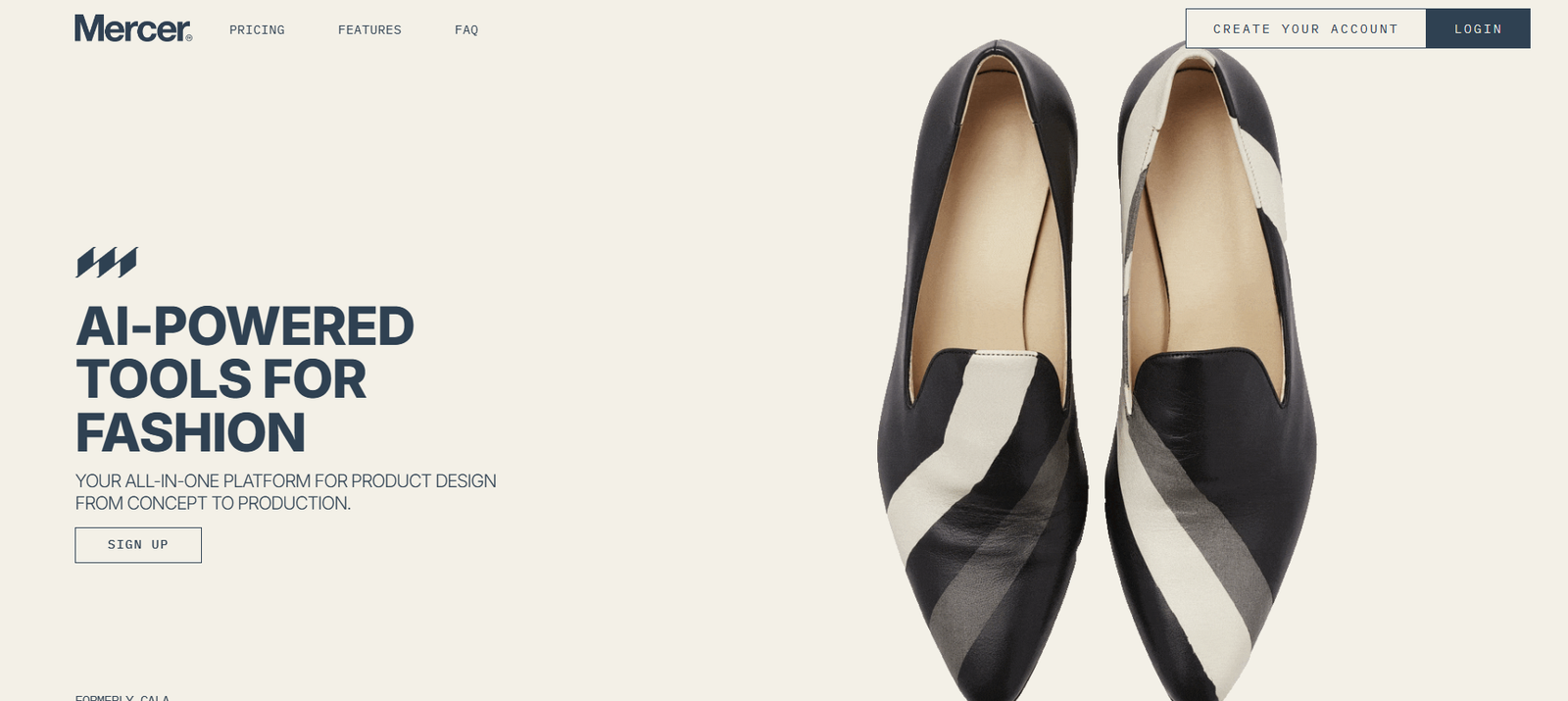
Mercer is an AI-driven design assistant that provides instant feedback on UI and visual design projects. Built for designers, marketers, and product teams, Mercer helps improve design quality by offering intelligent critiques based on best practices in layout, spacing, alignment, accessibility, and visual hierarchy.
Rather than relying solely on team reviews or client input, designers can use Mercer to receive real-time, objective feedback directly in their browser. Whether you’re polishing a landing page or reviewing a mobile UI, Mercer enables faster, data-informed design iterations without needing another set of eyes.
Mercer helps bridge the gap between creative intent and execution by serving as an always-available AI design reviewer.
Features
Mercer provides a fast and focused toolset tailored for visual designers and UI professionals:
Instant AI Design Feedback: Upload your design and receive a comprehensive evaluation within seconds.
Design Quality Scoring: Mercer assigns an overall score and explains specific strengths and areas for improvement.
Actionable Suggestions: Recommendations based on contrast, spacing, alignment, font use, and other UI/UX principles.
Support for Multiple File Types: Upload images, PNGs, or screenshots from tools like Figma, Adobe XD, or Sketch.
Accessibility Insights: Highlights issues with contrast, readability, and inclusive design elements.
Visual Hierarchy Analysis: Evaluates whether your layout guides the viewer’s attention as intended.
No Account Required: Users can access feedback without signing up, making it fast and frictionless.
Browser-Based Workflow: No software download needed—everything runs via Mercer’s clean, responsive web app.
How It Works
Using Mercer is simple and fast:
Visit https://www.mercer.design and upload your design file—this can be a screenshot or an exported image from your preferred design software. Within seconds, Mercer runs a series of checks using its AI engine, which is trained on thousands of design patterns and UI principles.
The tool returns a visual breakdown of your design, scoring it across several key areas and providing bullet-point suggestions for improvement. These include visual hierarchy, spacing, alignment, color contrast, font size balance, and more.
The interface is lightweight and direct, helping users quickly digest feedback and implement actionable changes in their design tools.
Use Cases
Mercer fits seamlessly into creative workflows across various industries and team sizes:
Freelance Designers: Get a second opinion on client work before presenting or delivering.
UI/UX Teams: Speed up internal design reviews with instant AI feedback.
Marketing Creatives: Improve visuals for landing pages, social ads, and email graphics.
Product Designers: Evaluate prototypes, feature mockups, or onboarding screens before final approval.
Startups and Founders: Refine pitch decks, app screens, or investor-facing designs without hiring a design team.
Students and Beginners: Learn design principles through instant, clear critiques.
Mercer is particularly helpful during the design iteration phase, where small layout or hierarchy issues can delay production or reduce effectiveness.
Pricing
Mercer is currently free to use with no sign-up or subscription required.
As of now, the platform offers:
Free Access for All Users
Unlimited uploads
Instant feedback
All core features included
No account needed
The platform is in active development and may introduce advanced features or paid tiers in the future. For updates, users can join the Mercer mailing list directly at https://www.mercer.design.
Strengths
Fast and Accessible: Instant results without login, software installs, or configuration.
Objective Design Feedback: No human bias—feedback is consistent and grounded in UI principles.
Supports All Experience Levels: Helps both junior and senior designers identify improvement areas.
Visually Clear Output: Feedback is easy to understand and supported by visual annotations.
Helps Reduce Review Loops: Designers can self-review work before client or team feedback.
No Cost Barrier: Free to use with unlimited uploads at present.
Drawbacks
Limited File Types: Currently only supports image uploads, not native Figma or Sketch files.
No Team Collaboration Features: Lacks real-time commenting or version tracking.
No Exportable Reports: Feedback cannot yet be saved or exported as a formal report.
Still Evolving: As a newer tool, Mercer may not cover all advanced design contexts such as motion UI or accessibility at WCAG AA/AAA levels.
Despite these early-stage limitations, Mercer provides exceptional value and ease of use for fast design iteration.
Comparison with Other Tools
Mercer fits uniquely in the design feedback space and differs from other popular tools:
Compared to Figma’s built-in review tools, Mercer offers objective, AI-driven insights rather than team-based comments.
Versus tools like Stark, which focus on accessibility testing, Mercer takes a broader design critique approach including layout and spacing.
Relative to Uizard or Canva, which help create designs, Mercer focuses on improving existing designs through feedback.
Unlike Loom or Frame.io, Mercer is not for video or collaboration—it’s a standalone diagnostic tool.
Its clear value lies in helping designers make smarter decisions faster, without needing another human in the loop.
Customer Reviews and Testimonials
As a recently launched platform, Mercer has received early praise from the design community and product forums. While not yet listed on sites like G2 or Capterra, users have shared positive experiences via Twitter, Product Hunt, and Reddit.
Highlights from user feedback include:
“Got design feedback in 30 seconds. It pointed out a spacing issue I totally missed.”
“Love that I don’t need an account—just upload and get feedback. Super useful!”
“Great tool for quick sanity checks before presenting to clients.”
Mercer was also featured on Product Hunt and has gained traction among indie makers and UI/UX designers for its simplicity and utility.
Conclusion
Mercer is a fast, AI-powered design feedback tool that helps creatives improve their visuals with objective, actionable suggestions. Whether you’re a freelancer refining a mockup or a product team polishing a feature screen, Mercer helps elevate design quality without slowing you down.
Its no-login simplicity, visual clarity, and principled feedback make it an ideal companion for iterative design work. As the platform evolves, it’s poised to become an essential tool in every designer’s toolkit.