
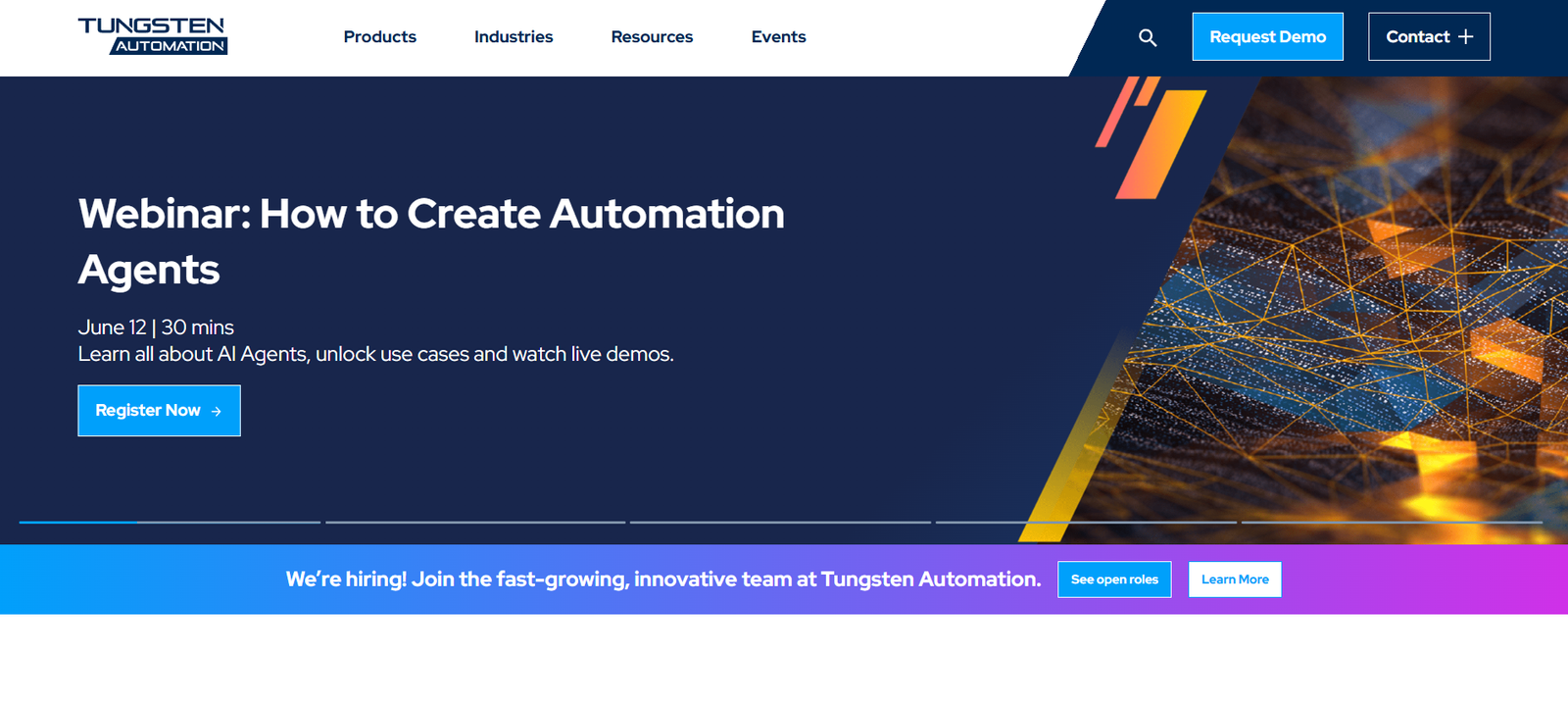
Tungsten Automation, formerly known as Kofax, is a global leader in intelligent automation software, offering solutions that integrate document processing, AI, robotic process automation (RPA), and workflow orchestration. The platform is designed to help enterprises digitize and automate their document-centric processes—improving operational efficiency, compliance, and data accuracy.
Tungsten Automation is trusted by businesses in banking, insurance, healthcare, manufacturing, and government sectors to transform manual processes into streamlined, end-to-end automated workflows. With a focus on AI-powered document intelligence, it provides tools to extract, classify, validate, and integrate data from a wide variety of formats and sources.
Features of Tungsten Automation
Intelligent Document Processing (IDP)
Tungsten’s IDP platform uses AI and machine learning to capture, extract, classify, and validate data from documents such as invoices, forms, emails, and contracts.
Robotic Process Automation (RPA)
Automate repetitive and rules-based tasks across systems and applications. Bots can mimic human actions like keystrokes, clicks, and system navigation.
Cognitive Capture
Go beyond OCR with AI-based document understanding. Extract information from unstructured and semi-structured formats using NLP and machine learning.
Workflow Orchestration
Design, automate, and monitor business processes using a drag-and-drop workflow designer. Easily configure complex, cross-departmental workflows.
E-signature Integration
Accelerate approvals with built-in or third-party e-signature capabilities, ensuring compliance with global standards like eIDAS and ESIGN.
Document Intelligence with AI
Leverage pre-trained and customizable machine learning models to automate document classification, anomaly detection, and compliance validation.
Analytics and Dashboards
Monitor operational performance with real-time dashboards and process analytics. Gain insights into bottlenecks, workload distribution, and SLA compliance.
Integration Capabilities
Connect to ERPs (e.g., SAP, Oracle), CRMs, ECMs, databases, and cloud applications. Supports REST APIs and legacy system integration.
Low-Code/No-Code Design
Build automation workflows without writing code. Business users can define rules and logic with intuitive UI-based tools.
How Tungsten Automation Works
Ingest Documents
Use scanners, mobile apps, emails, or file uploads to capture documents from any source, in any format (PDF, TIFF, Word, Excel, etc.).Extract and Classify Data
AI models identify key fields, classify document types (e.g., invoice vs. purchase order), and extract structured data for processing.Validate and Enrich
The system cross-checks extracted data with databases or business rules to ensure accuracy. Invalid data is flagged for review.Automate Workflows
Data is passed to bots or workflows to trigger downstream actions—such as posting invoices, updating CRM records, or generating reports.Monitor and Optimize
Use dashboards to track process performance, identify exceptions, and continuously improve automation accuracy through retraining models.
Use Cases for Tungsten Automation
Invoice Processing
Automate the receipt, extraction, approval, and posting of invoices—reducing manual entry and errors in accounts payable departments.
Claims Management
Extract claim details from structured and unstructured documents, automate routing, and ensure fast, compliant resolution in insurance operations.
Onboarding and KYC
Capture and verify customer documents during onboarding. Automate ID validation, form processing, and data entry across banking and finance.
Medical Records Management
Digitize and organize patient records, lab results, and insurance forms, enabling quick access and improved compliance in healthcare.
Logistics and Supply Chain
Automate the capture and processing of bills of lading, customs declarations, and delivery notes to improve supply chain transparency.
Contract Lifecycle Automation
Extract clauses, identify risks, and manage contract workflows using document intelligence and legal automation features.
Pricing of Tungsten Automation
Tungsten Automation offers custom pricing based on business size, deployment preferences (cloud vs. on-premises), volume of documents processed, and number of users or bots.
Pricing Factors Include:
Number of automation workflows or RPA bots
Volume of documents or pages processed per month
Add-ons like analytics, e-signature, or AI model customization
Cloud-hosted vs. self-hosted deployment
Enterprise support and SLA tiers
Because pricing is tailored, companies must contact the Tungsten Automation sales team for a personalized quote via https://www.tungstenautomation.com/contact.
Strengths of Tungsten Automation
Comprehensive platform covering RPA, IDP, workflow, and analytics
AI-powered document intelligence outperforms basic OCR tools
Suitable for both structured and unstructured data environments
Supports complex, multi-system business processes
Scalable from SMBs to large global enterprises
Extensive industry-specific solutions (finance, insurance, healthcare)
Strong security, compliance, and governance support
Proven ROI in reducing manual labor and speeding up processing times
Drawbacks of Tungsten Automation
Complex implementation for businesses without IT or process automation expertise
Licensing and pricing transparency could be improved
May require consulting or integration partners for enterprise deployments
Learning curve for configuring AI models and advanced workflows
Some legacy interface elements may feel dated compared to newer SaaS tools
Smaller user community compared to open-source alternatives
Comparison with Other Tools
Tungsten Automation vs. UiPath
UiPath is more focused on RPA and attended bots. Tungsten combines RPA with best-in-class document processing and AI-driven classification, making it ideal for content-heavy workflows.
Tungsten Automation vs. Automation Anywhere
Automation Anywhere has a stronger focus on bot marketplaces and citizen development. Tungsten excels in enterprise document intelligence and vertical-specific automation use cases.
Tungsten Automation vs. ABBYY Vantage
ABBYY is a strong competitor in document capture. Tungsten offers a more complete automation suite, including workflow and integration tools beyond just IDP.
Tungsten Automation vs. Microsoft Power Automate
Microsoft Power Automate is great for simple, low-volume workflows. Tungsten is more robust, with advanced data capture and AI-based validation for large enterprises.
Customer Reviews and Testimonials
Tungsten Automation (as Kofax) is highly regarded by enterprise users:
“We process over 10,000 invoices a month with minimal human input thanks to Tungsten Automation. It reduced AP processing time by 60%.”
— Accounts Payable Manager, Global Retail Brand
“The AI models for classifying incoming documents are incredibly accurate. We eliminated a backlog of unstructured content in weeks.”
— CTO, Regional Bank
“Their RPA combined with document intelligence gives us the power to automate anything from HR onboarding to insurance claims.”
— Director of Operations, Insurance Firm
The platform also receives strong ratings on enterprise review sites like Gartner Peer Insights and G2.
Conclusion
Tungsten Automation is a comprehensive, AI-powered automation platform designed for enterprises seeking to digitize and optimize document-intensive processes. With powerful tools for intelligent document processing, robotic process automation, and workflow orchestration, it helps organizations reduce manual workload, improve accuracy, and accelerate digital transformation.
Whether you’re in finance, healthcare, insurance, or government, Tungsten Automation provides a trusted, scalable solution to drive operational excellence through intelligent automation.


