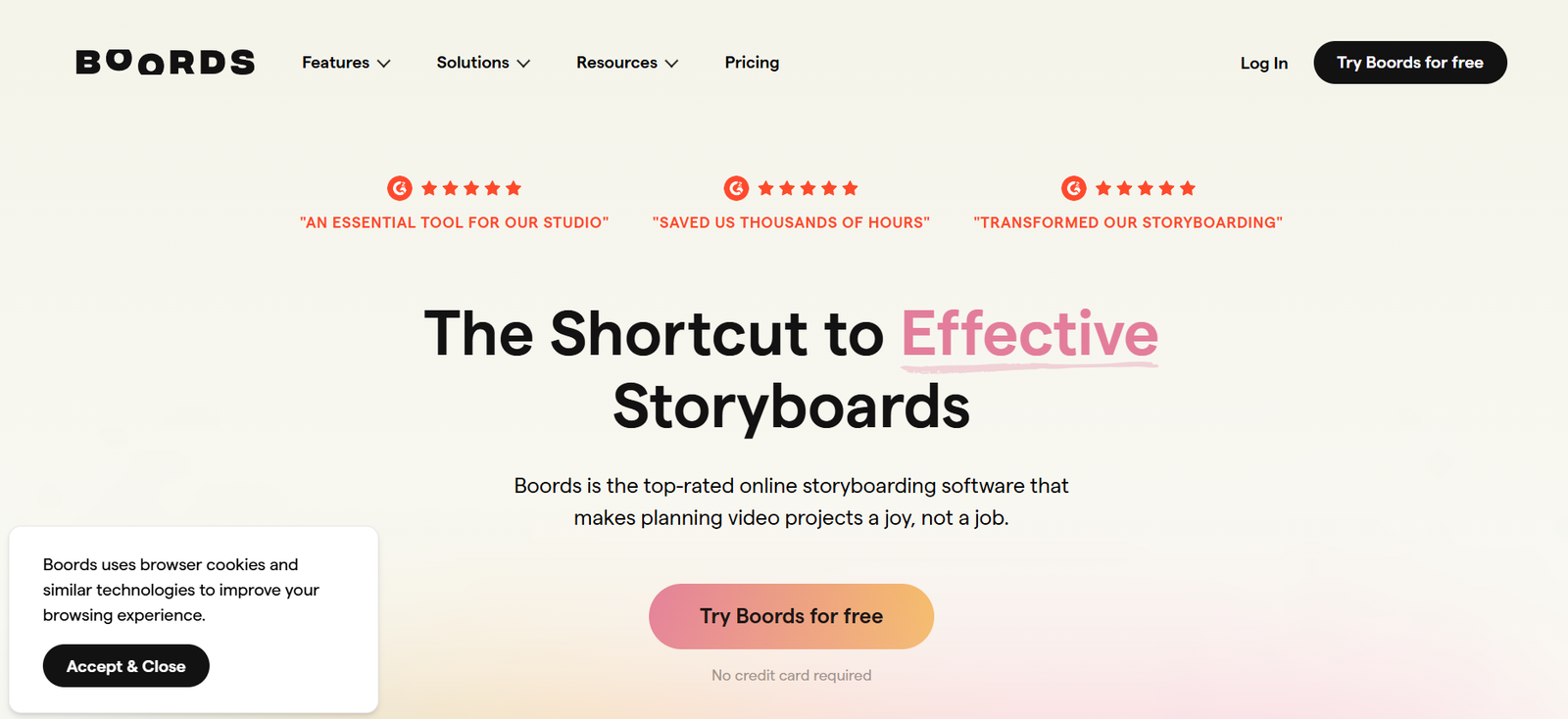
Boords is a powerful, web-based storyboarding and pre-production platform that helps creative teams plan and visualize their video projects. Designed for filmmakers, animators, agencies, and educational content creators, Boords simplifies the process of creating, editing, and sharing storyboards.
With a user-friendly interface and AI-assisted features like automatic storyboard generation from scripts, Boords enables teams to collaborate more efficiently while staying aligned throughout the entire creative workflow. Whether you’re preparing a client pitch, animatic, or explainer video, Boords helps translate concepts into visuals—fast.
Features of Boords
Storyboard Creator
Build digital storyboards easily by uploading images or creating sketches. Rearranging frames and adjusting timing is simple with a drag-and-drop interface.
Script Editor with AI Integration
Write or import scripts directly into Boords, then use AI to automatically convert the script into storyboard frames, reducing manual work.
AI Image Generation (Beta)
Boords includes a built-in AI image generator that transforms script descriptions into visuals using text-to-image models, speeding up concept design.
Animatic Creator
Turn your storyboard into a timed video preview (animatic), complete with frame durations, voiceovers, and audio to simulate the final video.
Voiceover and Audio Upload
Add professional polish to animatics by uploading audio tracks or recording voiceovers directly within the platform.
Collaboration Tools
Invite teammates or clients to comment, review, and edit storyboards in real time. User roles and permissions support flexible project management.
Version History
Track changes and revert to previous storyboard versions, making experimentation and iteration easy.
Export Options
Export your storyboards as PDFs, MP4 videos, or PowerPoint files for presentations, pitches, or client approvals.
Templates and Frame Notes
Use customizable templates and frame-level notes to add direction, dialogue, or production notes for each scene.
How Boords Works
Create a New Project
Start a storyboard project by naming it and choosing a layout or template.Write or Import Script
Add your script directly in Boords or import from a text document. The platform splits the script into visual scenes automatically.Add Visuals
Use existing assets, upload custom images, or generate images using the AI-powered visual generator.Build Animatic
Add audio, adjust timing, and render an animatic to preview the video flow.Collaborate and Share
Invite team members to provide feedback. Comment, edit, and refine together.Export and Present
Download your storyboard or animatic in the format needed—PDF for print, MP4 for previews, or PowerPoint for meetings.
Use Cases for Boords
Film and Animation Studios
Visualize and pitch scene breakdowns with clear structure, audio, and direction.
Creative Agencies
Develop client storyboards for commercials, branded content, and digital campaigns with collaborative feedback loops.
Educational Content Creators
Plan online courses, tutorials, and e-learning videos with clear instructional flow and scene planning.
YouTubers and Indie Filmmakers
Quickly plan and visualize content with minimal resources, supported by AI tools and reusable templates.
Corporate Training Teams
Design and storyboard internal training videos or HR communications for smoother production.
Pricing of Boords
As of June 2025, Boords offers the following pricing tiers (sourced from the official website):
Free Plan
1 active project
Up to 3 collaborators
PDF exports
Limited access to features
Pro – $36/month per user (billed annually)
Unlimited storyboards
AI image generation
Full animatic functionality
Voiceover and audio upload
All export formats (MP4, PDF, PowerPoint)
Priority support
Team – Custom Pricing
Everything in Pro
Team management tools
Centralized billing
Onboarding support
Custom SLAs and enterprise security options
A 7-day free trial is available for new users to test Pro features.
Strengths of Boords
Easy-to-use interface designed for creatives of all levels
Combines storyboarding, scriptwriting, and animatic creation in one tool
AI automation saves time on visual and structural planning
Strong collaboration features with real-time feedback and editing
Export flexibility supports client presentations and video pre-production
Cloud-based, no installation required
Drawbacks of Boords
Free plan is limited to one project
AI image generation is still in beta and may not meet all visual expectations
Lacks in-depth video editing features—intended only for pre-production
Pricing may be high for occasional or hobbyist users
Comparison with Other Tools
Boords competes with tools like Storyboard That, Canva (for storyboard templates), and StudioBinder.
Boords vs. Storyboard That
Storyboard That is more education-focused and cartoon-based, while Boords offers more professional-grade features for video production.
Boords vs. Canva
Canva supports basic visual layouts but lacks script integration and animatics. Boords is built specifically for pre-production workflows.
Boords vs. StudioBinder
StudioBinder offers full production management tools (call sheets, shooting schedules). Boords focuses tightly on pre-visualization and storytelling, making it faster and simpler to use for early creative stages.
Customer Reviews and Testimonials
Boords has received praise from video creators, animation teams, and agency producers for its ease of use and time-saving capabilities.
“Boords is the fastest way we’ve found to get from script to storyboard. The AI image feature is a big help for early mock-ups.” – Creative Director, Animation Studio
“We use Boords for every pitch. Our clients love how clear and professional the presentations look.” – Producer, Digital Agency
“As a solo filmmaker, Boords lets me organize my ideas visually without needing a big team. Game-changer.” – Independent Creator
Boords is also well-rated on platforms like Product Hunt and G2, especially for its collaborative features and modern interface.
Conclusion
Boords is a powerful, streamlined solution for creative professionals who need to turn ideas into storyboards quickly and collaboratively. With its AI tools, integrated script editor, animatic builder, and versatile export options, Boords stands out as one of the most efficient pre-production tools available today.
Whether you’re producing a commercial, animated short, or training video, Boords helps you organize, visualize, and present your creative vision without the overhead of traditional storyboarding software. It’s a must-have for agile, modern content teams.