
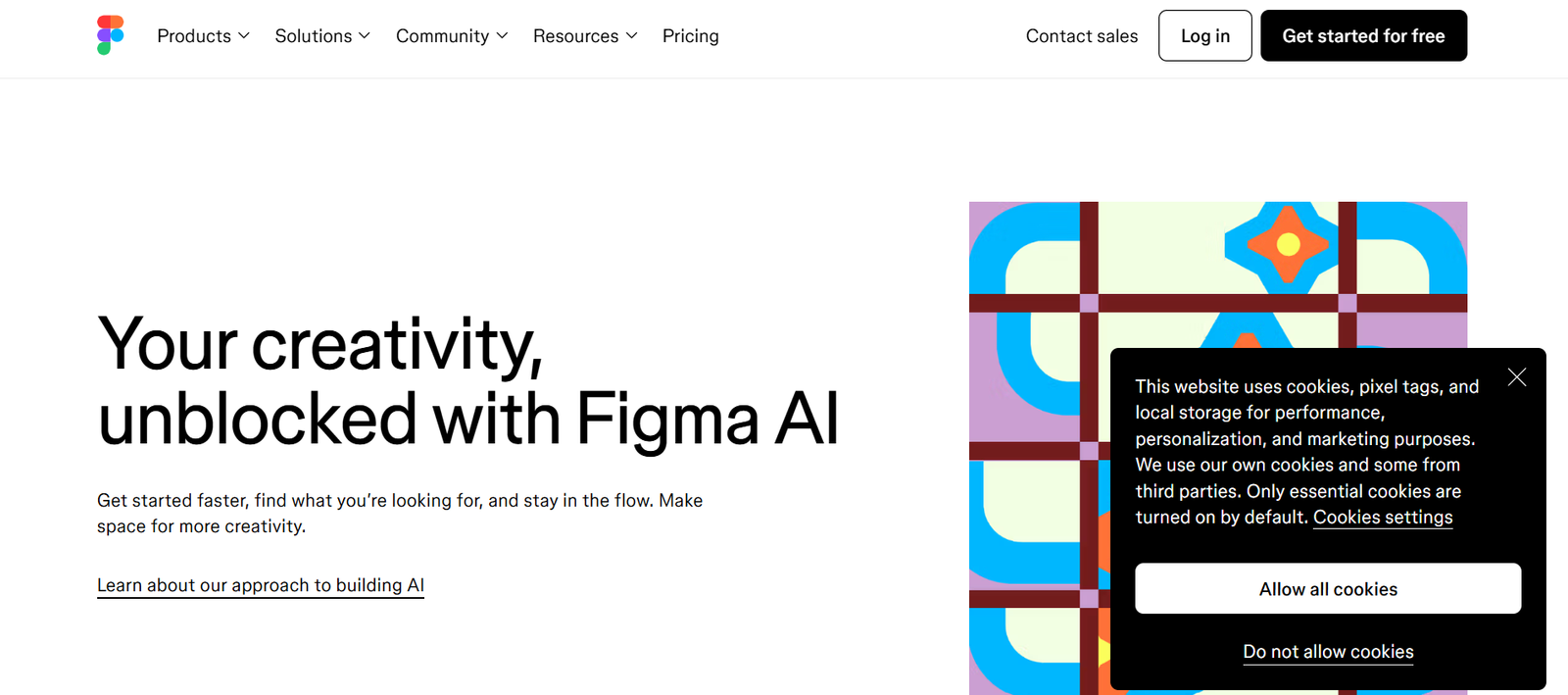
Figma is a browser-based interface design and prototyping tool created for teams that build digital products. Unlike traditional design software, Figma runs entirely in the cloud, meaning users can access and edit files from any device, share work in real time, and receive feedback without the need for file exports or version control issues.
Figma combines the best of design and collaboration into one tool. It allows users to create wireframes, UI components, high-fidelity mockups, and interactive prototypes. With live collaboration, team members can comment, co-edit, and present designs seamlessly—no software installations or email threads required.
It is widely used by product teams, design agencies, freelancers, developers, and educators to manage workflows and maintain consistency across projects.
Features
Real-Time Collaboration
Multiple users can work on the same file simultaneously, with changes visible in real time. This eliminates the need for constant syncing or file sharing.
Cloud-Based Platform
Accessible from any device with an internet connection. All files are saved in the cloud, making version control and backups automatic.
Vector Editing Tools
Create pixel-perfect designs with advanced vector manipulation features similar to Adobe Illustrator and Sketch.
Prototyping and Interactions
Link UI components and add interactions, animations, and transitions to simulate user flows and test usability.
Design Systems Support
Create shared component libraries, typography scales, and style guides that can be reused across teams and projects.
Developer Handoff
Developers can inspect elements, copy CSS, iOS, and Android code snippets, and download assets directly from the design file.
Commenting and Feedback
Stakeholders and team members can leave comments on specific parts of the design without needing editing access.
Plugins and Integrations
Extend functionality with a wide range of plugins, including content generators, accessibility tools, and integrations with Slack, Jira, and more.
Auto Layout
Build responsive designs using Auto Layout, which adjusts frames and components dynamically based on content changes.
Version History
Track changes, revert to previous versions, and maintain a full design history across all projects.
How It Works
Using Figma is straightforward and doesn’t require installation:
Create a Free Account
Visit https://www.figma.com and sign up with your email or a Google account.Start a New File or Import Existing Designs
Begin a new design file, choose from community templates, or import Sketch files.Use the Editor
Design using vector tools, create components, apply styles, and build pages. Everything is saved automatically in the cloud.Collaborate and Share
Invite team members to co-edit or view the design. Share links for feedback, prototyping, or developer inspection.Prototype and Present
Use the prototype tab to link frames and present interactive mockups with transitions and overlays.Developer Handoff
Share a design file link with developers, allowing them to inspect design specs, export assets, and copy code.
Use Cases
Product Design Teams
Collaborate across UX, UI, and development teams in real time to speed up product iterations.
Agencies and Freelancers
Work with clients, gather feedback, and present designs without file exchanges or complex setups.
Design Systems and Branding
Create reusable design components and style guides to maintain visual consistency.
Education and Training
Teach design principles, conduct workshops, or assign student projects in a collaborative digital environment.
Marketing Teams
Design landing pages, ads, and social media visuals that integrate seamlessly with other design assets.
Startups and Developers
Create MVPs, pitch decks, and product visuals with quick prototyping tools and collaborative workflows.
Pricing
Figma offers both free and paid plans, with pricing based on features and team size.
Starter Plan – Free
Up to 3 Figma files
Unlimited collaborators
Unlimited personal files
Figma mobile app
Plugin access
30-day version history
Professional Plan – $12/editor/month (billed annually)
Unlimited files and version history
Shared team libraries
Audio conversations
Invite-only projects
Organization Plan – $45/editor/month (billed annually)
Advanced design systems
Centralized team management
Shared fonts
Private plugins
Analytics and user management
Enterprise Plan – Custom pricing
Enterprise-grade security
Organization-wide libraries
Advanced admin tools
Single Sign-On (SSO)
Dedicated support
Pricing and features are detailed at https://www.figma.com/pricing
Strengths
Live Collaboration
Reduces friction in design reviews and decision-making. Everyone works in the same file, in real time.
Cross-Platform Access
No installation or device limitation. Figma runs in the browser and syncs automatically.
Robust Design System Support
Scalable libraries and components make it ideal for organizations with strict design consistency needs.
Powerful Free Tier
The free plan is more generous than many competitors, especially for solo designers and small teams.
Developer-Friendly
Smooth handoff with code inspection tools and no need for separate redlining tools.
Active Plugin Ecosystem
Hundreds of community-made plugins extend functionality, from automation to asset libraries.
Drawbacks
Requires Constant Internet Access
Figma is cloud-based; offline capabilities are limited to the desktop app with prior sync.
No Full Video Support
Limited to GIFs and animations in prototypes—no native video embedding or playback.
Browser Performance Constraints
Large files or many simultaneous collaborators may cause performance lag in older systems or browsers.
Steep Learning Curve for New Users
Powerful features require some time to master, especially for those unfamiliar with UI design tools.
Team Pricing Can Add Up
While affordable individually, costs can rise quickly for large teams or agencies with many editors.
Comparison with Other Tools
Figma vs Adobe XD
Adobe XD offers offline editing and tighter Adobe integration. Figma excels in collaboration and cloud-based accessibility.
Figma vs Sketch
Sketch is Mac-only and requires third-party tools for collaboration. Figma is cross-platform and built for team workflows.
Figma vs Canva
Canva is simpler and geared toward non-designers. Figma is far more powerful for interface and UX design.
Figma vs InVision
InVision focuses on prototyping. Figma includes both design and prototyping tools in a unified platform.
Figma vs Webflow
Webflow is for building live websites with code. Figma is for design and prototyping only, but integrates with tools like Webflow.
Customer Reviews and Testimonials
Figma has received widespread acclaim from designers and teams globally:
“Figma transformed how we collaborate on design. Our designers, PMs, and engineers all speak the same language now.”
— Product Manager at SaaS Startup
“As a freelancer, Figma lets me share live designs with clients, and they love being part of the process.”
— UI/UX Designer
“The design system tools in Figma are unmatched. It keeps our brand consistent across multiple teams.”
— Design Lead at E-commerce Company
“Easy to learn, powerful to master. I’ve completely replaced Sketch and InVision with Figma.”
— Front-End Developer
Conclusion
Figma is a transformative platform that bridges the gap between design and collaboration. By offering an all-in-one tool for interface design, prototyping, and developer handoff, it enables product teams to move faster, design smarter, and stay aligned across every phase of a project.
Whether you’re a solo designer, part of a startup, or working with a large enterprise, Figma offers the scalability, flexibility, and functionality to support your creative goals. Its generous free tier and powerful collaborative tools make it a must-try for anyone in the digital design space.


