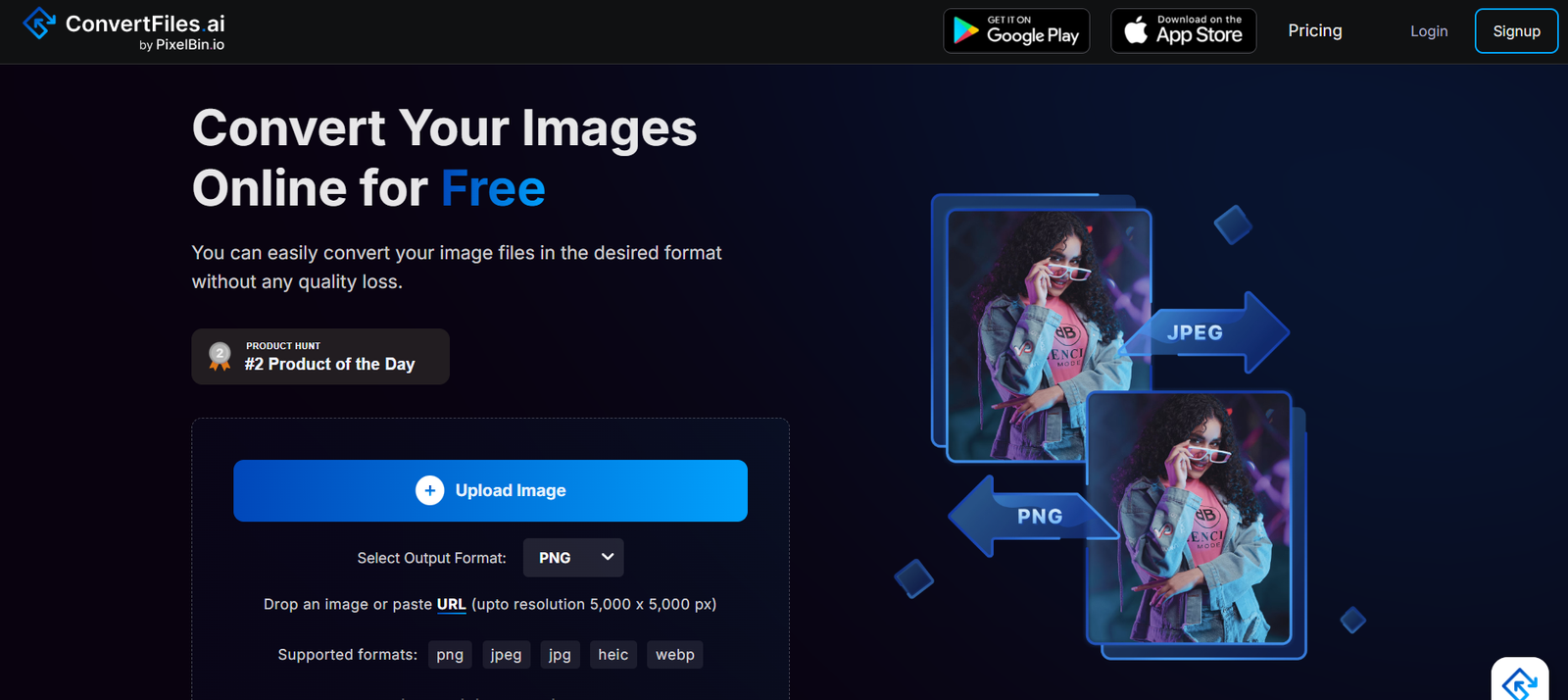
ConvertFiles.ai is a free, AI-enhanced file conversion platform that supports fast and secure conversion between multiple file formats, including image, video, audio, and document types. Whether you’re a designer, student, content creator, or marketer, ConvertFiles.ai makes it easy to upload a file and convert it into the format you need—without downloading software or creating an account.
Built for speed and simplicity, the platform leverages AI to optimize file conversions for quality, format compatibility, and compression—all in a web-based environment.
Official website: https://www.convertfiles.ai
Features
1. All-in-One File Converter
Convert images (JPEG, PNG, SVG, WEBP), videos (MP4, AVI, MOV), audio (MP3, WAV, OGG), and documents (PDF, DOCX, TXT) with a simple drag-and-drop interface.
2. AI-Powered Format Optimization
Uses AI to retain image sharpness, audio fidelity, and video clarity during the conversion process—minimizing quality loss.
3. No Sign-Up Required
Convert files immediately without registering or logging in. Perfect for one-time or occasional use.
4. Fast and Lightweight
Conversions are handled in the cloud and complete in seconds for most files, depending on size.
5. Secure File Handling
All uploads are encrypted, and files are automatically deleted shortly after processing to ensure data privacy.
6. Multi-Format Output Options
Users can select from a wide range of output formats for each file type—great for compatibility across devices and platforms.
How It Works
Using ConvertFiles.ai is simple and requires no technical knowledge:
Upload Your File
Drag and drop or select your file from your device.Choose Output Format
The system automatically detects your file type and displays supported output formats.Start Conversion
Click “Convert” to begin the process. The AI will optimize the conversion based on file type.Download the Converted File
Within seconds, your new file is ready for download.
No registration or payment is required for basic use, and the platform works across all modern browsers.
Use Cases
1. Designers and Creators
Convert PNGs to JPGs, SVGs to PNGs, or videos to different formats for editing or uploading on various platforms.
2. Social Media Managers
Resize or reformat video and image files to match specific requirements for Instagram, TikTok, or YouTube.
3. Students and Educators
Convert DOCX to PDF for submissions, or transform audio lectures into different file formats for sharing.
4. Content Marketers
Turn marketing videos into audio clips, convert images to web-friendly formats, or compress files for faster loading.
5. Developers
Quickly convert assets between formats during app or web development without installing third-party software.
6. Everyday Users
Fix compatibility issues by converting files to universally supported formats for viewing or sharing.
Pricing
As of June 2025, ConvertFiles.ai is 100% free to use.
No account required
No usage limits stated on the homepage
No watermarks on output files
Free access to all file formats supported
There are currently no paid or pro plans listed on the website, making ConvertFiles.ai a highly accessible tool for both personal and professional use.
For future updates and features, visit: https://www.convertfiles.ai
Strengths
Completely Free: No sign-up or payment required for file conversion.
Wide Format Support: Handles all major image, audio, video, and document types.
AI Optimization: High-quality output without file degradation.
Fast and Web-Based: No downloads or installations—works instantly in any modern browser.
Privacy-Conscious: Files are automatically deleted after processing.
Drawbacks
No Batch Conversion: You can convert only one file at a time (as of current version).
Limited Editing Tools: It’s a conversion tool only—no editing or compression customization beyond format selection.
No File Preview: You can’t preview the converted file before downloading.
Lack of API or Integration: No option for developers to integrate the tool into external platforms or workflows (yet).
Comparison with Other Tools
Versus CloudConvert: CloudConvert offers more integrations and advanced conversion settings, but ConvertFiles.ai is easier, faster, and completely free.
Versus Zamzar: Zamzar offers email conversion and more format detail, but ConvertFiles.ai is more modern, faster, and doesn’t require an account.
Versus Online-Convert.com: Online-Convert supports OCR and compression tuning, but ConvertFiles.ai delivers a cleaner, faster user experience for general users.
ConvertFiles.ai is best for users seeking quick, high-quality file format conversions without signup or complexity.
Customer Reviews and Testimonials
While ConvertFiles.ai does not currently publish user testimonials on its website, online feedback from tech forums and casual users highlights the platform’s:
“Incredibly fast and simple. Converted a MOV file to MP4 in seconds.”
“Finally, a tool that works without forcing me to create an account.”
“Very clean interface—perfect for converting images for my Shopify store.”
Users appreciate the speed, accessibility, and quality of the output.
Conclusion
ConvertFiles.ai is a powerful, no-frills file converter that uses AI to enhance output quality across a wide range of file types. With its intuitive interface, instant processing, and no-cost usage model, it’s an excellent utility for students, creators, developers, marketers, and anyone needing a quick format change.
If you’re looking for a reliable file conversion tool that just works—ConvertFiles.ai is a smart choice.