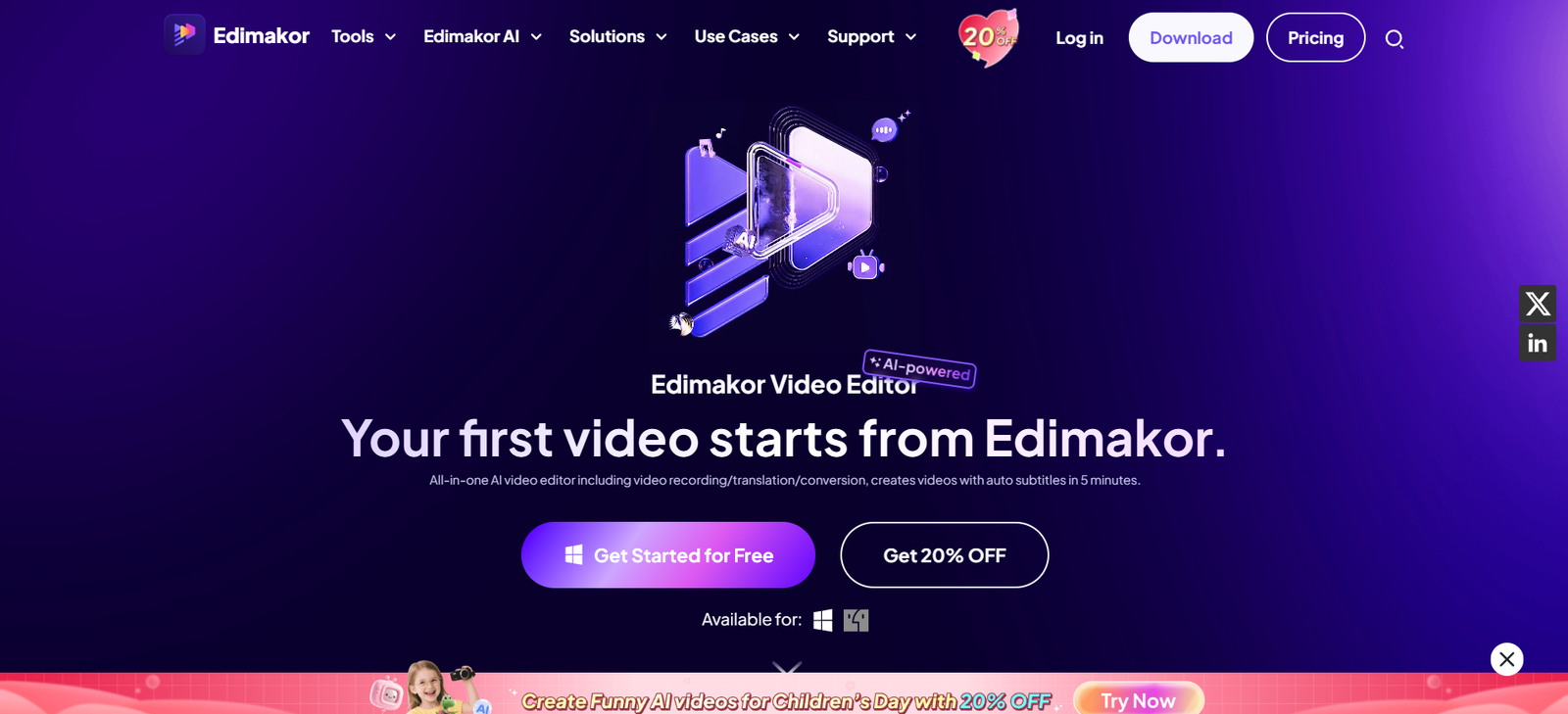
HitPaw Edimakor is an all-in-one video editing application that combines traditional editing tools with advanced AI capabilities. It is specifically geared toward YouTubers, social media creators, educators, and marketers looking to streamline video creation without sacrificing quality.
Unlike complex video editing suites like Adobe Premiere Pro or DaVinci Resolve, Edimakor offers an intuitive interface supported by automation. AI tools take care of tasks like generating subtitles, transcribing dialogue, and organizing clips, freeing up users to focus on storytelling and creativity.
The platform supports multi-track editing, transitions, effects, and more—making it a complete video editing solution for beginners and professionals alike.
Features
AI Subtitle Generator
Automatically generates accurate subtitles from spoken audio using speech-to-text technology. Supports multiple languages and exports in SRT format.
Text-to-Speech and Voice Cloning
Convert written scripts into natural-sounding voiceovers using built-in AI voice models. Clone your voice or choose from various presets.
AI Noise Reduction
Remove unwanted background noise from audio tracks with one click—perfect for vlogs, interviews, and educational content.
Smart Clip Organizer
Automatically organize clips and identify highlight moments using AI content analysis.
Multi-Track Timeline Editing
Add and arrange video, audio, and subtitle tracks with drag-and-drop simplicity. Supports layering and advanced timeline functions.
Screen Recording and Webcam Capture
Record screen tutorials, demos, or presentations directly from within the app, with optional webcam overlay.
Rich Asset Library
Access a built-in library of royalty-free music, transitions, filters, text styles, and motion graphics.
Green Screen/Chroma Key Support
Remove and replace backgrounds for green screen footage with AI-powered keying.
AI Script to Video (Beta)
Turn written scripts into video presentations using text-to-video conversion.
Aspect Ratio Adjustment
Resize projects for different platforms like YouTube, Instagram, or TikTok with automated cropping and layout tools.
Easy Export and Sharing
Export in multiple resolutions and formats, including 1080p, 4K, and optimized social formats.
How It Works
HitPaw Edimakor simplifies video editing into a few straightforward steps:
Download and Install
Visit https://edimakor.hitpaw.com and download the software for Windows or macOS.Create a New Project
Launch the app and import your media files—video clips, audio, or images.Use the Timeline Editor
Drag your files into the timeline. Add transitions, text, overlays, or effects as needed.Apply AI Features
Generate subtitles, reduce noise, or use voiceover tools through the dedicated AI tab.Preview and Edit
Use real-time previews to fine-tune your video before export.Export and Share
Choose resolution and format, then export your video for upload or sharing.
No prior video editing experience is needed—HitPaw Edimakor is built for accessibility and speed.
Use Cases
YouTubers and Vloggers
Speed up editing with automatic subtitles, voiceovers, and drag-and-drop transitions.
Online Educators
Create lessons with screen recordings, annotations, and AI-powered voice narration.
Social Media Marketers
Produce vertical videos, reels, and ads optimized for Instagram, TikTok, and Facebook.
Freelancers and Agencies
Offer fast turnaround times on client projects with AI-enhanced workflows.
Corporate Trainers and Presenters
Generate internal training videos and product demos with clean editing and professional narration.
Podcasters and Interviewers
Add visual components to audio content with subtitles, waveforms, and branded overlays.
Pricing
HitPaw Edimakor offers both a free trial and premium subscriptions. As of the latest available details:
Free Trial
Watermarked exports
Limited access to AI features
Basic editing tools
Time-restricted usage
Premium Plan Options
Monthly Plan: $29.95/month
Annual Plan: $89.95/year (most cost-effective)
Lifetime License: $199.95 (one-time payment)
All premium plans unlock full access to the software, including:
Unlimited exports (no watermark)
Full AI functionality
Access to all future updates
Customer support
Pricing may vary by region or promotions. Always check the official pricing page for up-to-date details.
Strengths
AI-Powered Efficiency
Automates time-consuming editing tasks like subtitle creation and audio cleanup.
Beginner-Friendly Interface
Intuitive timeline and tools designed for users with little to no editing experience.
All-in-One Platform
Combines video editing, voiceovers, screen recording, and text tools in a single app.
Multi-Language Support
Subtitle generation and text-to-speech available in multiple languages for global creators.
Frequent Updates
Backed by HitPaw’s active development team with regular improvements and new features.
Affordable Lifetime Option
One-time payment model is rare in the video editing market and ideal for long-term users.
Drawbacks
Desktop-Only Application
Requires download and installation; no browser-based or mobile version at this time.
Limited Advanced Controls
Power users may find fewer advanced features compared to professional software like Final Cut or Premiere.
Occasional Export Delays
High-resolution exports can take time on lower-spec machines.
Watermark on Free Plan
Exports from the free version include a watermark, limiting its use for final publishing.
No Cloud Sync or Collaboration Tools
Currently lacks real-time team editing or cloud project sharing capabilities.
Comparison with Other Tools
HitPaw Edimakor vs CapCut
CapCut is mobile-first and great for short-form videos. Edimakor offers a more complete desktop suite with AI editing tools.
HitPaw Edimakor vs Adobe Premiere Pro
Premiere is industry-standard but complex. Edimakor is more accessible and faster for casual creators.
HitPaw Edimakor vs Filmora
Both target casual users, but Edimakor stands out with stronger AI automation and a better lifetime license offer.
HitPaw Edimakor vs Descript
Descript is better for podcast and audio-first workflows. Edimakor offers stronger visual editing features.
Customer Reviews and Testimonials
Early user feedback highlights the platform’s ease of use and AI features:
“I used to spend hours adding subtitles manually. Now it takes minutes with Edimakor.”
— YouTube Content Creator
“The text-to-speech tool is perfect for tutorials. Very natural voice output.”
— Online Instructor
“As a freelancer, Edimakor helps me deliver polished videos quickly. The noise removal is fantastic.”
— Video Editor
“I was new to editing. This software made my first project a success with no steep learning curve.”
— Small Business Owner
Conclusion
HitPaw Edimakor is a smart, user-friendly video editing tool designed to meet the demands of modern creators. With a robust mix of AI-powered automation and classic editing tools, it makes video production faster, easier, and more accessible for everyone—from YouTubers and educators to marketers and business owners.
If you’re looking for a powerful yet intuitive video editor that simplifies your creative workflow, HitPaw Edimakor is a strong contender. Try it today by downloading from https://edimakor.hitpaw.com