
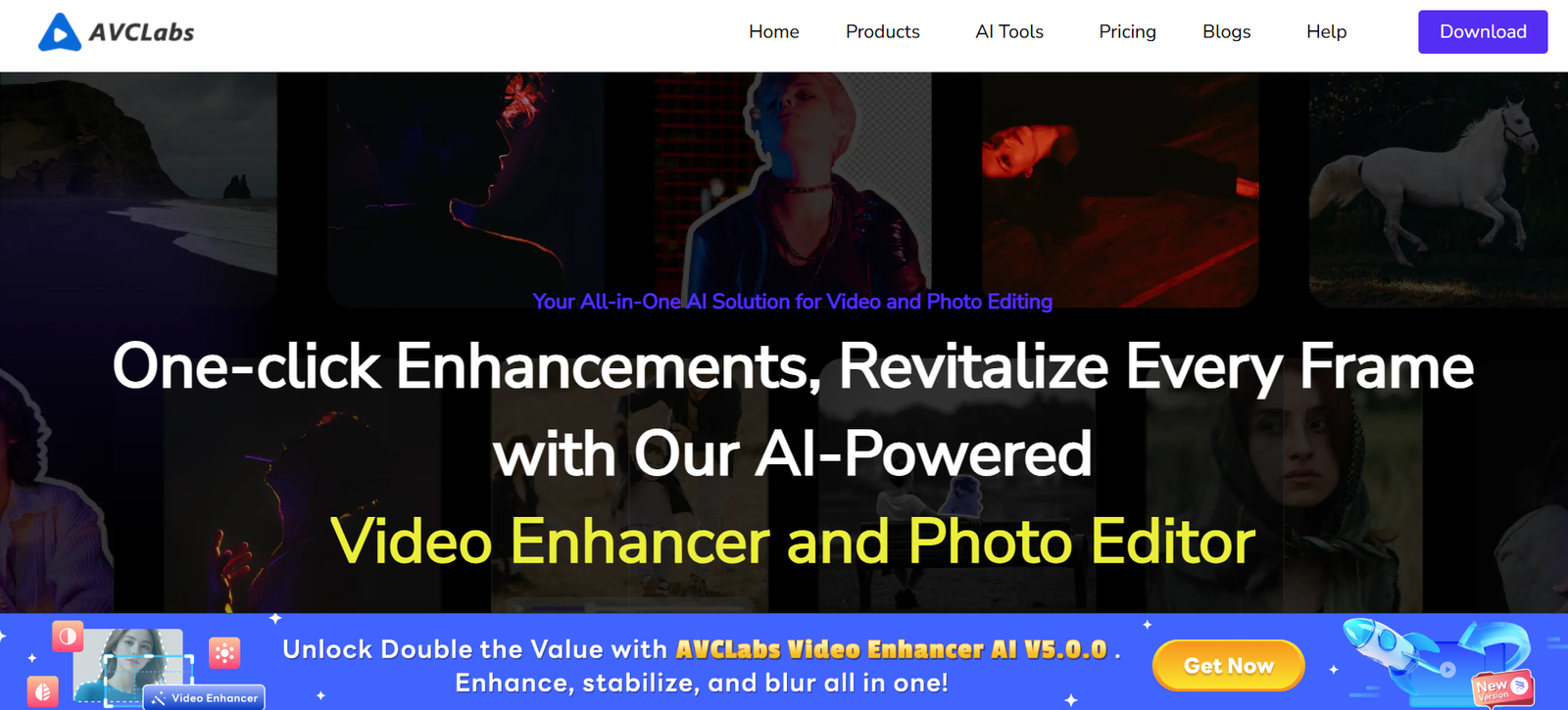
AVCLabs is a suite of AI-powered desktop software tools designed to enhance, upscale, and restore videos and photos. With a focus on high-quality image and video processing, AVCLabs serves video editors, photographers, content creators, and media professionals who want to improve visual content without relying on complex editing workflows.
From restoring old photos to upscaling low-resolution videos to 4K or even 8K, AVCLabs combines deep learning technology with a user-friendly interface to make professional-grade enhancement accessible to all.
Official website: https://www.avclabs.com
Features
AVCLabs currently offers three major AI-enhanced tools, each specializing in visual media improvement:
1. AVCLabs Video Enhancer AI
Video Upscaling: Convert low-res videos (SD, HD) to higher resolutions (1080p, 4K, 8K) using AI.
Frame Interpolation: Add extra frames to low-frame-rate videos to create smoother playback.
Noise Reduction: Remove grain, compression artifacts, and low-light noise from old or low-quality footage.
Color Correction and Deblurring: Enhance vibrance and sharpness in blurry or dull footage.
2. AVCLabs Photo Enhancer AI
Image Upscaling: Enlarge images up to 4x or 6x without quality loss.
Face Enhancement: AI restores facial details in portraits, improving sharpness and realism.
Background Removal: Cut out subjects from backgrounds with precision.
Denoise and Colorize: Remove digital noise and add realistic color to black-and-white images.
3. AVCLabs PhotoPro AI
Layer-Based Editing: Non-destructive photo editing with AI-powered tools for background change, object removal, and image retouching.
Face Retouching: Automatically enhance facial features for social media or professional headshots.
AI Generative Fill: Fill or expand image areas using generative AI (Beta).
All tools are available for Windows and macOS, with GPU acceleration for faster processing.
How It Works
AVCLabs tools are designed for simplicity while delivering high-quality results. The general workflow is as follows:
Download & Install
Visit the AVCLabs website and install the relevant tool for Windows or macOS.Import Media Files
Drag and drop your videos or photos into the software interface.Select AI Model and Settings
Choose your desired enhancement option—upscale resolution, remove noise, restore faces, etc.Preview and Process
Preview the results before processing. When ready, click “Start” to run the enhancement. GPU acceleration improves performance.Export Output
Save your enhanced video or image in high-quality formats like MP4, PNG, or JPG.
No professional editing experience is required. The AI handles most of the enhancement tasks automatically.
Use Cases
1. Video Editors and Filmmakers
Upscale old or low-resolution footage for HD and 4K projects. Restore archival footage for documentaries or historical films.
2. Photographers and Designers
Improve photo quality, remove background clutter, and upscale assets for print or web.
3. eCommerce and Social Media Creators
Sharpen product photos, retouch facial features, and enhance brand visuals for online storefronts or ads.
4. Family and Hobbyist Use
Restore old family photos, colorize vintage images, or improve personal videos for sharing.
5. AI Enthusiasts and Researchers
Test AI models and visual enhancement technologies in content workflows or experimental projects.
Pricing
As of June 2025, AVCLabs offers both subscription and perpetual license models for its key products:
AVCLabs Video Enhancer AI
1-Month Plan: $39.95/month
1-Year Plan: $119.95/year
Lifetime Plan: $299.90 (one-time payment)
Free Trial: Includes watermark and limited output
AVCLabs Photo Enhancer AI
1-Month Plan: $19.95/month
1-Year Plan: $59.95/year
Lifetime Plan: $159.90 (one-time payment)
Free Trial: Limited functionality and watermark
AVCLabs PhotoPro AI
1-Month Plan: $19.95/month
1-Year Plan: $59.95/year
Lifetime Plan: $149.90 (one-time payment)
Licenses are available per user/computer. AVCLabs also offers bundled pricing discounts for multi-tool purchases. Visit the official pricing page for the latest offers.
Strengths
AI-Driven Enhancement: Uses cutting-edge machine learning to deliver superior visual improvements.
Easy to Use: Simple interface with drag-and-drop functionality suitable for beginners.
Offline Processing: Works locally on your device—no internet connection needed for processing.
Cross-Platform Support: Available for both Windows and macOS with GPU acceleration.
Flexible Licensing: Offers subscriptions and lifetime licenses depending on your needs.
Drawbacks
System Resource Intensive: AI processing can be slow on low-end systems or without GPU acceleration.
No Cloud-Based Option: All enhancements are done locally; there’s no browser-based or mobile version.
Trial Version Limitations: The free version includes watermarks and limited functionality.
Not Ideal for Manual Editing: Focused on automation, lacks granular manual editing controls that professionals may require.
Comparison with Other Tools
AVCLabs competes with AI video and image enhancement tools such as:
Topaz Video AI – Offers similar video upscaling features but comes at a higher price and with a steeper learning curve.
Remini (Mobile) – Focuses on real-time image enhancement, but AVCLabs provides higher-quality offline processing.
Photoshop (with Neural Filters) – Adobe’s tools are more advanced for manual editing but less automated.
AVCLabs stands out for its automation, quality, and ease of use, especially for users who want high-end results with minimal input.
Customer Reviews and Testimonials
AVCLabs receives positive reviews from professionals and hobbyists alike. Here’s what users are saying:
“I used AVCLabs Video Enhancer to upscale my old wedding video to 4K—it looked amazing!” – Home User
“The face restoration feature in the photo enhancer is impressive. It brought new life to my grandparents’ old portraits.” – Photographer
“Easy to use, reliable results, and well worth the investment if you work with a lot of visual media.” – Content Creator
These testimonials highlight the software’s core value: quality AI enhancements with minimal effort.
Conclusion
AVCLabs is a powerful and user-friendly AI software suite for enhancing both photos and videos. Whether you’re a content creator looking to boost production quality or a family member restoring memories, AVCLabs provides fast, accessible, and professional results using state-of-the-art artificial intelligence.
Its offline, high-performance desktop tools make it an excellent alternative to more complex platforms—without compromising on quality.


