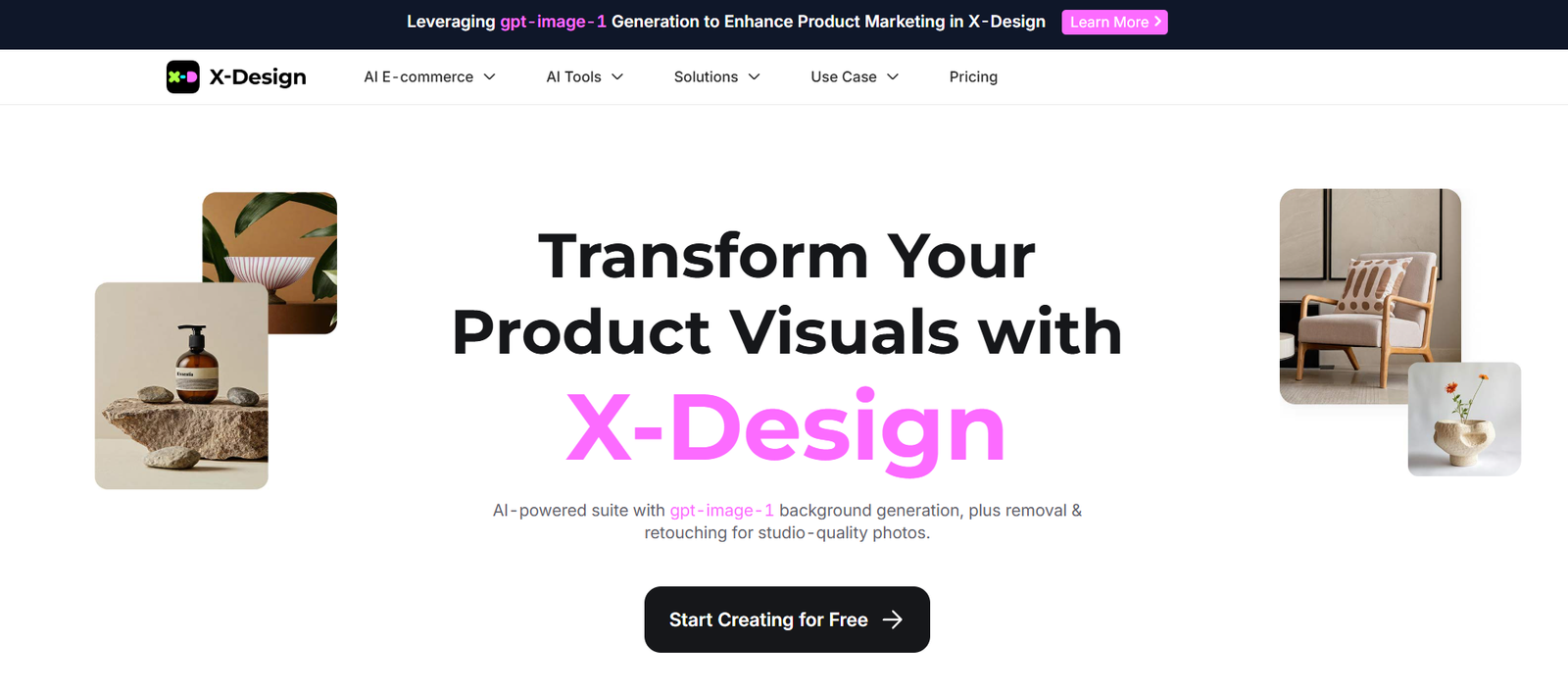
X-Design is an AI-first design tool that enables rapid wireframing and UI/UX prototyping with minimal manual input. The platform is built to support designers, product managers, and developers in creating high-fidelity prototypes without needing to spend hours crafting components from scratch.
The tool integrates intelligent layout suggestions, design best practices, and prebuilt UI elements, making it easier for users to focus on user experience and iteration. It also supports direct collaboration and handoff to development teams, helping align the entire product team from concept to build.
The platform is web-based, so there’s no software to install. It works in any modern browser and is accessible across devices.
Features
AI-Driven Design Suggestions
Leverages machine learning to recommend UI layouts, screen flows, and reusable design patterns based on your inputs.
Smart Component Library
Includes a library of prebuilt design components (buttons, cards, nav bars, forms, etc.) that can be customized and reused.
Rapid Wireframing Tools
Quickly drag and drop elements to create wireframes, or let AI build a draft based on your app’s goal.
Design to Code Export
Generates front-end code snippets (React, HTML/CSS) from designs for faster handoff to developers.
Real-Time Collaboration
Work simultaneously with teammates—leave comments, suggest edits, and track revisions in real-time.
Responsive Design Support
Create designs that adapt across mobile, tablet, and desktop screen sizes.
User Flow Mapping
Visually map out user journeys, connect screens, and define navigation logic.
Figma and Sketch Import
Import existing designs from other platforms and enhance them with AI-powered tools.
Brand Styling Support
Apply global branding settings like fonts, colors, and spacing rules to maintain consistency across projects.
How It Works
X-Design is built for speed and simplicity. Here’s a typical workflow:
Create a Project
Start by choosing a device frame (web, mobile, tablet) and naming your project.Input Design Intent
Describe the function of your app or screen (e.g., “Login screen for a finance app”) or start with a blank canvas.AI Suggests Layouts
Based on your input, X-Design will auto-generate wireframe suggestions or complete UI mockups.Customize Components
Drag, drop, resize, and restyle components as needed. Use the smart property panel to adjust padding, colors, and states.Preview and Collaborate
Share a live preview link with teammates or stakeholders. Gather feedback with comment threads.Export or Handoff
Export as images, PDFs, or front-end code (React, HTML, CSS) for dev teams to implement.
Use Cases
UI/UX Designers
Accelerate prototyping and visual design with AI-generated suggestions and reusable components.
Product Managers
Turn feature ideas into wireframes quickly to align stakeholders and validate early concepts.
Startups
Build and iterate MVP designs quickly without hiring a full design team.
Agencies
Produce faster mockups and client previews, reducing turnaround time for approvals.
Developers
Use X-Design’s export-to-code features to shorten front-end development time.
Design Educators
Teach design fundamentals using a tool that supports both automation and manual refinement.
Pricing
As of the latest available data on https://www.x-design.com, X-Design offers a free plan along with premium tiers based on collaboration and export needs.
Free Plan
Up to 2 active projects
Access to core AI design tools
Limited export options
Community support
Pro Plan – Estimated $12/month
Unlimited projects
Full export to React/HTML/CSS
Priority support
Real-time collaboration
Team Plan – Custom pricing
Unlimited team members
Shared libraries and design systems
Advanced version history
Dedicated workspace and support
Pricing is subject to change; always confirm on the official website.
Strengths
Time-Saving AI Automation
Significantly speeds up the design process by automating layout creation and visual suggestions.
No Installation Required
Runs entirely in the browser—ideal for remote and distributed teams.
Code Export Functionality
Bridges the gap between designers and developers by enabling fast front-end development.
Collaborative by Default
Allows multiple team members to work on a project simultaneously with commenting and version control.
Supports Brand Consistency
Global styles and brand tokens help maintain design consistency across screens.
Integrates With Existing Workflows
Can import from Figma or Sketch, making it a helpful add-on rather than a complete replacement.
Drawbacks
Still Evolving
As a newer platform, some advanced features may still be in beta or limited.
AI Suggestions May Need Tweaking
While AI speeds up layout creation, designers may still need to manually refine components.
Limited Offline Access
Requires an internet connection, which may be a drawback for travel or field work.
Not a Full Replacement for Figma
Best used for prototyping and layout rather than detailed UI production.
Code Export May Not Fit All Tech Stacks
While helpful, generated code may still need optimization by developers to meet specific frameworks or standards.
Comparison with Other Tools
X-Design vs Figma
Figma is an industry standard with a wide plugin ecosystem and granular control. X-Design is faster for initial wireframing but doesn’t yet match Figma’s design depth.
X-Design vs Sketch
Sketch requires installation and is macOS-only. X-Design is cloud-based and accessible on all platforms.
X-Design vs Framer
Framer emphasizes interactive prototypes and motion design. X-Design is more focused on layout and structure automation.
X-Design vs Uizard
Both use AI to speed up prototyping. Uizard is beginner-focused; X-Design caters to professionals needing more customization and export options.
Customer Reviews and Testimonials
While X-Design does not display testimonials directly on its homepage, early adopters and community feedback suggest strong satisfaction with its productivity benefits:
“I created a functional dashboard wireframe in under 15 minutes. Incredible for MVPs.”
— UX Designer
“X-Design helps me present ideas to clients quickly and with confidence. It’s become a core part of our design stack.”
— Creative Director, Agency
“The AI layout suggestions are surprisingly accurate. Saves so much time in early ideation.”
— Product Manager
“We love how easily it fits into our workflow. Code handoff is a big plus.”
— Front-End Developer
Conclusion
X-Design is a modern, AI-enhanced UI/UX design platform that delivers speed, usability, and intelligent automation for teams and individuals who need to move fast. From rapid wireframing to real-time collaboration and front-end handoff, it combines key features of traditional design tools with the power of AI to streamline product development.
While not a complete replacement for Figma or Adobe XD, X-Design is a compelling addition to the modern designer’s toolkit, especially for those focused on fast iteration, MVP development, and startup workflows.