
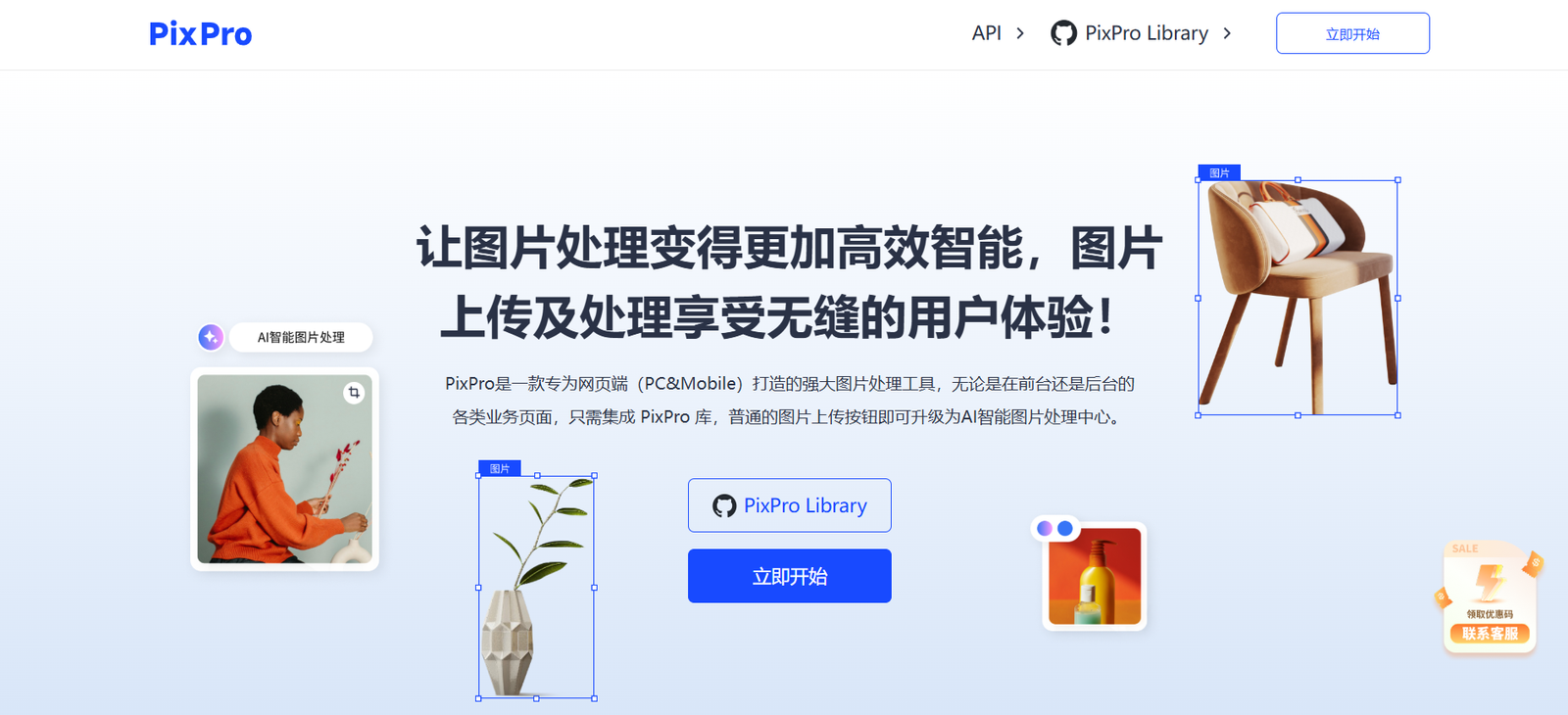
Pixpro AI is an advanced AI-powered image editing platform designed to help eCommerce sellers, photographers, designers, and content creators simplify and enhance their photo editing workflows. It focuses on delivering high-quality, editable product and portrait photos using AI automation, without requiring any technical or design skills.
From background removal to object replacement and lighting adjustments, Pixpro AI offers a wide range of intuitive tools for improving photos in seconds. Whether you’re preparing product listings for your online store or enhancing portraits for social media, Pixpro ensures your visuals are clean, professional, and ready to publish.
Official website: https://pixpro.cc
Features
AI-Powered Editing Tools
Pixpro leverages artificial intelligence to automate common photo editing tasks while maintaining high visual quality and realism.
Background Removal
Remove any background from a product or portrait photo with a single click. The AI detects the subject precisely and creates clean cut-outs.
Background Generation
Automatically generate suitable backgrounds for product and lifestyle photography using context-aware AI, replacing manual editing.
Object Removal
Easily remove unwanted objects from the frame. The AI intelligently fills in the removed area to maintain a natural look.
Shadow and Light Control
Adjust shadows and lighting dynamically to match your desired photo aesthetic, improving depth and realism.
Perspective Editing
Fix skewed images and adjust angles for product shots to make them more visually appealing.
Style Matching
Apply a consistent look across all your images for a unified brand presence.
Smart Auto Retouching
Automatically retouch portraits and product photos to remove blemishes, correct lighting, and enhance clarity.
No-Code Interface
All tools are accessible through a simple drag-and-drop or point-and-click interface — no need for Photoshop or advanced editing skills.
How It Works
Pixpro AI has streamlined the image editing process using automation. Here’s how users interact with the tool:
Upload Your Image
Drag and drop your product or portrait photo directly into the Pixpro web interface.Choose Editing Tools
Select from background removal, object erasing, retouching, lighting correction, or style filters.Edit with AI Assistance
The AI processes the image and applies the selected changes, offering previews for review.Refine and Download
Users can fine-tune results manually or accept the AI edits and download the final image in high resolution.
Pixpro’s cloud-based platform ensures fast rendering and secure image processing with no need for local installation.
Use Cases
Pixpro AI serves a wide range of creative and commercial use cases:
eCommerce Sellers
Create clean, studio-quality product images for online marketplaces like Shopify, Amazon, and Etsy.
Photographers
Accelerate post-production with AI tools that automate retouching, lighting correction, and object removal.
Graphic Designers
Quickly prepare assets for marketing materials and advertising without manual background cutting or compositing.
Social Media Managers
Produce polished and stylized visuals for Instagram, Facebook, and other social platforms with consistent branding.
Content Creators and Influencers
Edit and enhance lifestyle or product images for sponsored content and promotional materials.
Print and Packaging Designers
Prepare product mockups and polished visuals suitable for catalogs, packaging, or brochures.
Pricing
As of June 2025, Pixpro AI offers several pricing options tailored to individuals and businesses:
Free Plan
3 free image edits per month
Access to basic tools like background removal
Limited resolution
Watermark on images
Starter Plan – $19/month
100 image edits per month
Full access to AI tools
High-resolution downloads
No watermark
Pro Plan – $49/month
500 image edits per month
Batch upload support
Advanced background and lighting control
Priority processing
Enterprise Plan – Custom Pricing
Unlimited image edits
API access for custom integration
Team collaboration features
Dedicated support
Pixpro offers a free trial, allowing users to test features before committing to a paid plan.
For the latest pricing updates, visit: https://pixpro.cc
Strengths
AI Efficiency
Pixpro’s automation allows users to process complex photo edits in seconds, saving hours of manual work.
Professional-Grade Output
Despite being no-code, the platform delivers image results comparable to those done in Photoshop or Lightroom.
User-Friendly Interface
The web interface is clean and intuitive, suitable for non-designers.
Cost-Effective Alternative
Provides professional editing capabilities without the cost of hiring designers or purchasing expensive software.
Flexible Use Cases
Supports both product and portrait photography, making it versatile for many industries.
Drawbacks
Limited Free Usage
The free plan only offers 3 edits per month, which may not be enough for regular users.
Internet Required
As a cloud-based platform, Pixpro cannot be used offline.
No Mobile App (as of now)
While the web interface is responsive, a native mobile app is not yet available.
Lack of Advanced Manual Editing Tools
Users who prefer full control over editing may find Pixpro too automated and limited compared to traditional design software.
Comparison with Other Tools
Pixpro AI competes with other AI image editing tools like Remove.bg, Photoroom, and Canva Pro (for image manipulation). However, Pixpro distinguishes itself in the following ways:
More specialized toward eCommerce and professional product editing
Advanced AI tools like object removal and perspective correction not available in simpler tools like Remove.bg
Offers high-resolution downloads and advanced lighting control, which are often behind higher paywalls in alternatives
While Canva is broader in scope, Pixpro is laser-focused on product visuals and professional photo refinement, offering more depth in that specific domain.
Customer Reviews and Testimonials
Pixpro AI has received praise from users across industries for its ease of use and professional output. Although the tool is relatively new, early reviews highlight its value:
“Pixpro has completely changed how I edit my shop photos. I don’t need to hire a designer anymore.” – Small Business Owner
“I love how fast and accurate the background removal is. My photos look studio-ready in under a minute.” – Online Seller
“This tool saved me hours of editing for my product catalog. The lighting and shadows look amazing.” – Marketing Manager
These testimonials underscore Pixpro’s practical impact on productivity and image quality.
Conclusion
Pixpro AI is a powerful and accessible solution for creators and businesses looking to enhance their photos without the complexity of traditional editing tools. Its AI-driven features allow users to transform product or portrait images in seconds, making it especially useful for eCommerce, marketing, and social media content.
With a user-friendly interface, scalable pricing, and high-quality output, Pixpro AI positions itself as a smart choice for professionals and beginners alike who want studio-quality results at a fraction of the time and cost.


