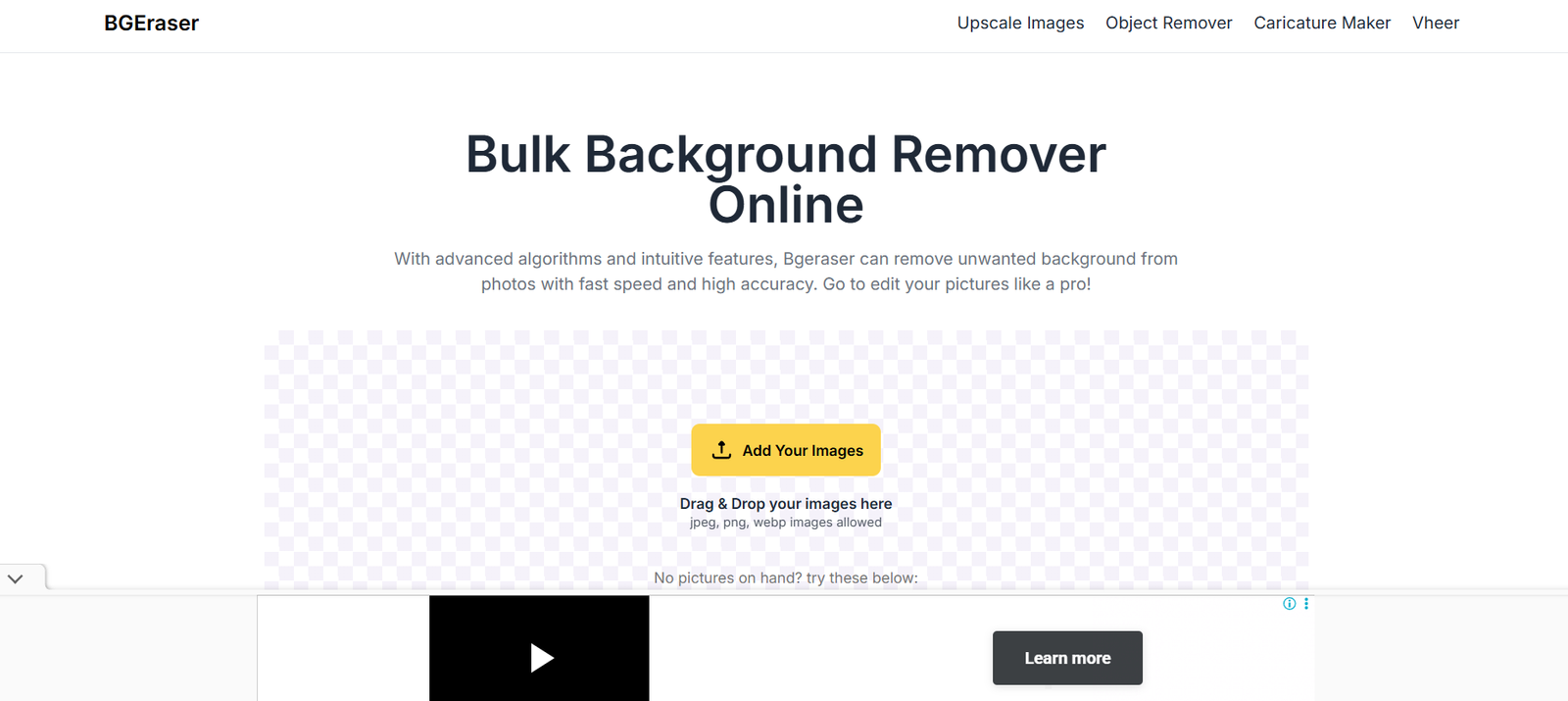
BgEraser is an AI-powered web tool designed to automatically remove the background from images. Its core functionality revolves around providing users—both professionals and casual users—with a simple and efficient method to isolate the subject in a photo and output a transparent PNG.
BgEraser is completely browser-based, which means there’s no need to download any software. The platform emphasizes speed, ease of use, and privacy. With just a few clicks, users can drag and drop an image, let the AI do the work, and download a high-quality image with the background removed.
It’s ideal for users who want to produce clean visuals for marketing materials, e-commerce listings, social media, and more—without the need for Photoshop or technical skills.
Features
One-Click Background Removal
Automatically removes the background from any image using advanced AI.
Drag-and-Drop Interface
Users can quickly upload images by dragging them into the browser window.
Transparent Output
Images are returned in PNG format with a transparent background, ready for further editing or placement.
No Watermarks
Free images are delivered without watermarks, making them suitable for commercial use.
Browser-Based Tool
No installations or downloads required. Use directly from Chrome, Firefox, Edge, or Safari.
Supports JPG and PNG Formats
Accepts commonly used file types for quick and easy processing.
Free Version Available
Includes a free-to-use tier with limited but useful functionality for occasional users.
Clean User Interface
A minimalist design ensures a distraction-free and focused experience.
How It Works
Using BgEraser is straightforward and designed to be intuitive even for non-technical users. Here’s how it works:
Visit the Website
Open https://bgeraser.com on your browser.Upload an Image
Click the upload button or drag your image into the workspace. Supported formats include JPG and PNG.Let the AI Process the Image
BgEraser will automatically detect the subject and remove the background using machine learning algorithms.Download the Result
Within seconds, your image will be available with a transparent background. You can then download it in high resolution.
The entire process typically takes under 10 seconds per image.
Use Cases
E-Commerce Product Listings
Clean product images are essential for online stores. BgEraser helps remove messy or distracting backgrounds, making your products stand out on platforms like Amazon, Etsy, or Shopify.
Social Media Content
Generate cut-out images for Instagram stories, reels, thumbnails, or profile pictures.
Graphic and Web Design
Add transparent subject images into website mockups, banners, or presentations.
Marketing and Branding
Use background-free images in newsletters, ads, brochures, or slide decks to create visual clarity.
Education and Training
Teachers and educators can quickly edit visuals for use in presentations, assignments, or online learning tools.
Video Thumbnails
Youtubers and content creators can isolate subjects from a background to create engaging video thumbnails.
Pricing
BgEraser offers both free and paid plans to meet different user needs.
Free Plan
5 free credits
Low-resolution output (up to 500×500 px)
No watermarks
Good for basic background removal
Premium Plan (Starts at $5/month)
High-resolution downloads
Batch processing available
Faster processing speeds
Priority access to servers
Ideal for professionals or businesses needing regular background removal
Credits are used for each image you process, and additional credits can be purchased as needed.
Strengths
Quick and Easy to Use
No setup required. Drag, drop, and download in seconds.
Free Tier Available
Users can try the tool without entering payment information.
Clean Output
Removes backgrounds effectively without leaving visible artifacts.
No Watermarks
Unlike many free tools, BgEraser does not brand your images.
Privacy-Oriented
Uploaded files are deleted after processing, ensuring your data is not stored long-term.
Cross-Platform Compatibility
Works on all devices with a browser—Windows, macOS, iOS, Android.
Drawbacks
Limited Free Usage
The free plan only allows five image removals and outputs low-resolution files.
No Manual Adjustments
You cannot manually tweak the mask if the AI misidentifies background/foreground boundaries.
No API for Developers
BgEraser currently doesn’t offer developer tools or integration options.
No Background Replacement
You can remove the background, but not replace it with another image or color directly in the app.
No Batch Editing on Free Plan
Batch processing is reserved for premium users only.
Comparison with Other Tools
BgEraser vs Remove.bg
Remove.bg offers higher-resolution output and background replacement features but limits free access. BgEraser is simpler and offers no watermarks even in the free tier.
BgEraser vs Slazzer
Slazzer supports plugin integrations and desktop apps. BgEraser focuses on web usability with a minimalistic interface.
BgEraser vs PhotoRoom
PhotoRoom includes design templates and full editing features. BgEraser focuses solely on clean background removal.
BgEraser vs Canva Background Remover
Canva’s background remover is part of the Pro subscription. BgEraser provides it as a standalone tool, accessible even to free users.
Customer Reviews and Testimonials
While BgEraser does not feature a testimonial section on its site, reviews across AI and product forums highlight the following:
“I just needed a quick background remover without signing up. BgEraser was perfect—fast and easy.”
— Small Business Owner
“No watermarks and no account? That’s rare these days. Loved the clean output.”
— Freelance Designer
“I used this for product images before uploading to Etsy. It saved me hours.”
— Online Seller
“As a teacher creating materials for remote classes, this tool helped me quickly clean up visuals.”
— Educator
Conclusion
BgEraser is a fast, simple, and effective background removal tool that uses AI to deliver clean image cutouts in seconds. With its easy-to-use interface, free tier access, and watermark-free output, it’s an excellent choice for anyone looking to streamline their visual workflow—whether for business, education, content creation, or casual use.
While it lacks some of the advanced features seen in premium design software, it excels at what it’s built to do: remove image backgrounds quickly and accurately with minimal user input.