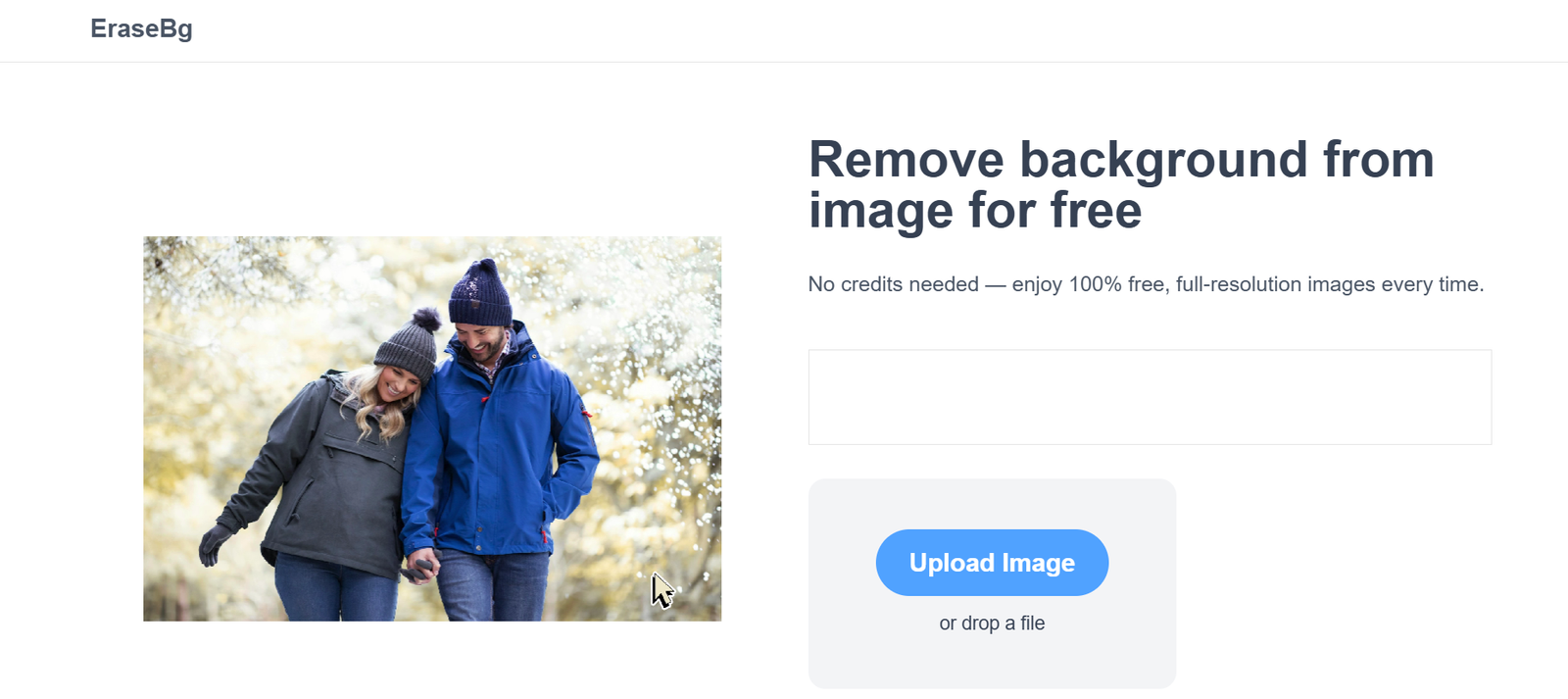
EraseBG.org is a free, browser-based AI tool that automatically removes backgrounds from images with speed and precision. Designed for users of all skill levels, EraseBG.org allows anyone to upload a photo and receive a high-quality, transparent background version in just seconds—without needing Photoshop or editing expertise.
With no watermark, no sign-up requirement, and no fees, EraseBG.org is a practical solution for individuals and businesses who need fast, clean cutouts for professional or personal use. It supports portraits, product shots, and other object-focused images, making it suitable for e-commerce, design, content creation, and more.
Whether you’re editing a profile picture or preparing product visuals for online stores, EraseBG.org simplifies background removal with AI efficiency.
Features
AI-Powered Background Removal
Detects and isolates the main subject of an image using artificial intelligence, producing clean, transparent cutouts.
No Signup or Installation Required
Upload and download directly through the browser—no account creation or software download needed.
Fast Processing
Delivers processed images in just a few seconds for most uploads.
Free to Use
All features are available for free, with no hidden charges or usage caps.
Supports JPG and PNG Formats
Accepts commonly used image file types for ease of access and compatibility.
Transparent Background Downloads
Exports as PNG files with transparent backgrounds, ideal for editing and reusing in other software.
No Watermark
Unlike many free tools, EraseBG.org provides watermark-free results.
How It Works
Visit EraseBG.org
Open the website in any modern browser on desktop or mobile.Upload Your Image
Select or drag and drop a photo in JPEG or PNG format.AI Removes the Background
Within seconds, the AI engine detects the subject and removes the background.Preview the Result
Review the output image with a transparent background.Download Your Image
Download the edited PNG file for immediate use in any project.
Use Cases
E-commerce Product Photography
Create clean, white-background or transparent product images for online stores.
Profile and Resume Pictures
Generate polished profile photos free of distracting backgrounds.
Social Media Content
Design attention-grabbing visuals and thumbnails with isolated subjects.
Marketing and Branding
Prepare assets for promotional materials, websites, or ads with visual consistency.
Creative Design Projects
Use background-free images in flyers, posters, brochures, and graphic layouts.
Presentation Materials
Clean visuals for slides and documents in business or academic settings.
Pricing
As of May 2025, EraseBG.org is completely free to use:
Free Plan
Unlimited background removals
High-quality PNG downloads
No watermark
No sign-up required
Instant processing
There are no premium features or paid tiers at this time, making EraseBG.org one of the few background removal tools offering unrestricted access with no financial barrier.
Strengths
Completely Free and Unlimited
No paywalls, usage limits, or hidden restrictions.
No Watermark
All processed images are watermark-free, even for commercial use.
Fast and Simple
Instant processing and a no-frills interface make it user-friendly and accessible.
High-Quality AI Cutouts
Accurately detects subjects with clean edges and transparent backgrounds.
No Technical Knowledge Needed
No software installation or editing skills required.
Compatible with Most Devices
Works smoothly on both desktop and mobile browsers.
Drawbacks
No Editing Options
Users cannot refine the background removal manually or edit the image post-processing.
No Background Replacement Feature
Only removes backgrounds—does not offer background-changing or design tools.
Limited Format Support
Only accepts JPG and PNG; does not currently support other formats like WebP or TIFF.
Single Image Upload Only
No bulk or batch upload capabilities for high-volume users.
No History or Cloud Storage
Once you leave the site, your edited image is not saved; make sure to download immediately.
Comparison with Other Tools
EraseBG.org vs. Remove.bg
Remove.bg limits free users and watermarks images. EraseBG.org is 100% free with no watermark, making it better for budget-conscious users.
EraseBG.org vs. Canva
Canva’s background remover is only available in Pro plans. EraseBG.org offers background removal for free and without sign-up.
EraseBG.org vs. Adobe Express
Adobe Express provides similar tools but requires an Adobe account. EraseBG.org has no login barrier, simplifying access.
EraseBG.org vs. PhotoRoom
PhotoRoom offers editing and background replacement, but EraseBG.org is faster and more focused on clean removals.
Customer Reviews and Testimonials
“This is the fastest background remover I’ve tried—and it’s completely free!” – Freelance Designer
“I use EraseBG for all my product shots. No watermarks, no hassle.” – Shopify Seller
“The interface is clean and the AI is super accurate. Great tool for quick edits.” – Content Creator
“Perfect for social media thumbnails and profile pictures. Works every time.” – Social Media Manager
Conclusion
EraseBG.org is a reliable, efficient, and truly free solution for instant image background removal. With its user-friendly interface, no sign-up requirement, and watermark-free downloads, it’s an excellent choice for professionals and casual users alike.
Whether you’re a designer, entrepreneur, or everyday internet user, EraseBG.org makes high-quality AI background removal accessible to everyone—with no limitations.