
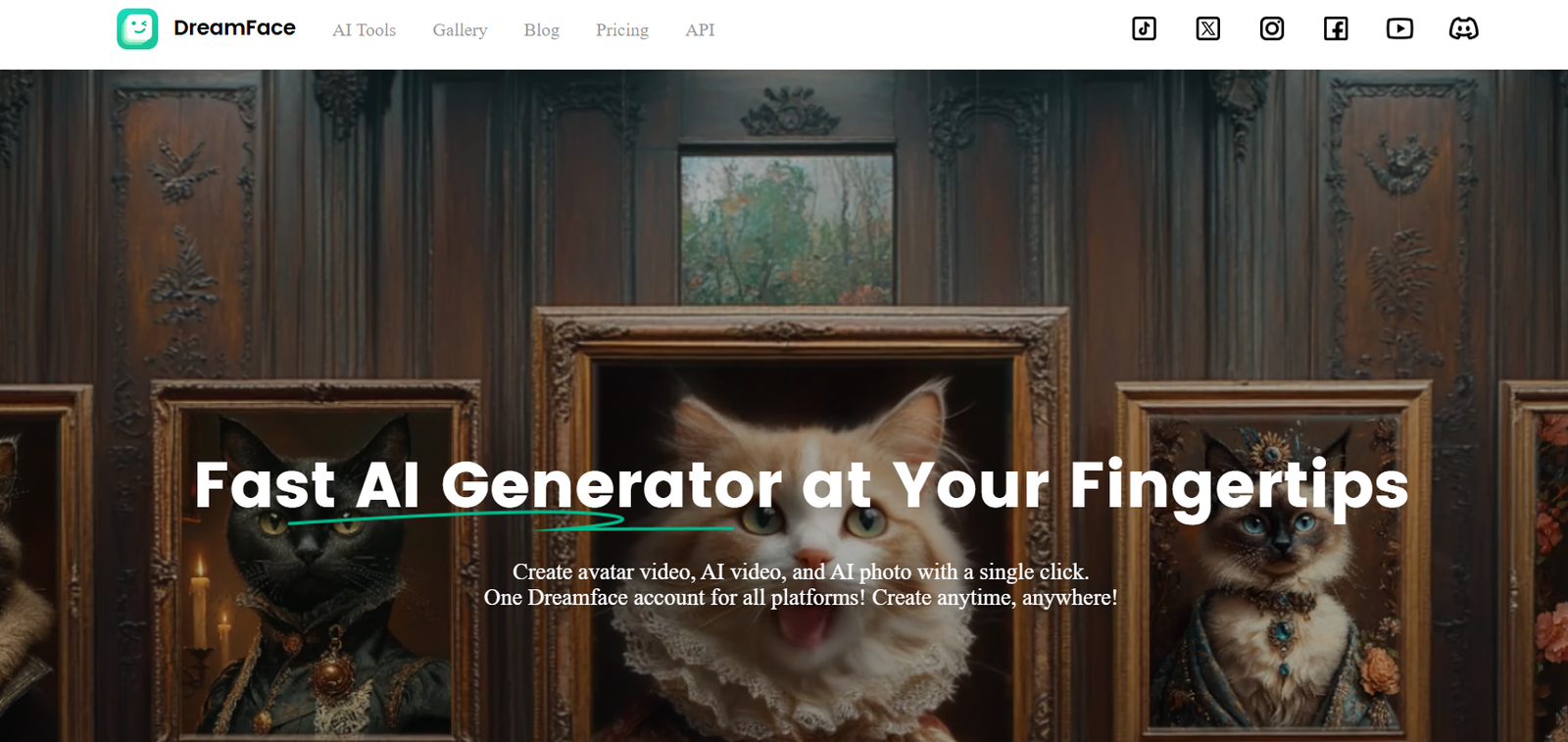
DreamFaceApp.com is an AI-powered web application that transforms static images into realistic, talking avatars. With just a single photo and a voice input—either uploaded audio or typed text—users can create animated video clips that make the person in the photo appear to speak naturally.
The tool uses advanced deep learning techniques, including lip-sync animation, facial motion synthesis, and audio-driven modeling, to produce lifelike talking avatars in seconds. DreamFaceApp is particularly popular for content creation, social media, entertainment, and creative storytelling.
Whether you’re an influencer, a content creator, or simply someone experimenting with AI, DreamFaceApp.com offers a fun, fast, and accessible way to bring static images to life.
Features
Photo to Video Animation
Upload a photo and animate it to speak with your chosen voice or text input.Text-to-Speech Integration
Type any text and use built-in voice options to animate the avatar, with natural-sounding TTS voices.Lip-Sync Accuracy
High-quality lip-syncing to make the video appear convincingly real.Audio Upload Support
Use your own voice recordings or dialogue to personalize the avatar’s speech.No App Download Needed
Fully browser-based with no software installation required.Quick Rendering
Create and render videos in under a minute, depending on video length and server load.Multilingual Support
Use different languages and voice accents depending on the input method.Download & Share Options
Export the resulting video for sharing on social media, messaging platforms, or as content for apps.
How It Works
Visit DreamFaceApp.com
Open the website on a desktop or mobile browser.Upload a Photo
Choose a clear, front-facing photo. The better the photo quality, the more realistic the animation.Input Voice or Text
Upload an audio file or type a sentence. If typing, choose from available TTS voice options.Animate the Avatar
The app uses AI to generate facial movements and speech animation that match the audio.Preview and Download
Review the video, and if satisfied, download it or share it directly.
Use Cases
Social Media Content
Create unique and engaging videos for Instagram, TikTok, YouTube Shorts, or Facebook Reels.
Entertainment & Memes
Animate historical figures, celebrities, or fictional characters for humorous or educational content.
Digital Avatars for Games and Apps
Develop simple talking avatars for use in games, customer service bots, or interactive apps.
Storytelling & Presentations
Use animated characters for narration in stories, explainers, or training content.
Gifts or Surprises
Create funny or heartfelt videos for birthdays, holidays, or special occasions.
Language Learning Tools
Build animated content to help with language instruction or pronunciation practice.
Pricing
As of May 2025, DreamFaceApp.com operates on a freemium model with the following pricing structure:
Free Plan
Limited access
Watermarked videos
Short video duration
Standard voice options only
Premium Plan – From $9.99/month
Full access to high-quality animations
No watermark
Longer videos
Premium voice and audio features
Faster rendering queue
Priority customer support
Users can upgrade plans through the website to access additional features and remove limitations.
Strengths
Extremely Easy to Use
No technical skills or installation required—everything runs in a browser.Fast Rendering
Videos are generated quickly, allowing for real-time creative experimentation.Realistic Animation
The lip-sync and facial motion quality is high, making the final output believable and engaging.Multiple Input Options
Support for both voice uploads and text-to-speech offers flexibility.Creative Versatility
Ideal for humor, marketing, education, entertainment, or just fun experimentation.Affordable
Accessible to both casual users and professionals, with low-cost plans and a free version.
Drawbacks
Limited Customization
Facial expressions, emotions, and backgrounds cannot be deeply customized.Video Length Restrictions
Free version has limitations on how long videos can be.Not Suitable for Professional Studio Use
While realistic, it may not meet the standards required for film-grade animation.Internet Required
Must be online to use the app—no offline version available.Privacy Considerations
Uploading real faces may raise privacy concerns; users should avoid uploading sensitive or unauthorized images.
Comparison with Other Tools
Compared to D-ID or Synthesia, DreamFaceApp.com offers a simpler, more casual user experience with fewer enterprise features. It is ideal for short-form, personal content rather than full-scale video production.
Compared to Avatarify or Reface, DreamFaceApp provides easier text and audio control without needing deep technical setup or downloads. It’s more accessible and user-friendly for everyday content creators.
Versus Deep Nostalgia by MyHeritage, which animates historic photos, DreamFaceApp focuses more on voice-driven lip-sync and talking avatars rather than just subtle movements.
Overall, DreamFaceApp balances realism, speed, and ease of use better than many free or lightweight avatar animation tools.
Customer Reviews and Testimonials
“I made a birthday greeting where my dog ‘talks’ to my partner—absolutely hilarious and took two minutes!” – Social Media User
“As a language coach, I create fun talking avatar videos for students. The TTS works great with different accents.” – Online Educator
“This is my go-to tool for turning still faces into short, engaging content. It’s fun, fast, and reliable.” – Content Creator
“DreamFaceApp let me bring a historical photo to life for a classroom presentation. The students loved it.” – High School Teacher
Conclusion
DreamFaceApp.com is a creative, AI-powered tool that brings static images to life by turning them into speaking avatars. With its intuitive interface, fast processing, and surprisingly realistic animations, it’s an excellent choice for content creators, educators, marketers, and casual users alike.
If you’re looking for a quick, fun, and user-friendly way to animate faces and generate short talking videos, DreamFaceApp.com delivers a powerful experience with minimal effort.


