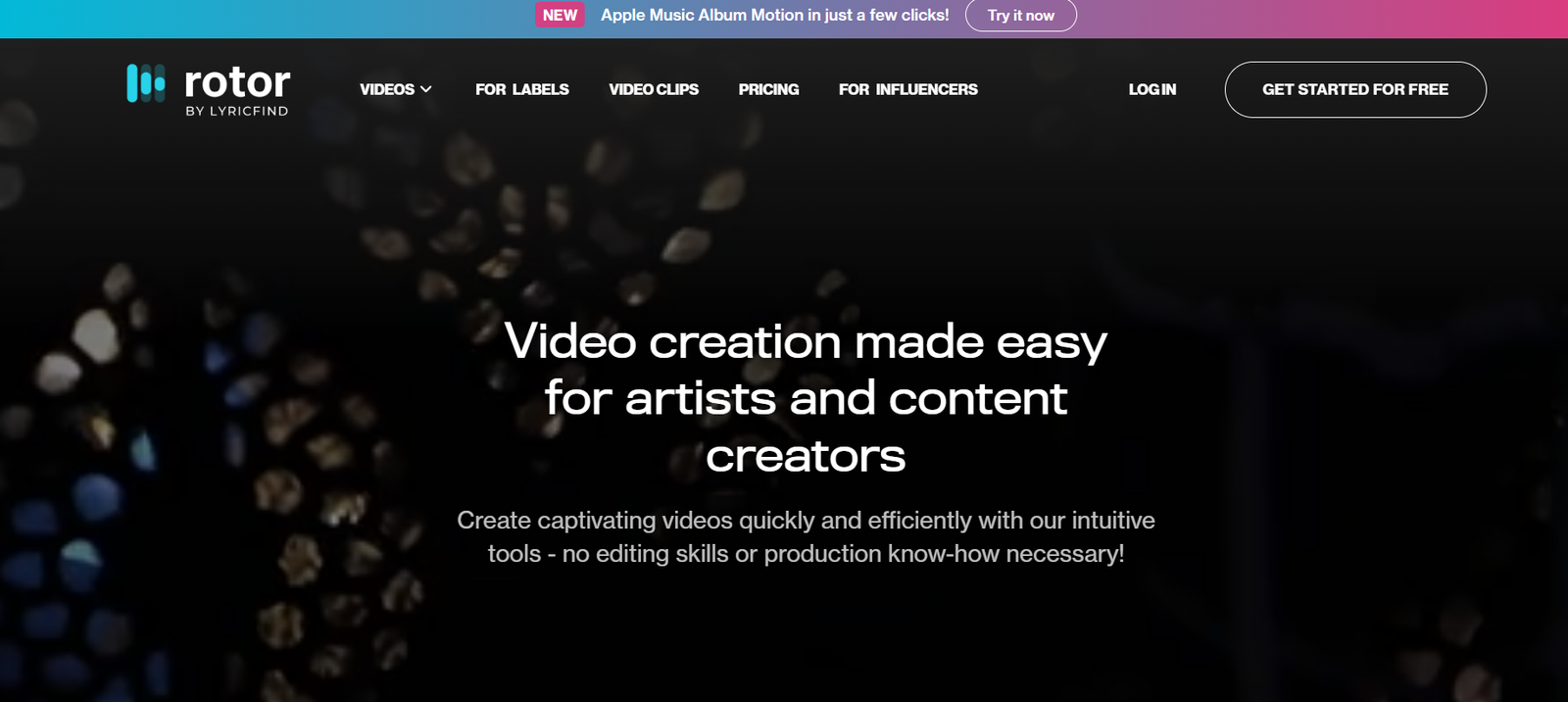
Rotor Videos is an AI-driven video creation platform designed specifically for musicians, bands, and producers who want to create high-quality music videos quickly and affordably—without needing any video editing experience. By combining your track with visual templates and stock footage, Rotor automatically edits the video to match the rhythm and mood of your music.
Whether you’re an independent artist looking to promote a single, or a label launching a campaign, Rotor Videos streamlines the process of turning your music into engaging, platform-ready video content for YouTube, Spotify Canvas, Instagram, and TikTok.
Features
AI Video Editing Engine: Automatically cuts and syncs visuals to your music’s beat, tempo, and structure.
Music-Driven Templates: Choose from over 100+ video styles tailored for different genres and moods.
Built-In Stock Footage Library: Access thousands of royalty-free video clips to use in your projects.
Upload Your Own Footage: Mix your custom visuals with stock or create from scratch.
Lyric Video Tools: Add and sync lyrics to your track for official or promotional lyric videos.
Video Format Options: Export in multiple formats and aspect ratios for YouTube, Instagram, Facebook, TikTok, and Spotify Canvas.
Brand Customization: Add your logo, social handles, or album artwork to reinforce brand identity.
How It Works
Upload Your Track: Start by uploading your audio file to rotorvideos.com.
Pick a Visual Style: Choose a video style that matches your music’s genre or mood.
Select or Upload Footage: Use Rotor’s stock library or upload your own videos and images.
Customize and Preview: Tweak overlays, lyrics, colors, and sync preferences.
Render and Download: Generate your final video in high definition and download or share it directly.
In under 15 minutes, you’ll have a professional-grade video ready to publish across platforms.
Use Cases
Independent Artists: Promote new releases with music videos, Spotify Canvas, or social snippets.
Music Producers: Showcase beats with visuals that enhance engagement.
Labels and Promoters: Create fast, branded video content for campaigns and artist launches.
DJs and Remix Artists: Turn audio sets or remixes into loop-ready visuals for gigs and social media.
YouTubers and Streamers: Use Rotor to produce intro/outro videos or background visuals for streams.
Pricing
As of the latest information from https://rotorvideos.com:
Free Plan
Create videos and preview them with watermarks
Pay only when you’re ready to download the final version
Pay-Per-Video
Prices start at $15 per video, based on resolution and features
One-time payment—no subscription needed
Subscription Plans
Starter ($19/month): 2 HD videos per month
Pro ($39/month): 5 HD videos per month + discounts on extras
Business ($99/month): 15 HD videos per month, custom support, and commercial licenses
Additional credits and upgrades (e.g., 4K export, extended licenses) are available.
Strengths
Designed specifically for musicians—no generic templates
Fast, automated production without creative compromise
Huge stock footage library integrated into the workflow
Affordable pay-as-you-go and subscription options
Output is optimized for all major music and social platforms
Drawbacks
Not a full video editor—limited advanced editing controls
Lyric syncing requires manual input for accuracy
Watermarked previews until you pay to download
Customization is template-based (creative freedom is guided)
Comparison with Other Tools
Rotor Videos vs Canva Video
Canva offers more general design tools. Rotor specializes in music-driven visual editing synced to audio.
Rotor Videos vs VEED.IO
VEED.IO provides broader video editing. Rotor focuses exclusively on music videos with rhythm-matched cuts and visuals.
Rotor Videos vs Adobe Premiere Pro
Premiere offers full creative control but requires skill. Rotor is for users who need speed and simplicity without editing experience.
Customer Reviews and Testimonials
Rotor Videos has received positive feedback from artists worldwide:
“This tool gave me the freedom to release a pro-quality music video with zero editing skills.”
“I’ve used Rotor for every single and saved thousands in video production.”
“The syncing is perfect—I love how the visuals move with the beat.”
“As a label manager, Rotor helps us promote tracks instantly across multiple platforms.”
These testimonials highlight the platform’s accessibility, cost-effectiveness, and musical intelligence.
Conclusion
Rotor Videos empowers artists to create compelling, professional music videos without the hassle of traditional editing. Whether you’re on a tight budget, short on time, or simply want to focus on the music, Rotor gives you the tools to stand out visually and promote your work across platforms.
If you’re an independent musician, label, or music marketer, Rotor Videos is your go-to AI solution for turning sound into stunning visuals—effortlessly.