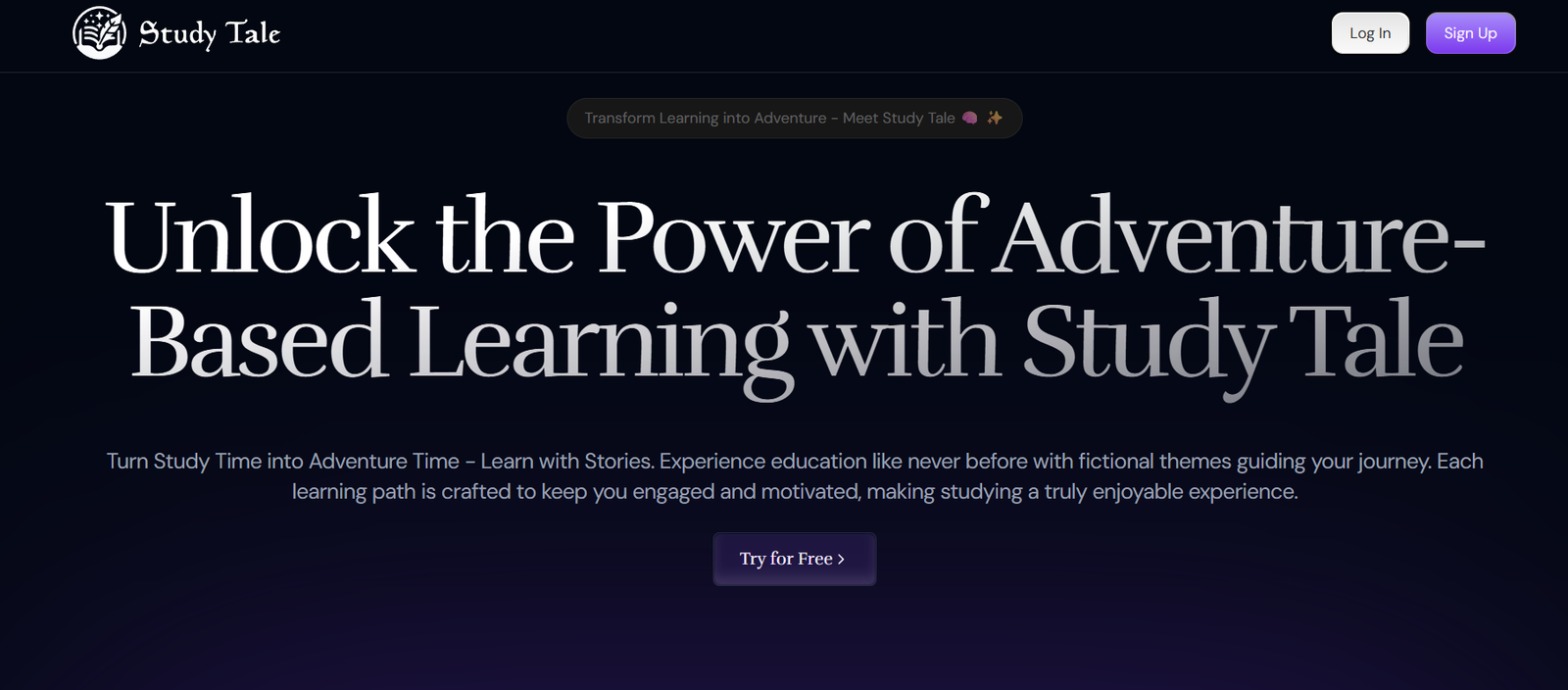
StudyTale is an AI-powered platform that allows users to generate personalized stories for both educational and entertainment purposes. Designed with children, parents, and educators in mind, StudyTale uses artificial intelligence to create imaginative and interactive stories that can be tailored by topic, tone, or character.
At its core, StudyTale is more than just a story generator—it’s a creative assistant for sparking learning, curiosity, and emotional development through storytelling. Whether you’re helping a child understand a new concept, introducing moral lessons, or simply looking to engage young minds with personalized tales, StudyTale provides a simple and powerful platform to make it happen.
With a focus on safe, high-quality content, StudyTale combines AI technology with educational insights to support reading development and imaginative exploration in children.
Features
StudyTale offers a variety of features designed to enhance the storytelling and learning experience:
AI-Generated Custom Stories: Generate original stories based on prompts such as character names, themes, settings, or learning goals.
Child-Safe Content: All stories are appropriate for children and free from inappropriate or harmful material.
Interactive Story Creation: Customize key story elements including the protagonist, tone (funny, emotional, educational), and plot direction.
Moral and Educational Lessons: Option to include learning objectives or life lessons like kindness, responsibility, or honesty.
User-Friendly Interface: Simple input form and one-click story generation make it accessible to children and parents alike.
Language and Reading Level Control: Designed for young readers with age-appropriate vocabulary and sentence structure.
Save and Share Stories: Users can save generated stories or share them digitally.
These features make StudyTale an ideal resource for families, educators, and learners who want to combine storytelling with developmental goals.
How It Works
StudyTale is designed to be intuitive and fast for users of all ages. Here’s how it works:
Visit the Website: Go to https://www.study-tale.com.
Enter Your Story Prompt: You’ll be asked to fill in basic details such as:
Main character’s name
Setting or theme (e.g., school, space, jungle)
Desired tone (funny, educational, emotional, adventurous)
Optional message or moral of the story
Click Generate: The AI uses your input to create a unique story that reflects your chosen elements. Generation takes just a few seconds.
Read, Save, or Edit: Once the story is ready, you can read it aloud, save it for later, or generate a new version with different parameters.
The tool works entirely in-browser and doesn’t require downloads or complex instructions, making it perfect for quick use before bedtime, during lessons, or on the go.
Use Cases
StudyTale can be used in a wide range of educational and recreational contexts:
Bedtime Stories: Parents can instantly create personalized bedtime stories with their child’s name and interests.
Classroom Learning: Teachers can generate theme-based stories for reading lessons, classroom discussions, or creative writing prompts.
Emotional Learning: Use stories to explore emotional concepts like empathy, confidence, or resilience in a safe and child-friendly way.
Language Practice: Help children build vocabulary and reading fluency through repeated story interaction.
Gifted Learning or Special Education: Customize stories to match specific developmental levels, ensuring accessibility and engagement.
Whether for reading practice, educational support, or creative fun, StudyTale supports multiple learning goals.
Pricing
As of May 2025, StudyTale operates on a freemium model:
Free Access: Users can generate a limited number of stories per day with basic customization options. Ideal for casual users or those trying the tool for the first time.
Premium Plan: Offers unlimited story generation, full access to advanced features, and enhanced story personalization.
While pricing details are not displayed directly on the homepage, users can view the available plans and upgrade options by signing in to the platform. The free version is fully functional for basic storytelling and ideal for home or occasional educational use.
Strengths
StudyTale brings several advantages that make it highly appealing for families and educators:
Age-Appropriate Content: All stories are child-safe, educational, and designed for early readers.
Customization and Personalization: Users can create stories that reflect a child’s interests, developmental stage, or emotional needs.
Fast and Easy to Use: No technical knowledge required—just enter a few details and receive a complete story in seconds.
Educational Value: Supports language development, comprehension, and moral education through storytelling.
No Downloads Needed: Fully browser-based and accessible from any device.
These strengths position StudyTale as a creative and practical educational tool for storytelling in any environment.
Drawbacks
While StudyTale is a powerful and family-friendly tool, it has some limitations to keep in mind:
Limited Free Usage: Free users may find the generation limits restrictive if they want to create multiple stories in one session.
Lack of Voice or Audio Output: Currently, StudyTale is text-only. Audio narration features would enhance accessibility and engagement.
No Offline Mode: Requires an internet connection for story generation.
Limited Language Support: The tool appears to focus on English, which may limit accessibility for non-English-speaking households or classrooms.
Even with these drawbacks, StudyTale provides a highly focused and valuable user experience for its intended audience.
Comparison with Other Tools
When compared to other AI writing platforms, StudyTale excels by focusing solely on child-friendly storytelling:
Versus ChatGPT: ChatGPT can generate stories but requires careful prompt design and moderation. StudyTale automates this with child-safe filters and intuitive design.
Versus Storybird or Book Creator: Those platforms support visual book creation and collaboration, while StudyTale focuses purely on fast, text-based AI story generation.
Versus General AI Tools: Unlike Jasper or Sudowrite, which are designed for adult or business use, StudyTale is optimized for educational use with safety and simplicity at its core.
For educators and parents, StudyTale offers a more focused and age-appropriate alternative.
Customer Reviews and Testimonials
StudyTale is gaining attention among parents, teachers, and homeschoolers for its convenience and storytelling quality. Early user feedback has been overwhelmingly positive:
“My kids love hearing their names in bedtime stories. It makes reading feel special.”
“As a teacher, this tool saves me so much time during lesson planning.”
“Finally a story generator I can trust to be age-appropriate and educational.”
The platform is especially praised for its simplicity, personalized results, and safe content—key qualities in any tool designed for children.
Conclusion
StudyTale is a powerful and user-friendly AI tool designed to inspire learning, creativity, and emotional development through storytelling. Whether you’re a parent looking for personalized bedtime stories or a teacher seeking quick reading materials, StudyTale provides a simple, safe, and customizable experience.
By combining artificial intelligence with thoughtful educational design, StudyTale fills a much-needed gap in the AI space: creative tools that are safe for kids, helpful for educators, and fun for everyone. With a free access tier and optional upgrades, it’s an accessible and practical addition to any educational or family toolkit.