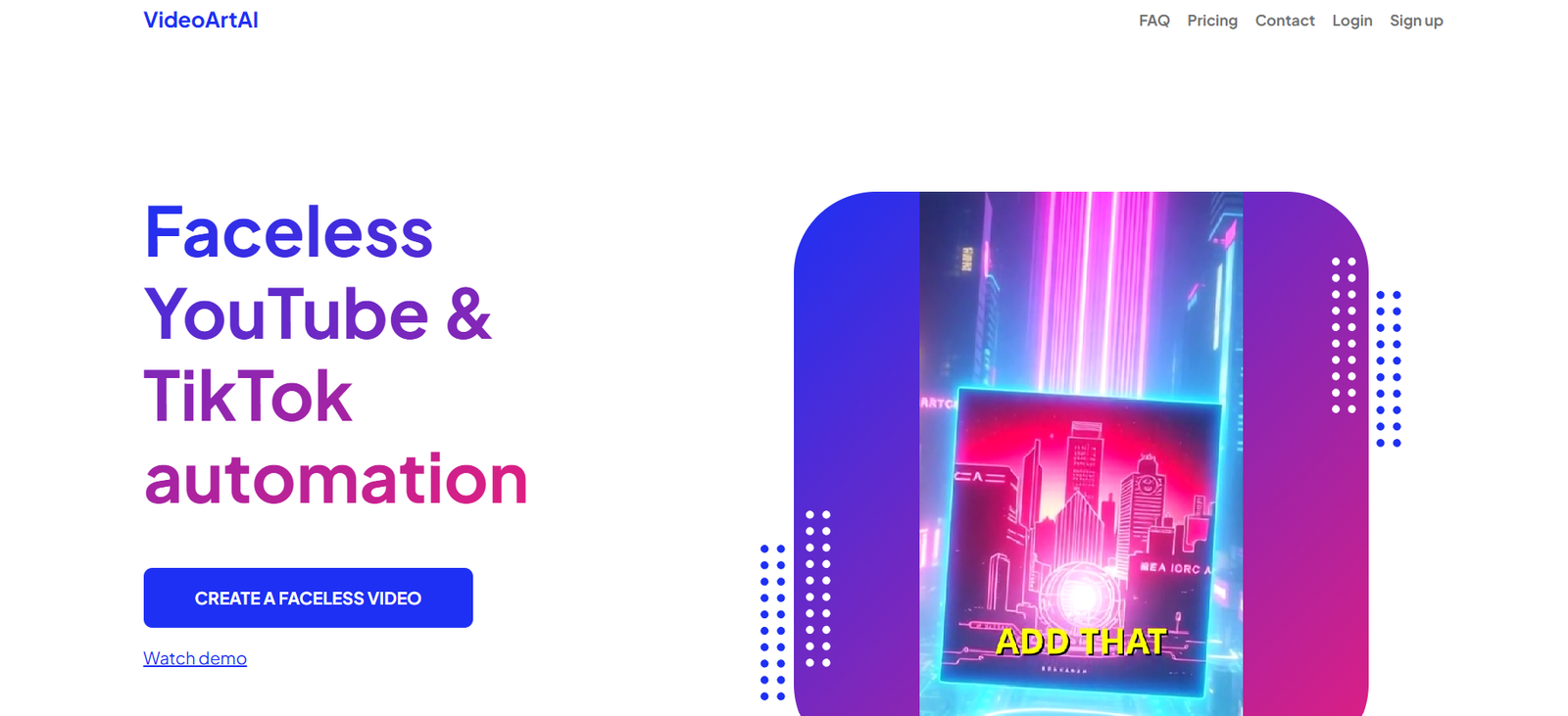
VideoArt AI is a powerful AI-based platform that enables users to generate visually engaging videos directly from text prompts. Designed for content creators, marketers, educators, and businesses, the tool simplifies the traditionally complex video production process. Users don’t need prior video editing experience—just input a script or concept, and the AI generates a high-quality video in minutes.
By combining generative AI with customizable artistic styles and narration features, VideoArt AI opens new doors for scalable content creation. It is especially useful for short-form content, brand storytelling, and educational videos.
Features
VideoArt AI includes several key features:
Text-to-Video Creation: Turn simple text into cinematic videos.
High-Definition Output: Supports HD rendering for professional results.
Multiple Visual Styles: Choose from various artistic themes to match your content’s tone.
AI Voice Narration: Automatically adds voice-over using synthetic voices.
Background Music: Auto-generates appropriate background music to enhance the video.
Scene-by-Scene Generation: AI splits your text into scenes with relevant animations.
User-Friendly Interface: Simple drag-and-drop design for non-technical users.
Cloud-Based Processing: No need for downloads or high-spec devices—everything runs online.
How It Works
Enter Text: Start by typing or pasting your script or prompt into the platform.
Choose a Style: Select a visual style or theme that aligns with your content’s message.
Add Narration or Music (Optional): Customize with AI voice-over and background soundtracks.
Generate Video: Click generate and the AI processes your input into a full video.
Review and Download: Watch a preview, make changes if necessary, and download your finished video.
The AI behind VideoArt AI uses state-of-the-art generative models and diffusion techniques to match scenes with the textual input.
Use Cases
VideoArt AI is suitable for a wide range of content creation needs:
Social Media Videos: Ideal for Instagram Reels, TikTok, and YouTube Shorts.
Marketing Campaigns: Create promotional videos for new products or services.
Education and Training: Convert lessons or tutorials into engaging visuals.
Storytelling: Animate short stories or narrative scripts.
Real Estate Marketing: Showcase properties using stylized video walkthroughs.
Internal Business Communication: Transform presentations or updates into visual formats.
Pricing
VideoArt AI uses a credit-based pricing model. As of the latest information on the official website:
Basic Plan: $10 per month – includes 100 credits. Good for low-frequency use.
Pro Plan: $29 per month – includes 500 credits. Offers HD rendering and full access to visual styles.
Business Plan: $99 per month – includes 2,000 credits, faster rendering, branding options, and API access.
Pay-As-You-Go: Starts at $5 for flexible, no-subscription usage.
Credits are consumed based on video length and resolution. For example, a longer video in HD will cost more credits than a shorter one in standard definition.
Strengths
Beginner-Friendly: No video editing skills required.
Fast Turnaround: Videos can be generated within minutes.
Creative Options: Offers multiple styles and customization features.
Cost-Efficient: Affordable compared to hiring professional editors or studios.
Cloud-Based Access: Works on any modern device with internet access.
Voice and Music Support: Makes videos more dynamic and engaging.
Drawbacks
Limited Advanced Editing: Users with professional editing needs may find customization limited.
Credit-Based Model: Can become costly for users producing large volumes of videos.
Rendering Delays: Depending on demand, rendering time may take longer than expected.
Web Only: No mobile application is available at this time.
Comparison with Other Tools
Compared to other video generation platforms, here is how VideoArt AI stands:
Pictory: Like VideoArt AI, Pictory converts scripts into videos but focuses more on summarizing long-form content like blogs or webinars. It offers less artistic customization.
Runway ML: Offers more advanced editing and generative AI features, but it’s aimed at professionals and has a steeper learning curve.
Synthesia: Best for AI avatar-based explainer videos. While powerful, it lacks the creative art-style flexibility VideoArt AI offers.
Overall, VideoArt AI fills a unique niche for users seeking quick, visually stylized videos from plain text.
Customer Reviews and Testimonials
Early adopters on platforms like Product Hunt have provided positive feedback:
“I created a stunning video in 10 minutes from just a short story prompt. Very impressed with the output quality.”
“Easy to use and surprisingly creative. It’s ideal for marketing videos without spending hours editing.”
“Would love to see more control over transitions and scene timing, but it’s already a strong platform.”
As the platform grows, more user reviews are expected to reflect long-term satisfaction and evolving feature sets.
Conclusion
VideoArt AI is a compelling AI video generation tool for anyone looking to produce engaging, creative videos from simple text input. With a user-friendly interface, a variety of visual styles, and AI voice-over capabilities, it democratizes content creation for individuals and businesses alike.
Whether you’re a content creator trying to scale output or a marketer looking for fast, effective video campaigns, VideoArt AI offers a practical, cost-effective solution with creative freedom.