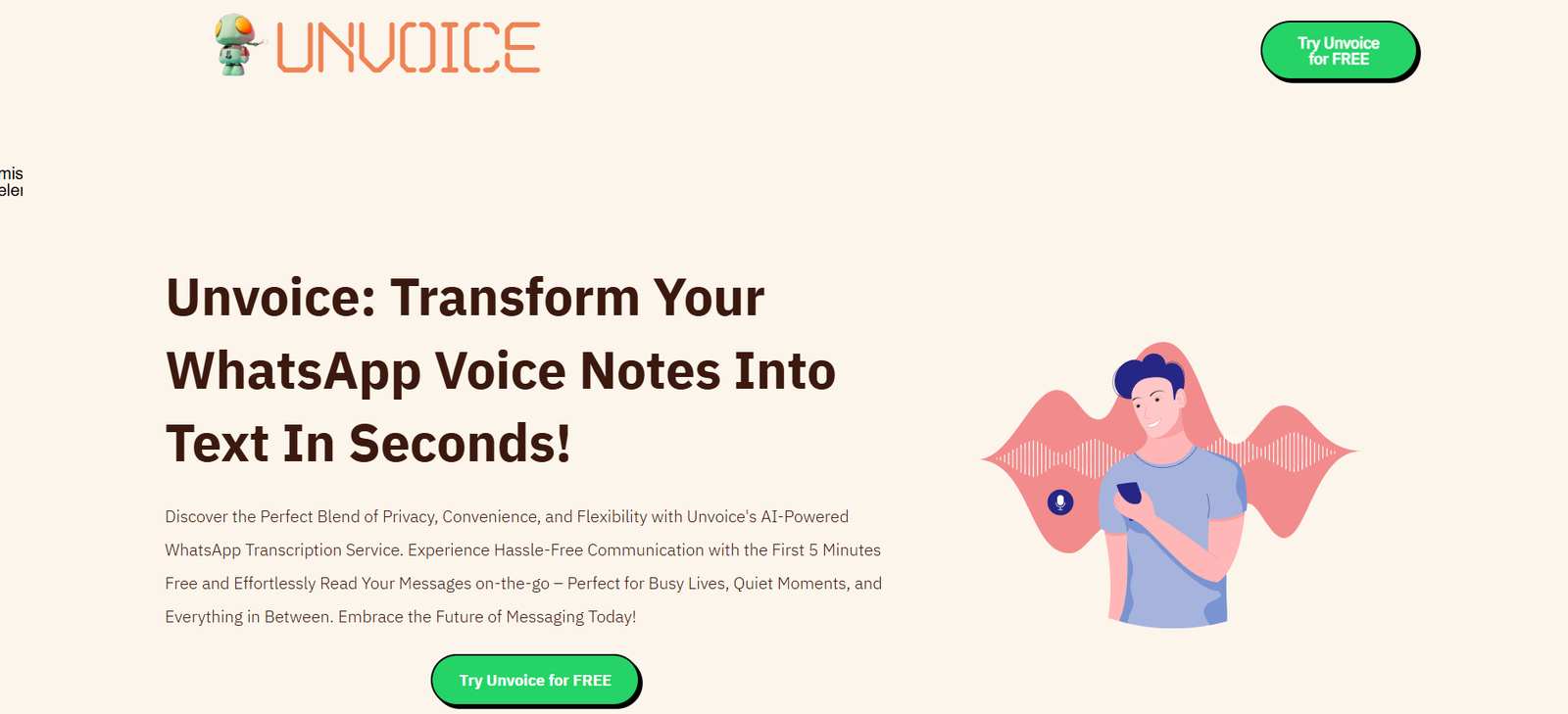
Unvoice is an AI-powered productivity tool that transforms voice messages into clear, actionable written content. Designed specifically for busy professionals who rely on messaging apps like WhatsApp and Telegram, Unvoice takes voice notes and instantly converts them into structured text, summaries, or even to-do lists. This helps users save time, stay organized, and never miss important details buried in long or unclear audio messages.
Unvoice is ideal for founders, freelancers, remote teams, and anyone who frequently communicates through voice messages. It helps bridge the gap between spoken and written communication, making voice notes easier to process, search, and act on.
Features
Voice-to-Text Transcription
Automatically transcribes voice messages from WhatsApp and Telegram into clear, readable text.Summarization
Generates concise summaries of voice messages, making it easy to understand the core message at a glance.To-Do Extraction
Identifies tasks and actionable items mentioned in voice notes and converts them into structured to-do lists.Multi-Language Support
Supports transcription and summarization in multiple languages, making it accessible for international users.No App Installation Required
Operates entirely through messaging platforms—no need to download a separate mobile app.Privacy-Friendly
Processes messages securely with no long-term storage of user data or audio.Seamless Integration
Connects easily to your WhatsApp or Telegram account to start processing voice messages instantly.Free and Premium Options
Offers free usage with generous limits and premium plans for higher volume or business use.
How It Works
Connect Your Messaging App
Visit unvoice.online and choose whether to connect via WhatsApp or Telegram.Send Voice Messages
Forward any voice message to the Unvoice bot within your chosen platform.Receive Text & Summary
The AI transcribes the voice note and replies with the full text, a brief summary, and any detected action items.Review and Use
Copy or export the output to your notes, task manager, or email for follow-up and sharing.
Use Cases
Founders and Managers
Quickly process voice messages from team members into tasks and notes.Remote Teams
Convert long voice discussions into summarized content for easier communication and record-keeping.Freelancers and Clients
Turn client voice instructions into actionable task lists with zero manual writing.Busy Professionals
Read instead of listening—save time by reviewing summaries of audio updates.Content Creators and Consultants
Use voice notes to ideate, then instantly capture ideas in text for reuse.
Pricing
Unvoice offers a free plan as well as premium tiers based on volume and advanced features:
Free Plan
Limited number of messages per day
Access to transcription and summaries
WhatsApp and Telegram support
Premium Plan – from $5/month
Higher message limits
Priority processing
Advanced to-do extraction
Email support
Business Plan – Custom Pricing
Designed for teams
Unlimited usage
Custom integrations
Dedicated support and onboarding
Pricing is accessible, making it easy to try or scale depending on your usage. For the most current details, visit the Unvoice Pricing Page.
Strengths
Fast and easy to use directly in WhatsApp and Telegram
Converts messy or unclear voice messages into actionable text
Helps improve communication clarity and efficiency
No need to install a separate app
Supports multiple languages
Affordable with generous free tier
Drawbacks
Dependent on WhatsApp or Telegram usage
Limited customization of output format
Not yet integrated with external tools like Notion or Trello
No desktop dashboard (all interaction is via messaging apps)
Voice recognition may vary in noisy environments
Comparison with Other Tools
vs Otter.ai: Otter is built for meetings and live transcriptions. Unvoice focuses on voice messages from messaging apps.
vs Fireflies.ai: Fireflies is call-focused, while Unvoice excels in short-form, mobile-first voice communication.
vs Descript: Descript is a desktop tool for media creators. Unvoice is optimized for mobile messaging efficiency.
vs WhatsApp Native Transcription (where available): WhatsApp’s built-in feature lacks summaries and task detection, which Unvoice adds.
Customer Reviews and Testimonials
Early adopters love the time-saving and organizational benefits of Unvoice:
“Unvoice changed the way I process team updates—no more relistening to voice notes.”
“Summaries are spot on, and the to-do list extraction is a game changer.”
“Perfect for fast-moving founders like me who hate long voice messages.”
Feedback consistently highlights its convenience, accuracy, and usefulness in daily workflows.
Conclusion
Unvoice is a smart, lightweight AI tool that brings structure and clarity to the chaos of voice messages. With just a few taps, it transforms WhatsApp and Telegram audio notes into useful text, summaries, and action items—saving users time and improving productivity.
Whether you’re managing a remote team, working with clients, or simply tired of relistening to long voice messages, Unvoice offers a modern, efficient way to communicate better. For professionals and teams who rely on messaging apps, it’s a must-have productivity upgrade.