
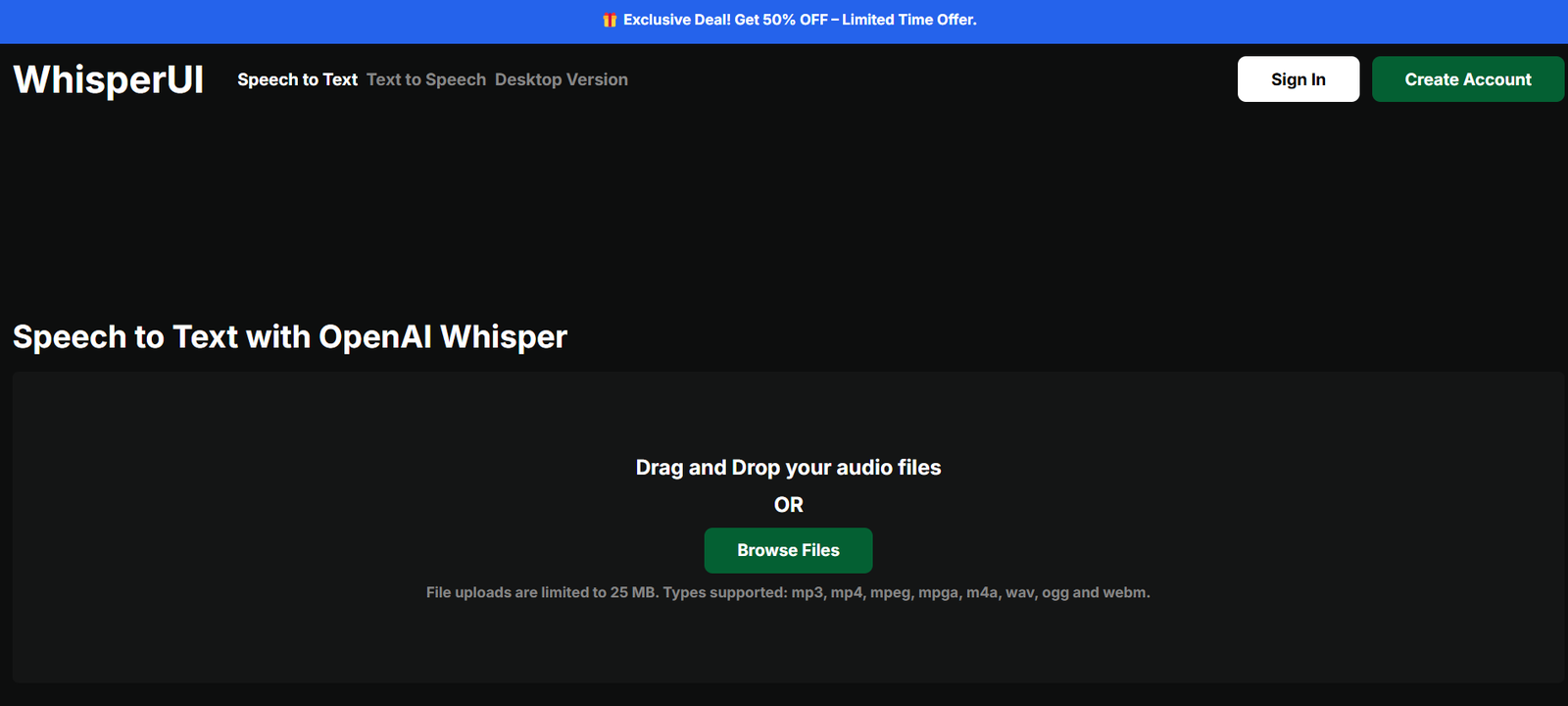
WhisperUI is a lightweight, open-source web interface that allows users to easily access and use OpenAI’s Whisper speech-to-text transcription model. Designed with simplicity and accessibility in mind, WhisperUI removes the need for coding knowledge or command-line tools, enabling anyone to transcribe audio or video files directly from their browser.
Powered by OpenAI’s Whisper model, WhisperUI delivers accurate, multilingual transcription for content creators, journalists, students, researchers, and developers who need a fast and reliable speech-to-text tool without complex setup.
Features
Drag-and-Drop Audio Upload
Instantly upload audio files using a drag-and-drop interface—no setup required.Support for Multiple File Formats
Accepts common audio formats including MP3, WAV, M4A, and more.Multilingual Transcription
Supports over 50 languages, leveraging the multilingual capabilities of Whisper.Clean, No-Code Interface
Built for non-developers, with an intuitive design that requires no technical experience.Fast Transcription Output
Transcribes short to medium-length audio quickly with a responsive user interface.Open Source
WhisperUI is available on GitHub, allowing users to self-host or customize it as needed.Secure and Private
Files are processed client-side or on secure servers (depending on deployment), with no unnecessary data collection.
How It Works
Access the Platform
Visit whisperui.com to use the live version of the tool.Upload Your Audio
Drag and drop an audio file or use the file browser to select from your device.Choose Language
Select the spoken language in the audio, or let Whisper auto-detect it.Generate Transcript
Click to begin transcription. The tool uses Whisper’s model to process and convert speech into text.Review and Copy Text
Once complete, view the transcript directly on-screen and copy it as needed.
Use Cases
Journalists
Transcribe interviews and voice notes for article writing and editing.Podcasters
Quickly convert episodes into text for repurposing or accessibility.Students and Researchers
Transcribe lectures, interviews, and seminar recordings for notes and analysis.Content Creators
Create subtitles or blog content from spoken audio.Developers and Analysts
Prototype speech-to-text solutions without writing backend code.
Pricing
WhisperUI is completely free for public use via the hosted version. As an open-source tool, there is no pricing model or subscription required.
Users who wish to run WhisperUI locally or on their own infrastructure can clone the GitHub repository and deploy it at no cost. However, if you integrate it with the OpenAI Whisper API or other commercial services, API usage fees may apply depending on your setup.
Free Hosted Version: No cost for basic use on whisperui.com
Self-Hosted Version: Free via GitHub (WhisperUI on GitHub)
Strengths
Very easy to use
No account, login, or installation required
Supports many file types and languages
Built on OpenAI’s state-of-the-art Whisper model
Open-source and customizable
Free for personal and professional use
Drawbacks
No built-in export formats like PDF or .srt (manual copy required)
Lacks real-time transcription or live meeting support
No cloud storage or integration with other platforms
Limited to browser uploads unless self-hosted
Not optimized for large file or batch processing
Comparison with Other Tools
vs Otter.ai: Otter is a full-featured, real-time transcription platform with team collaboration. WhisperUI is simpler and free but lacks live features.
vs Descript: Descript offers transcription plus editing tools. WhisperUI focuses solely on fast, no-frills transcribing.
vs Whisper (CLI): WhisperUI eliminates the need to run commands or scripts, offering a visual alternative to Whisper’s command-line tool.
vs AssemblyAI: AssemblyAI offers API-based transcription with advanced analytics. WhisperUI is non-commercial, focusing on accessibility.
Customer Reviews and Testimonials
Although WhisperUI is a community-driven project, it has been well received by users who appreciate its simplicity:
“Exactly what I needed—a quick, no-code interface for Whisper.”
“Using this saved me so much time transcribing podcast interviews.”
“Open-source tools like WhisperUI make AI more accessible to everyone.”
The tool is especially popular in developer and open-source communities for its usability and transparency.
Conclusion
WhisperUI is a minimal yet powerful frontend for anyone looking to access the capabilities of OpenAI’s Whisper speech-to-text model without technical barriers. It’s a perfect solution for journalists, students, researchers, podcasters, and developers who need fast and accurate transcriptions in multiple languages.
Its clean interface, open-source flexibility, and zero-cost model make it a standout choice in the growing landscape of AI transcription tools. If you’re looking for a simple, effective way to turn audio into text—without writing a line of code—WhisperUI is an excellent option to explore.


