
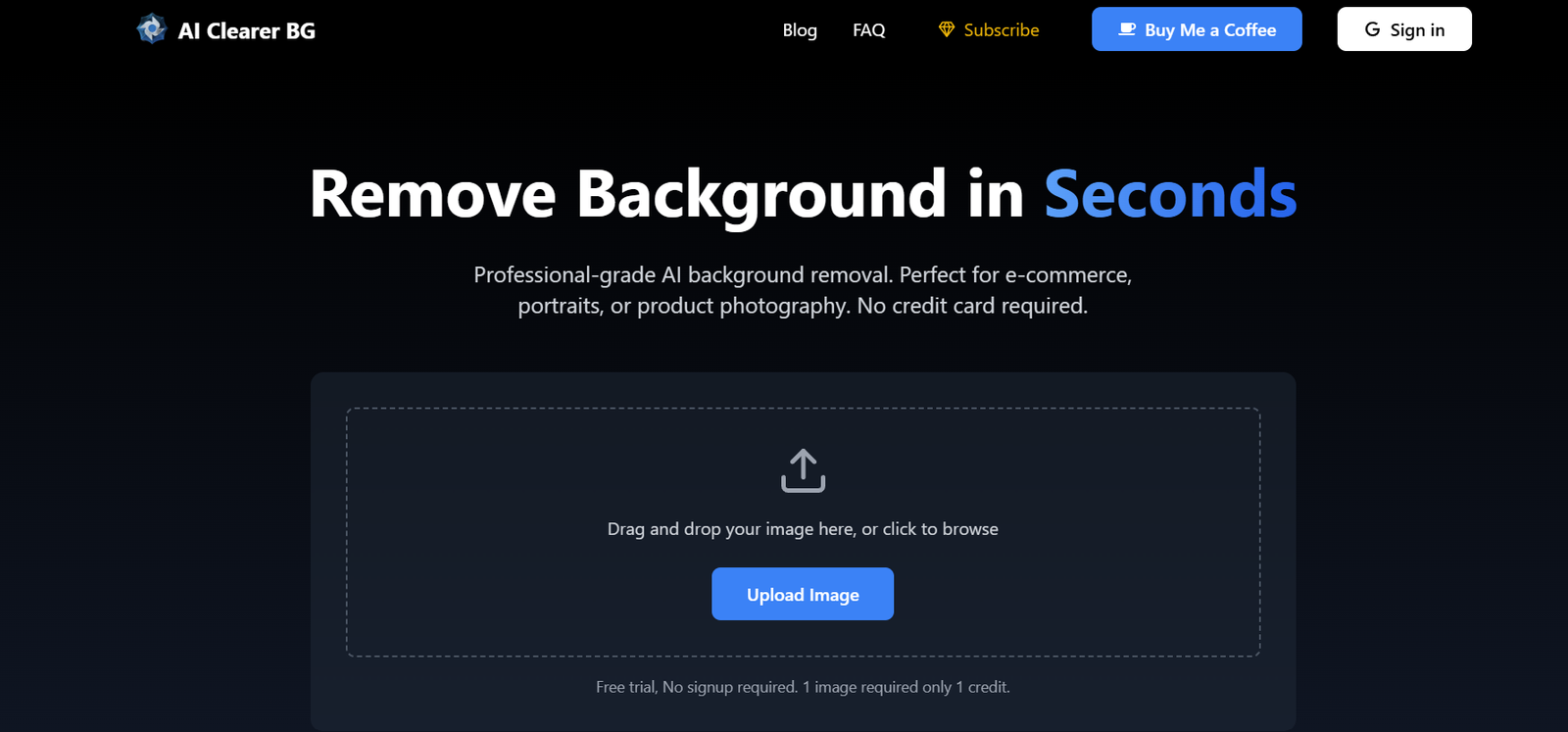
Removing backgrounds from images is a tedious and time-consuming task, but AI-powered tools like BGClearer make it quick and effortless. Whether you’re an e-commerce seller, graphic designer, or social media content creator, BGClearer helps remove backgrounds with just one click. This AI tool ensures high-quality cutouts, saving time and effort.
This article explores BGClearer’s features, functionality, pricing, use cases, and how it compares to other background removal tools.
What is BGClearer?
BGClearer is an AI-driven background remover that automatically detects and eliminates backgrounds from images. It uses advanced machine learning algorithms to isolate subjects and remove backgrounds with high accuracy. The tool is particularly useful for designers, marketers, photographers, and businesses that require professional-looking image cutouts.
Features of BGClearer
- AI-Powered Background Removal – Uses deep learning to detect subjects and remove backgrounds with precision. Works for people, objects, and products.
- One-Click Processing – No manual selection or masking required; simply upload an image, and BGClearer does the rest.
- High-Resolution Output – Provides high-quality image cutouts suitable for professional use.
- Supports Multiple File Formats – Works with common formats like PNG and JPG.
- Fast Processing – Removes backgrounds within seconds, improving workflow efficiency.
- Cloud-Based – No software installation required; works directly in a web browser.
How BGClearer Works
- Upload an Image – Drag and drop an image or select a file from your device.
- AI Background Removal – The AI detects the subject and removes the background automatically.
- Preview and Edit (Optional) – If needed, refine the edges or adjust transparency.
- Download the Final Image – Save your image in PNG or JPG format with a transparent background.
Use Cases of BGClearer
- E-Commerce & Product Photography – Creates professional product images with transparent backgrounds for online stores.
- Graphic Design & Branding – Extracts subjects for marketing materials, logos, and promotional content.
- Social Media & Content Creation – Enhances visuals for Instagram, YouTube thumbnails, and digital ads.
- Personal & Fun Edits – Removes backgrounds for custom wallpapers, profile pictures, and greeting cards.
- Journalism & Media – Prepares images for news articles, magazines, and presentations.
BGClearer Pricing
- Free Plan – Allows limited image processing at no cost.
- Basic Plan – Provides access to standard-resolution images for a monthly fee.
- Pro Plan – Includes high-resolution images, batch processing, and additional premium features.
(Visit the official BGClearer website for updated pricing details.)
Strengths of BGClearer
- Accurate AI Technology – Delivers precise background removal with advanced machine learning.
- Fast and Efficient – Processes images in seconds, improving productivity.
- User-Friendly Interface – Simple and intuitive design makes it accessible for all skill levels.
- High-Quality Output – Ensures professional-grade cutouts suitable for various applications.
- Cloud-Based Convenience – No installation required; works directly from a web browser.
Drawbacks of BGClearer
- Limited Free Version – The free plan may have restrictions on image resolution and downloads.
- Internet Dependency – Requires an internet connection since it operates online.
- Lack of Advanced Editing Tools – Primarily focuses on background removal rather than comprehensive image editing.
Comparison with Other Background Removal Tools
- BGClearer vs. Remove.bg – Both provide AI-powered background removal, but pricing and resolution options may differ.
- BGClearer vs. Adobe Photoshop – Photoshop offers manual background removal with advanced editing tools, but requires more skill and effort.
- BGClearer vs. Canva Background Remover – Canva integrates background removal into its design suite, but requires a Pro subscription for full access.
BGClearer stands out for its ease of use, AI efficiency, and fast processing, making it a great choice for those who need quick and accurate background removal without complex software.
Customer Reviews and Testimonials
- “BGClearer saves me hours of work! The AI is fast and accurate.” – User A
- “I love how easy it is to use. No complicated tools—just upload and download!” – User B
- “Great for e-commerce images. My product listings look professional.” – User C
For more user reviews, check platforms like Product Hunt.
Conclusion
BGClearer is a powerful AI-driven tool for removing backgrounds effortlessly. Whether you’re a business owner, designer, or content creator, its one-click background removal saves time and effort. With high-quality output and cloud-based accessibility, it’s a great alternative to manual background removal tools.
For pricing, features, and trial options, visit BGClearer’s official website today!


