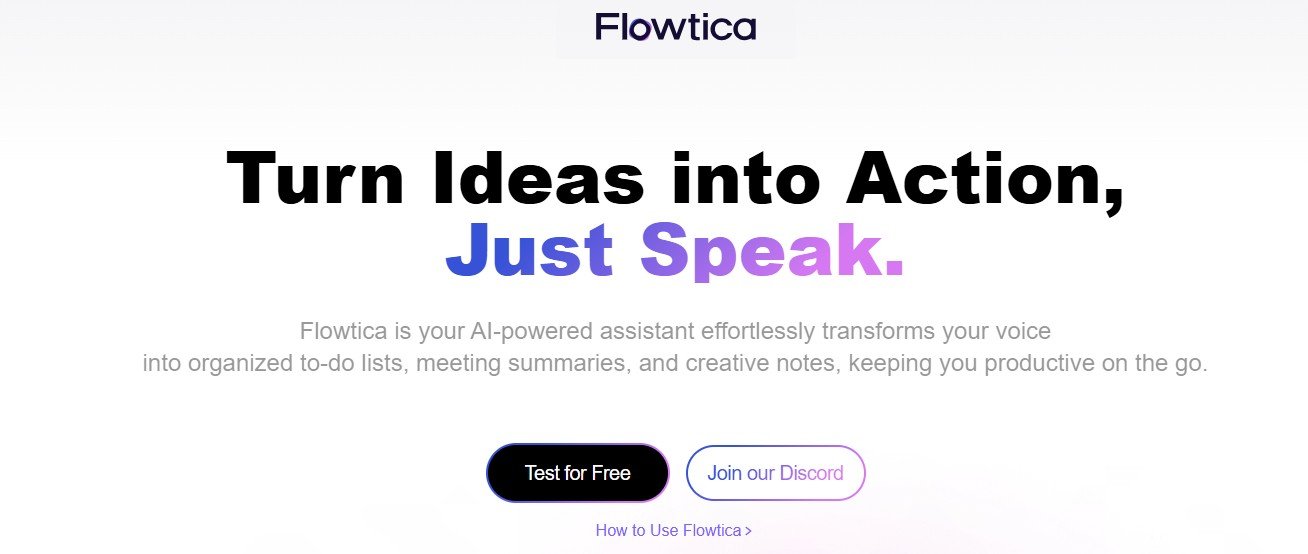
Managing business workflows efficiently can be challenging, especially with repetitive tasks and complex processes. Flowtica AI is an AI-powered automation platform that helps businesses streamline workflows, automate tasks, and improve operational efficiency.
By leveraging artificial intelligence, machine learning, and smart integrations, Flowtica AI enables businesses to optimize customer support, HR processes, finance operations, and more.
This article explores Flowtica AI’s key features, pricing, use cases, strengths, drawbacks, and comparisons with other workflow automation tools.
Key Features of Flowtica AI
AI-Driven Workflow Automation
- Automates manual and repetitive business processes.
- Reduces human intervention in data processing, approvals, and reporting.
No-Code Automation Builder
- Allows users to create custom workflows without coding.
- Drag-and-drop interface for easy automation setup.
Seamless Integration with Business Tools
- Connects with CRMs, ERPs, email platforms, and cloud applications.
- Works with tools like Slack, Microsoft 365, Google Workspace, and Salesforce.
AI-Powered Data Processing
- Automates data extraction, document analysis, and report generation.
- Enhances decision-making with AI-driven insights.
Smart Notifications and Alerts
- Sends automated reminders, task updates, and performance alerts.
- Helps teams stay on track with project deadlines.
Scalability for Enterprise Use
- Adapts to small businesses, mid-sized enterprises, and large corporations.
- Supports multi-user collaboration and enterprise-grade security.
How Flowtica AI Works
Step 1: Set Up and Integrate
Users connect Flowtica AI with their business applications and data sources.
Step 2: Design and Automate Workflows
The AI analyzes processes and suggests automation workflows based on efficiency improvements.
Step 3: Execute and Monitor
Flowtica AI runs automated workflows while tracking performance metrics.
Step 4: Optimize and Scale
Businesses receive AI-powered insights to refine processes for better efficiency.
Use Cases of Flowtica AI
Customer Support Automation
- Automates ticket management, chatbot responses, and client follow-ups.
HR and Employee Onboarding
- Handles new employee documentation, approvals, and training schedules.
Finance and Invoice Processing
- Streamlines expense tracking, invoice approvals, and financial reporting.
Marketing and Sales Automation
- Automates lead nurturing, campaign tracking, and customer segmentation.
Project and Task Management
- Enhances team collaboration with AI-driven task assignments and progress tracking.
Flowtica AI Pricing
Flowtica AI does not publicly list pricing details. Workflow automation platforms typically offer:
- Free Plan – Basic workflow automation with limited integrations.
- Pro Plan – Advanced AI-driven process automation and analytics.
- Enterprise Plan – Custom automation solutions for large businesses.
For exact pricing, visit Flowtica AI’s official website or contact their sales team.
Strengths of Flowtica AI
- AI-powered automation that reduces manual tasks and improves productivity.
- No-code interface for easy workflow creation.
- Seamless integration with popular business applications.
- Scalable for businesses of all sizes.
- AI-powered analytics for process optimization.
Drawbacks of Flowtica AI
- Pricing details are not publicly available.
- Requires customization for complex workflows.
- Internet dependency for real-time automation.
Comparison with Other Workflow Automation Tools
Flowtica AI vs. Zapier
Zapier focuses on app-to-app automation, while Flowtica AI provides end-to-end business process automation.
Flowtica AI vs. UiPath
UiPath specializes in robotic process automation (RPA), while Flowtica AI offers AI-powered no-code workflow automation.
Flowtica AI vs. Make (formerly Integromat)
Make provides visual workflow automation, while Flowtica AI includes AI-driven process optimization.
Customer Reviews and Testimonials
Since Flowtica AI is a relatively new AI-powered workflow automation tool, user reviews are limited. However, early adopters highlight:
- “Flowtica AI has helped us automate repetitive tasks, saving hours of work.” – Operations Manager
- “The no-code interface makes it easy to create complex workflows without IT support.” – Business Analyst
- “Great tool for workflow automation, but some integrations could be improved.” – Small Business Owner
For updated reviews, visit Flowtica AI’s official website or automation software review platforms.
Conclusion: Is Flowtica AI Worth It?
Flowtica AI is an AI-powered workflow automation platform designed to help businesses automate repetitive tasks, streamline operations, and optimize productivity. With no-code workflow creation, AI-driven insights, and seamless integrations, it is a great tool for businesses looking to enhance efficiency and reduce manual effort.
However, users should consider pricing details and customization requirements before full adoption.
For those looking for an AI-driven workflow automation solution, Flowtica AI is worth exploring.
Visit Flowtica AI’s official website to learn more.