
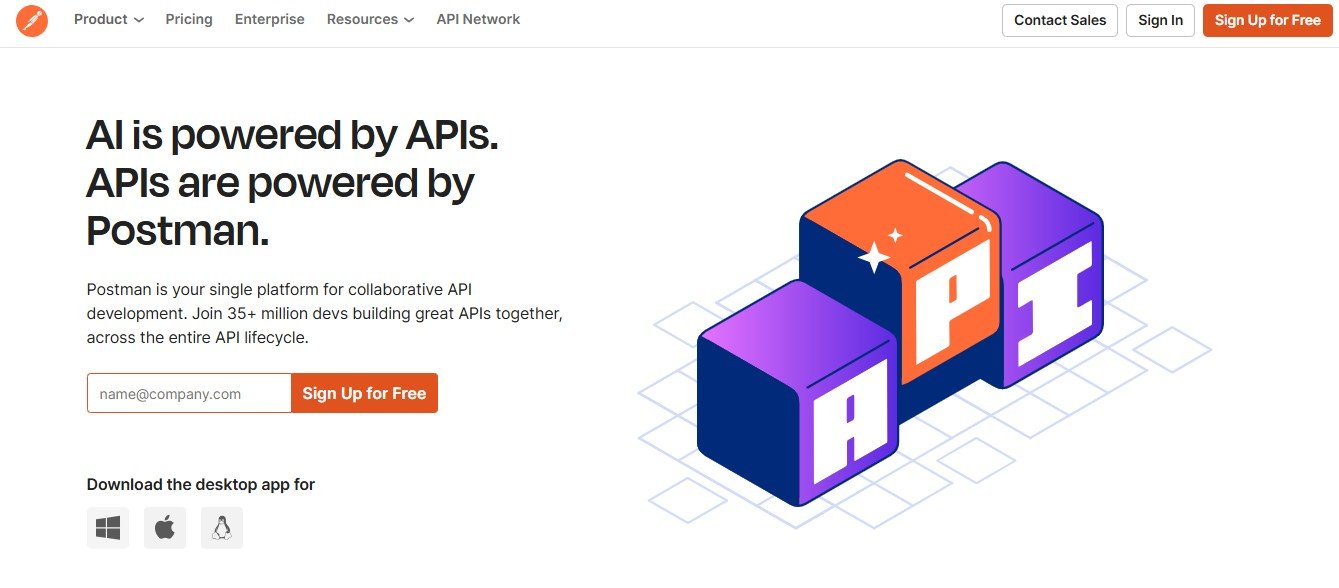
Postman is a powerful API development and testing platform designed to help developers build, test, and document APIs efficiently. With its user-friendly interface, automation capabilities, and collaborative features, Postman has become an essential tool for software engineers, QA teams, and API developers worldwide.
Whether you’re testing RESTful APIs, automating workflows, or collaborating on API design, Postman streamlines the process, making it easier to debug and optimize API performance.
This article explores Postman’s features, pricing, use cases, strengths, drawbacks, and comparisons with other API testing tools.
Features of Postman
Postman provides a comprehensive suite of features for API development, testing, and automation.
API Testing & Debugging
- Allows developers to send API requests and inspect responses.
- Supports REST, GraphQL, SOAP, and WebSocket APIs.
Automated API Testing
- Enables users to create test scripts using JavaScript.
- Automates API testing workflows for continuous integration (CI/CD).
API Collections & Workspaces
- Organizes API endpoints into collections for easy management.
- Supports collaborative workspaces for team-based API development.
Mock Servers for API Simulation
- Creates mock APIs to simulate endpoints before backend development.
- Helps frontend developers test without waiting for backend readiness.
API Documentation & Monitoring
- Generates interactive API documentation for easy sharing.
- Monitors API performance and uptime with automated health checks.
Postman CLI & Integrations
- Supports command-line execution for CI/CD pipelines.
- Integrates with GitHub, Jenkins, Slack, and other developer tools.
How Postman Works
Postman simplifies API development and testing with a structured workflow.
- Create or Import API Requests: Users can create new API requests or import existing API definitions (OpenAPI, Swagger, GraphQL).
- Send Requests & Analyze Responses: Test API endpoints and inspect response data.
- Automate Testing with Scripts: Write test scripts using JavaScript to automate API validation.
- Organize & Document APIs: Group API endpoints into collections and generate documentation.
- Collaborate & Deploy: Share APIs with team members and integrate with development workflows.
Use Cases of Postman
Software Developers
- Builds and tests APIs efficiently.
- Automates API workflows for faster development cycles.
QA & Testing Teams
- Runs automated API tests to ensure performance and reliability.
- Identifies and resolves API bugs before production.
DevOps & CI/CD Pipelines
- Integrates API testing with CI/CD workflows.
- Ensures API stability before deployment.
API Product Managers
- Documents APIs for easy reference and onboarding.
- Monitors API usage and performance metrics.
Pricing Plans
Postman offers multiple pricing plans to cater to different user needs. (Visit the official website for exact pricing details.)
- Free Plan: Basic API testing with limited collaboration features.
- Team Plan: Advanced collaboration tools for teams working on APIs.
- Business Plan: Full API lifecycle management with enhanced security.
- Enterprise Plan: Custom solutions for large-scale API development teams.
Strengths of Postman
- User-Friendly Interface: Simplifies API testing and debugging.
- Automation & CI/CD Integration: Enhances API reliability in development pipelines.
- Comprehensive API Documentation: Streamlines API sharing and collaboration.
- Wide Compatibility: Supports REST, GraphQL, SOAP, and other protocols.
Drawbacks of Postman
- Heavy on System Resources: Can be slow on low-end machines.
- Limited Free Plan: Some advanced features require a paid subscription.
Comparison with Other API Testing Tools
Postman vs. Insomnia
- Postman: Comprehensive API testing, automation, and collaboration.
- Insomnia: Lightweight API testing tool focused on simplicity.
Postman vs. SoapUI
- Postman: Better for REST and GraphQL API testing.
- SoapUI: More suitable for SOAP web service testing.
Postman vs. Swagger
- Postman: Stronger in API testing and automation.
- Swagger: Focuses on API documentation and design.
Customer Reviews and Testimonials
Pros
- Easy to use for both beginners and advanced developers.
- Excellent automation capabilities for API testing.
- Strong collaboration and documentation features.
Cons
- Can consume significant memory and CPU resources.
- Premium features can be costly for small teams.
Conclusion
Postman is a leading API development and testing tool that simplifies API workflows, improves collaboration, and enhances automation. Whether you’re a developer, tester, or DevOps engineer, Postman provides a robust platform to build, test, and manage APIs efficiently.
For those looking to optimize API development and testing, Postman is a must-try tool.


