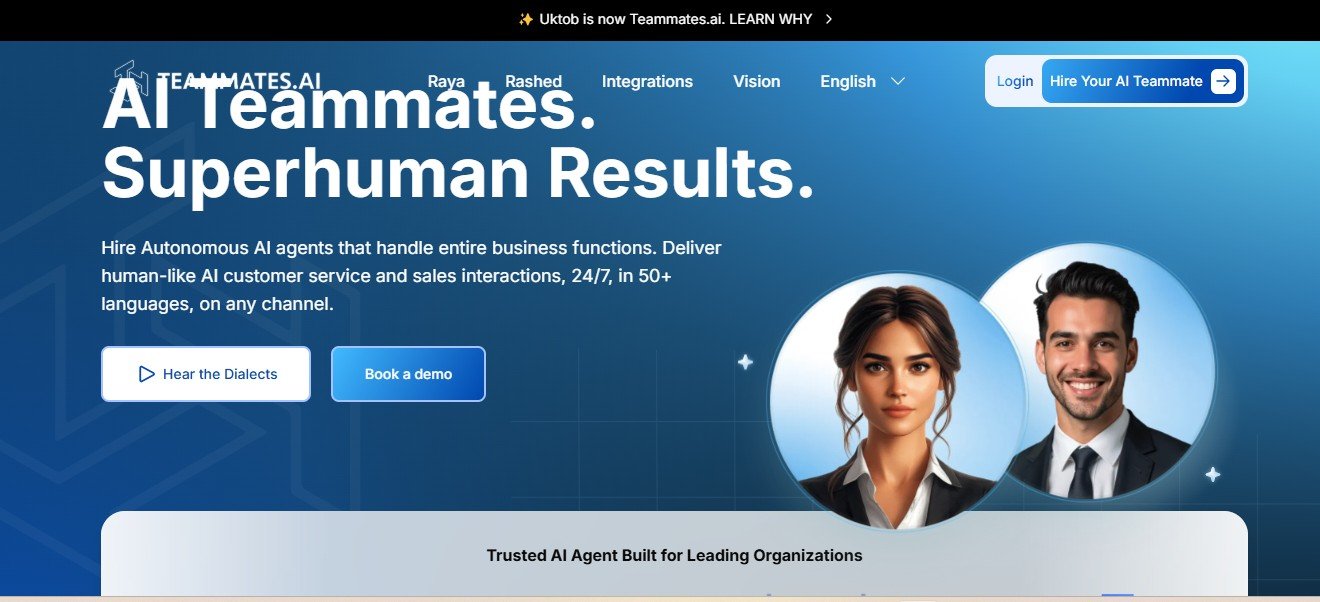
Teammates AI is an advanced AI-powered platform that provides virtual assistants to improve team collaboration, automate repetitive tasks, and enhance productivity. Designed for businesses, remote teams, and enterprises, it integrates seamlessly with various workplace tools like Slack, Microsoft Teams, and project management software. By leveraging AI-driven automation, Teammates AI helps teams manage tasks, schedule meetings, retrieve data, and improve communication efficiency. Whether you’re handling internal operations, customer support, or workflow automation, Teammates AI acts as an intelligent digital assistant that streamlines business processes.
Features
- AI-Powered Virtual Assistants: Helps automate tasks, manage schedules, and provide instant responses.
- Seamless Integration: Works with Slack, Microsoft Teams, Google Workspace, and other collaboration tools.
- Task Automation: Automates repetitive administrative tasks to boost team efficiency.
- Smart Notifications & Reminders: Sends real-time updates and reminders to keep teams on track.
- Data Retrieval & Insights: Quickly accesses company data and provides relevant insights.
- Meeting Scheduling & Calendar Syncing: Automates scheduling by integrating with calendar apps.
- Customizable Workflows: Allows teams to create AI-driven workflows tailored to their needs.
- Multi-User Collaboration: Enhances teamwork by providing a centralized AI assistant for all members.
- Natural Language Processing (NLP): Enables AI assistants to understand and respond in human-like language.
- Secure & Scalable: Offers enterprise-grade security and scalability for growing teams.
How It Works
- Connect with Collaboration Tools: Integrates with Slack, Teams, or other business platforms.
- Set Up AI Assistant: Configure AI assistants based on team workflows and preferences.
- Automate Repetitive Tasks: AI handles scheduling, data retrieval, and notifications.
- Enhance Team Communication: AI responds to queries, assists with tasks, and keeps teams aligned.
- Optimize with AI Insights: Analyzes team productivity and provides improvement recommendations.
Use Cases
- Remote Team Collaboration: Improves communication and workflow efficiency for distributed teams.
- Meeting & Task Management: Helps teams schedule meetings, set deadlines, and track progress.
- Customer Support Automation: Assists in handling customer queries and support tickets.
- HR & Employee Onboarding: Automates employee training, FAQs, and internal communication.
- Project Management Assistance: Organizes tasks, assigns roles, and updates progress in real time.
- Sales & CRM Support: Provides AI-driven insights and automates lead follow-ups.
Pricing
- Free Plan: Basic AI assistant features with limited integrations.
- Pro Plan: Advanced AI automation, task management, and third-party app integrations.
- Enterprise Plan: Custom AI workflows, API access, and priority support.
For updated pricing details, visit the official Teammates AI website.
Strengths
- AI-powered automation improves team efficiency.
- Seamless integration with business collaboration tools.
- Customizable workflows for different business needs.
- Smart notifications and real-time updates.
- Scalable solution for small teams and large enterprises.
Drawbacks
- Free version has limited features.
- AI-generated responses may require occasional manual oversight.
- May require initial setup and customization for optimal performance.
Comparison with Other Tools
- Teammates AI vs Slackbot: Teammates AI offers more advanced AI automation and workflow management.
- Teammates AI vs Microsoft Copilot: Microsoft Copilot is tailored for Microsoft apps, while Teammates AI integrates with multiple platforms.
- Teammates AI vs Notion AI: Notion AI focuses on content creation, whereas Teammates AI specializes in team collaboration and automation.
Customer Reviews and Testimonials
Positive Feedback
- “Teammates AI has drastically improved our remote team collaboration.” – Project Manager
- “The AI assistant saves us hours each week by automating repetitive tasks.” – Operations Lead
- “Smart notifications keep our entire team aligned on priorities.” – Marketing Executive
Constructive Criticism
- “Would love deeper integrations with more CRM tools.” – Sales Manager
- “The free version is good for testing, but full automation requires a paid plan.” – Small Business Owner
Conclusion
Teammates AI is a powerful AI-powered virtual assistant platform designed to optimize team collaboration, automate workflows, and enhance productivity. With seamless integrations, AI-driven task management, and smart notifications, it is a valuable tool for businesses looking to streamline operations. Whether managing remote teams, automating customer support, or enhancing workplace communication, Teammates AI