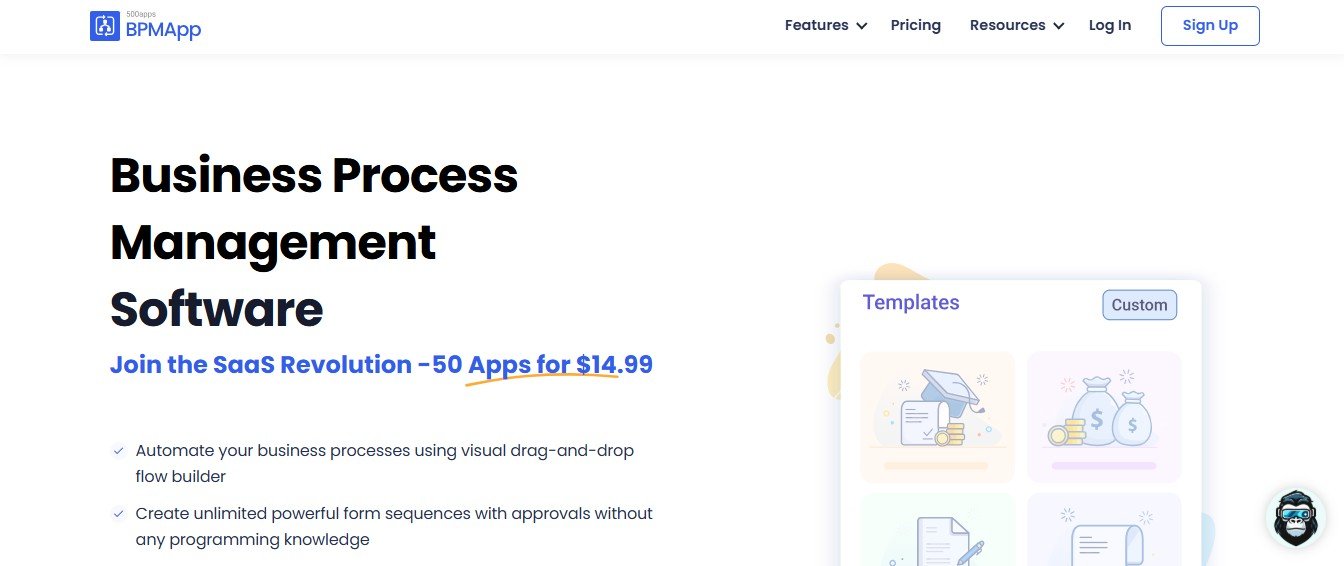
BPMApp is an advanced AI-driven business process management (BPM) tool designed to help organizations automate workflows, improve efficiency, and optimize operations. With its intuitive no-code interface, businesses can create, monitor, and manage complex workflows without requiring technical expertise.
Whether you’re streamlining approvals, automating document processes, or managing customer interactions, BPMApp provides the tools needed to enhance productivity and collaboration. With AI-powered automation and real-time tracking, it is ideal for startups, enterprises, and process-driven teams looking to eliminate manual inefficiencies.
Features
1. No-Code Workflow Automation
- Drag-and-drop workflow builder for easy process creation
- Automate approvals, document routing, and task assignments
2. AI-Powered Process Optimization
- Uses AI to detect inefficiencies and suggest improvements
- Predicts bottlenecks and automates workflow adjustments
3. Customizable Business Rules and Logic
- Set up rule-based workflows with conditional triggers
- Automate decision-making processes based on AI-driven insights
4. Multi-App Integrations
- Connects with CRM, HR, ERP, and project management tools
- Supports integrations with Slack, Zapier, Google Drive, and other SaaS platforms
5. Task and Project Collaboration
- Enables teams to track progress, assign roles, and manage deadlines
- Provides real-time notifications and task updates
6. Document Management and Automation
- Automates document approvals, storage, and sharing
- Ensures compliance with company policies and security standards
7. Workflow Analytics and Reporting
- Provides AI-driven insights on process performance
- Generates reports to measure efficiency and identify areas for improvement
8. Process Simulation and Testing
- Allows users to test workflows before deployment
- Helps optimize processes without affecting live operations
9. Secure Cloud-Based Access
- Ensures data privacy with encryption and role-based permissions
- Scalable for businesses of all sizes
10. Mobile-Friendly Interface
- Enables workflow management from any device
- Supports remote work and cross-team collaboration
How It Works
1. Define Business Processes
- Create a visual workflow using the drag-and-drop builder
2. Set Automation Rules and Triggers
- Define conditions for task execution, approvals, and escalations
3. Integrate with Business Tools
- Connect CRM, ERP, and communication tools for seamless automation
4. Deploy and Monitor Workflows
- Track progress, receive real-time notifications, and optimize tasks
5. Analyze and Improve Efficiency
- Use AI-driven reports to refine processes and enhance productivity
Use Cases
1. HR and Employee Onboarding
- Automates recruitment workflows, onboarding approvals, and documentation
- Tracks employee progress and compliance with HR policies
2. Sales and CRM Automation
- Streamlines lead qualification, follow-ups, and deal approvals
- Integrates with CRM systems to manage customer interactions
3. Finance and Invoice Processing
- Automates approval workflows for invoices and expense reports
- Reduces manual processing errors and improves financial accuracy
4. IT and Security Operations
- Automates IT helpdesk ticketing and access approvals
- Enhances cybersecurity with AI-driven monitoring
5. Project and Task Management
- Tracks team progress and automates task assignments
- Ensures smooth collaboration across departments
Pricing
BPMApp offers flexible pricing plans for individuals, teams, and enterprises.
1. Free Plan for Basic Users
- Limited workflow automation features
- Suitable for small businesses and process testing
2. Pro Plan for Growing Businesses
- Advanced automation, analytics, and integrations
- Enhanced process optimization tools
3. Enterprise Plan for Large Organizations
- Unlimited workflow automation with enterprise-grade security
- API access, dedicated support, and custom integrations
For detailed pricing, visit the BPMApp Pricing Page.
Strengths
- AI-powered process optimization for efficiency improvement
- No-code workflow builder for easy automation setup
- Seamless integration with business tools and cloud applications
- Real-time monitoring and analytics for workflow performance
- Secure and scalable for businesses of all sizes
Drawbacks
- Free plan has limited automation capabilities
- Some advanced workflow integrations require technical setup
- AI-driven suggestions may need manual adjustments
Comparison with Other Tools
BPMApp vs Zapier
- Zapier focuses on app-to-app automation, while BPMApp specializes in end-to-end business process automation
- BPMApp offers AI-powered optimization, whereas Zapier relies on predefined triggers
BPMApp vs Kissflow
- Kissflow is suited for enterprise BPM, while BPMApp is designed for businesses of all sizes
- BPMApp provides AI-driven process analytics, which Kissflow lacks
BPMApp vs ProcessMaker
- ProcessMaker offers BPM for large-scale enterprises, while BPMApp is more accessible for smaller businesses
- BPMApp features a simpler, more intuitive no-code workflow builder
Customer Reviews and Testimonials
Positive Feedback
- BPMApp has streamlined our HR and finance approval processes – HR Manager
- The AI-driven workflow suggestions helped us optimize our operations – Operations Director
- We love the no-code approach to business process automation – Business Consultant
Constructive Criticism
- More pre-built workflow templates would be helpful – Small Business Owner
- The free plan is great, but scaling up requires a paid plan – Startup Founder
Conclusion
BPMApp is a powerful AI-powered business process management tool that enables organizations to automate workflows, optimize efficiency, and streamline operations. Whether you’re managing HR processes, sales pipelines, or IT workflows, BPMApp provides a user-friendly, no-code solution to enhance business productivity.
Looking to automate your business workflows? Try BPMApp today.