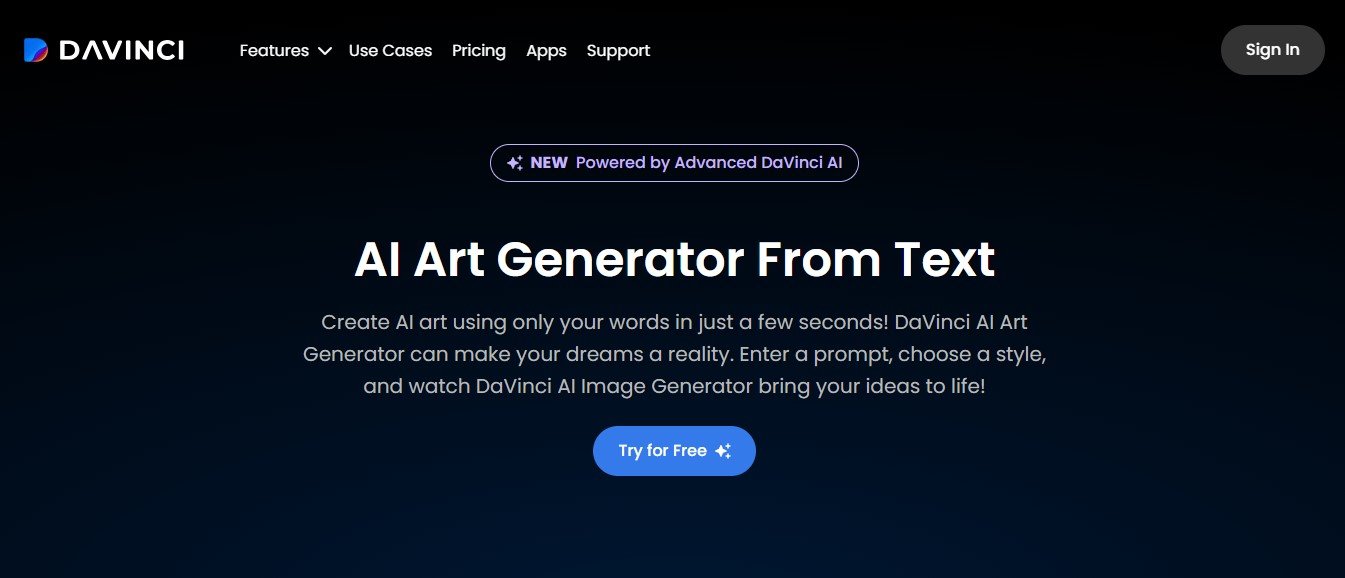
DaVinci AI is an advanced artificial intelligence platform that helps users unleash their creativity through AI-powered tools. The platform offers a wide range of features, from text generation and image creation to advanced design and ideation tools, simplifying the creative process and producing high-quality results in minutes.
Designed to cater to professionals and hobbyists alike, DaVinci AI allows users to automate repetitive tasks, streamline workflows, and focus on innovation. Whether you’re writing engaging content, designing visuals, or brainstorming ideas, DaVinci AI makes it easy to achieve outstanding results with minimal effort.
Key Features of DaVinci AI
DaVinci AI offers a robust suite of tools that cater to a variety of creative and professional needs:
1. Text-to-Image Generation
Transform written descriptions into stunning visuals with DaVinci AI’s powerful text-to-image generator. For example, type “a serene mountain landscape during sunrise,” and watch as the AI creates a breathtaking image.
2. Content Creation
Generate SEO-friendly blog posts, marketing copy, social media captions, and more. Simply input a topic or prompt, and the AI produces high-quality text tailored to your needs.
3. Visual Design Tools
Create unique designs, illustrations, and graphics using AI. Whether you need logos, banners, or illustrations, DaVinci AI provides tools to bring your ideas to life.
4. Idea Generation and Brainstorming
Use AI to generate innovative ideas for projects, campaigns, or designs. Perfect for professionals looking for inspiration or creative direction.
5. AI-Powered Editing
Enhance and edit text or images effortlessly. DaVinci AI can rewrite, refine, and improve existing content or retouch visuals to achieve professional results.
6. Customizable Art Styles
Choose from various styles such as realism, abstract, minimalism, 3D, and more to tailor your creations to your aesthetic or branding needs.
7. High-Resolution Outputs
Generate high-resolution visuals suitable for both digital and print media.
8. Multi-Language Support
Create text content and visuals in multiple languages, making DaVinci AI an excellent choice for global businesses and audiences.
9. Collaboration Tools
Invite team members to collaborate on projects in real-time, streamlining workflows for teams and agencies.
10. Cloud-Based Access
As a cloud-based platform, DaVinci AI requires no installation. You can access your projects from any device with an internet connection.
How Does DaVinci AI Work?
Using DaVinci AI is simple and user-friendly. Here’s how the platform works:
- Sign Up or Log In: Visit DaVinci AI’s official website and create an account.
- Choose a Tool: Select the tool you want to use, such as text-to-image generation, content creation, or design editing.
- Input a Prompt or Upload Content: Provide a text description, topic, or existing file (image or text) that you’d like the AI to work with.
- Customize Settings: Adjust parameters like style, tone, or resolution to suit your specific needs.
- Generate Output: Click “Generate” to let the AI create your content or visual.
- Review and Edit: Make adjustments using the platform’s intuitive editing tools.
- Download and Share: Export your final creation in your preferred format and resolution.
Use Cases for DaVinci AI
DaVinci AI is a versatile platform that serves a wide range of industries and creative needs:
1. Content Marketing
Marketers can generate high-quality blog posts, ad copy, social media captions, and email campaigns, saving time and improving engagement.
2. Graphic Design
Designers can create custom visuals, logos, banners, and illustrations quickly without the need for advanced tools or skills.
3. E-Commerce
Online businesses can enhance product images, design promotional banners, and generate compelling product descriptions to boost sales.
4. Social Media Content
Influencers and content creators can generate stunning visuals and engaging captions tailored for platforms like Instagram, TikTok, and YouTube.
5. Education and Training
Educators can create visuals, lesson materials, and presentations that are both engaging and tailored to their audience’s needs.
6. Creative Projects
Artists and hobbyists can experiment with different styles, generate inspiration, or create unique pieces of art for personal or professional use.
7. Corporate Communications
Companies can use DaVinci AI to create polished presentations, reports, and branded visuals for internal or external communication.
Pricing
DaVinci AI offers flexible pricing plans to cater to different types of users, from individuals to large teams. While specific pricing details may vary, here’s a general breakdown:
- Free Plan: Limited access to basic features and a capped number of AI-generated outputs. Ideal for testing the platform.
- Pro Plan: Unlocks advanced features, higher resolution outputs, and additional usage credits. Suitable for freelancers and individual creators.
- Business Plan: Designed for teams and businesses, this plan includes collaboration tools, priority support, and bulk generation capabilities.
- Enterprise Plan: Offers custom solutions for large organizations, including API access, unlimited usage, and dedicated support.
For the latest pricing information, visit DaVinci AI’s official website.
Strengths of DaVinci AI
- Ease of Use: The platform is intuitive and requires no technical expertise, making it accessible to users of all skill levels.
- Versatility: Combines text and image generation, editing tools, and idea brainstorming in a single platform.
- AI-Powered Efficiency: Automates complex tasks, saving time and effort for creators and businesses.
- Customization: Offers robust options to personalize outputs, ensuring they align with branding or creative vision.
- Cloud-Based Access: No installations are needed, and the platform is accessible from anywhere with an internet connection.
Drawbacks of DaVinci AI
While DaVinci AI is a powerful tool, it does have some limitations:
- Subscription Costs: Advanced features and unlimited usage are only available in paid plans, which may not suit occasional users.
- AI Limitations: The quality of results can sometimes depend on the clarity and specificity of user inputs.
- Internet Dependency: A stable internet connection is required to use the platform.
Comparison with Other Tools
When compared to similar tools like Jasper AI, DALL·E, and Canva, DaVinci AI stands out for its versatility:
- Jasper AI: Primarily focuses on text content, while DaVinci AI offers both text and image creation tools.
- DALL·E: Specializes in text-to-image generation but lacks the advanced editing and content creation features of DaVinci AI.
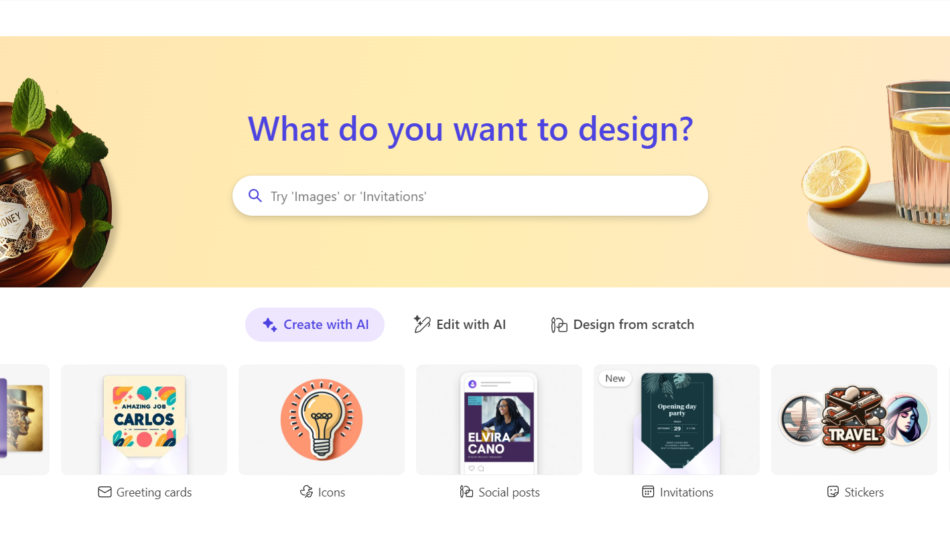
- Canva: Geared toward manual design, while DaVinci AI automates the creative process using AI for faster results.
Customer Reviews and Testimonials
DaVinci AI has received praise from users for its flexibility and ease of use:
- “DaVinci AI has saved me hours of work. Whether I’m generating blog content or creating visuals, the platform delivers high-quality results every time.” – Content Marketer
- “The text-to-image tool is incredible. I can quickly generate unique visuals for my designs without hiring an artist.” – Graphic Designer
- “As a small business owner, DaVinci AI has helped me create professional-quality marketing materials without breaking the bank.” – E-Commerce Entrepreneur
Some users have noted that experimenting with prompts is essential to achieving the best results, suggesting a slight learning curve for beginners.
Conclusion
DaVinci AI is a versatile and innovative platform that leverages artificial intelligence to simplify and enhance the creative process. Whether you’re generating text content, designing visuals, or brainstorming ideas, DaVinci AI empowers you to produce high-quality results with minimal effort.
From marketers and designers to business owners and educators, DaVinci AI is a valuable tool for anyone looking to streamline workflows and unlock their creative potential.
Ready to transform your creative process? Visit DaVinci AI’s official website today to explore its features and start your AI-powered journey!