
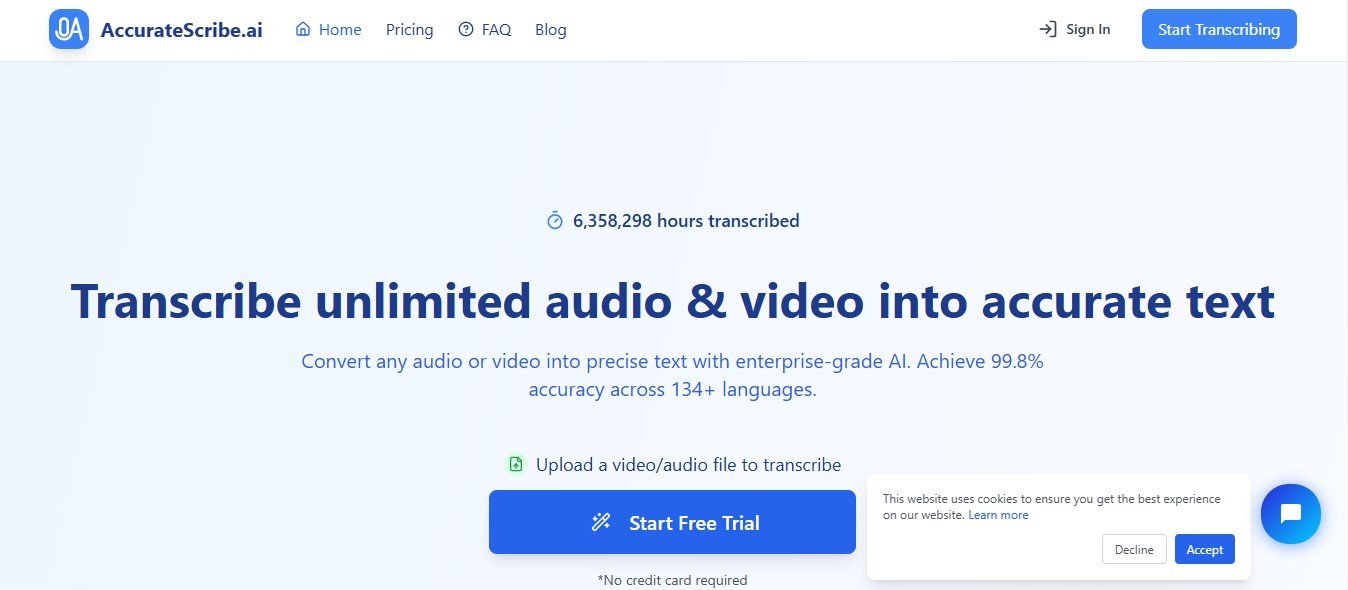
AccurateScribe.ai is an AI-powered platform that specializes in transcription, captioning, and subtitle generation. By leveraging cutting-edge natural language processing (NLP) technology, it converts spoken content from audio and video files into text with remarkable precision.
The tool is ideal for podcasters, video editors, educators, legal professionals, and businesses that require fast and reliable transcription services. AccurateScribe.ai supports multiple languages and offers additional features like speaker identification, time-stamping, and customization for specific industries.
Key Features of AccurateScribe.ai
AccurateScribe.ai offers a comprehensive set of features to streamline transcription and subtitle creation. Here’s a breakdown of its standout functionalities:
1. High-Accuracy Transcription
Using advanced AI algorithms, AccurateScribe.ai delivers precise transcriptions, even for audio with multiple speakers or challenging accents.
2. Speaker Identification
The tool can differentiate between speakers, making it ideal for interviews, meetings, and panel discussions.
3. Subtitle and Caption Generation
Generate synchronized subtitles for videos, with support for various file formats like SRT, VTT, and SSA.
4. Multi-Language Support
Transcribe and generate subtitles in multiple languages, making it a great choice for global content creators and businesses.
5. Time-Stamping
Automatically insert time stamps into transcripts for easy navigation and alignment with audio or video.
6. Noise Filtering and Audio Enhancement
Enhance audio quality and reduce background noise to improve transcription accuracy, even for low-quality recordings.
7. Custom Vocabulary
Add specific industry terms, jargon, or brand names to improve transcription accuracy in specialized fields like legal, medical, or technical domains.
8. Batch Processing
Upload and process multiple audio or video files simultaneously, saving time for high-volume transcription projects.
9. Real-Time Transcription
For live events, AccurateScribe.ai offers real-time transcription services, making it useful for webinars, lectures, or meetings.
10. Integration Capabilities
Seamlessly integrate AccurateScribe.ai with other platforms and tools like Zoom, Microsoft Teams, and YouTube for direct transcription and captioning workflows.
11. Export Options
Export transcriptions and subtitles in multiple formats, including TXT, DOCX, SRT, VTT, and PDF, for various use cases.
How Does AccurateScribe.ai Work?
AccurateScribe.ai simplifies transcription and subtitle generation into a few easy steps:
- Upload Your File
Upload your audio or video file in supported formats like MP3, WAV, MP4, or MOV. Alternatively, connect to platforms like Zoom for real-time transcription. - Select Language and Settings
Choose the language, speaker identification, and custom vocabulary settings for your transcription project. - AI Processing
The platform’s AI processes the file, generating a highly accurate transcript or subtitles. - Review and Edit
Use the built-in editor to review, adjust, and polish the output. Add or refine time stamps, speaker labels, or subtitles. - Export or Publish
Export the transcription or subtitles in your preferred format for use in presentations, videos, or reports.
Use Cases of AccurateScribe.ai
AccurateScribe.ai caters to various industries and professionals. Here are some of its most common use cases:
1. Content Creation
- YouTubers and Videographers: Generate subtitles for videos to improve accessibility and reach a broader audience.
- Podcasters: Create transcripts to repurpose podcast episodes into blog posts or show notes.
2. Education and E-Learning
- Educators: Transcribe lectures and webinars to create study materials or accessible content for students.
- E-Learning Platforms: Add captions and transcripts to video lessons for improved accessibility and learner engagement.
3. Business and Corporate Use
- Meeting Transcriptions: Record and transcribe meetings for documentation, internal communication, or sharing with absent team members.
- HR and Training: Create subtitles for employee training videos or onboarding materials.
4. Legal and Medical Transcriptions
- Legal Professionals: Transcribe depositions, hearings, or interviews for legal documentation.
- Healthcare Providers: Generate medical transcriptions for patient records or telehealth consultations.
5. Media and Entertainment
- Film and TV Production: Generate subtitles for movies, shows, or trailers to cater to global audiences.
- Journalists: Transcribe interviews or press briefings quickly and accurately.
6. Accessibility Compliance
- Add captions and transcripts to content to meet accessibility standards, such as ADA or WCAG guidelines.
Pricing for AccurateScribe.ai
AccurateScribe.ai offers flexible pricing plans to cater to different user needs. While specific pricing details are not listed on the website at the time of writing, AI transcription tools like AccurateScribe.ai typically provide the following options:
- Free Plan: Limited features and usage to test the platform.
- Pay-Per-Use: Pricing based on the duration of audio or video processed, ideal for occasional users.
- Subscription Plans: Monthly or annual plans with tiered pricing for frequent users, offering unlimited or bulk processing.
- Enterprise Plans: Customized solutions for businesses or organizations with high-volume transcription needs.
For the latest pricing information, visit the official AccurateScribe.ai Pricing Page.
Strengths of AccurateScribe.ai
- High Accuracy: Advanced AI ensures precise transcriptions, even for complex audio with multiple speakers.
- User-Friendly Interface: The intuitive platform makes transcription and editing easy for beginners and professionals alike.
- Multi-Language Support: Ideal for global users needing transcriptions or subtitles in various languages.
- Custom Vocabulary: Tailored solutions for industries with specialized terminology.
- Time Efficiency: Batch processing and real-time transcription save significant time for large projects.
- Integration-Friendly: Connect with popular platforms like Zoom or YouTube for seamless workflows.
Drawbacks of AccurateScribe.ai
- Internet Dependency: Being a cloud-based tool, it requires a stable internet connection for uploads and processing.
- AI Limitations: While highly accurate, the AI may struggle with heavily accented speech or low-quality recordings.
- Pricing Transparency: The lack of visible pricing details may discourage potential users.
- Editing Requirements: Some manual adjustments may be necessary to ensure perfect accuracy in complex projects.
Comparison with Other Transcription Tools
AccurateScribe.ai vs. Otter.ai
- Accuracy: AccurateScribe.ai offers superior transcription accuracy for multi-speaker audio, while Otter.ai is better suited for casual meeting transcriptions.
- Export Options: AccurateScribe.ai supports more export formats, making it more versatile for professional use.
AccurateScribe.ai vs. Rev
- Speed: AccurateScribe.ai’s AI processing is faster than Rev’s human transcription services.
- Cost: Rev’s human transcription is more expensive, while AccurateScribe.ai offers cost-effective AI solutions.
AccurateScribe.ai vs. Descript
- Features: Descript combines transcription with audio and video editing, while AccurateScribe.ai focuses on high-accuracy transcription and subtitle creation.
- Ease of Use: AccurateScribe.ai is more beginner-friendly for users who don’t need additional editing tools.
Customer Reviews and Testimonials
Users praise AccurateScribe.ai for its reliability, speed, and accuracy. Professionals in education, media, and business appreciate its ability to handle large transcription projects with minimal errors. The multi-language support and custom vocabulary features have been particularly highlighted as standout capabilities. However, some users note that recordings with heavy background noise or thick accents may require light manual adjustments.
To read authentic reviews, visit trusted platforms like Product Hunt or the official AccurateScribe.ai website.
Conclusion
AccurateScribe.ai is a powerful, AI-driven transcription and subtitle generation tool designed to save time and improve the efficiency of audio-to-text workflows. With high accuracy, multi-language support, and user-friendly features, it’s a valuable resource for content creators, educators, businesses, and professionals in need of reliable transcription services.
While it may have minor limitations, such as dependency on internet connectivity and occasional editing needs, its strengths far outweigh its drawbacks. If you’re looking for a tool to streamline transcription and subtitle creation, AccurateScribe.ai is definitely worth exploring.
Visit their official website to learn more: AccurateScribe.ai.


